
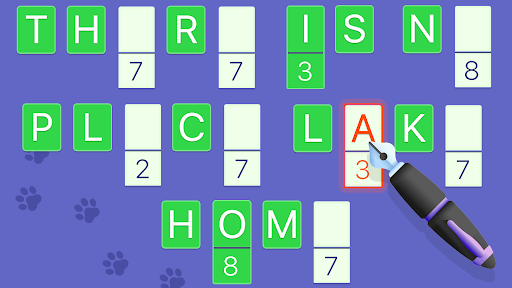
Choose your Coins and Hints amounts
Enter an amount for the resource you want to change and apply it. After the game reloads, continue your puzzle or open the Shop from the main menu.
Requires the Windows app and the Bytonian Mods browser extension for Chrome or Edge. Browser setup guide
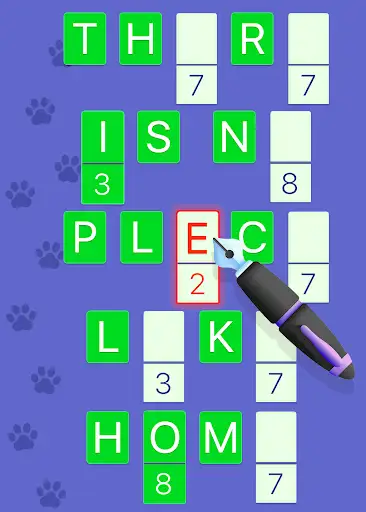
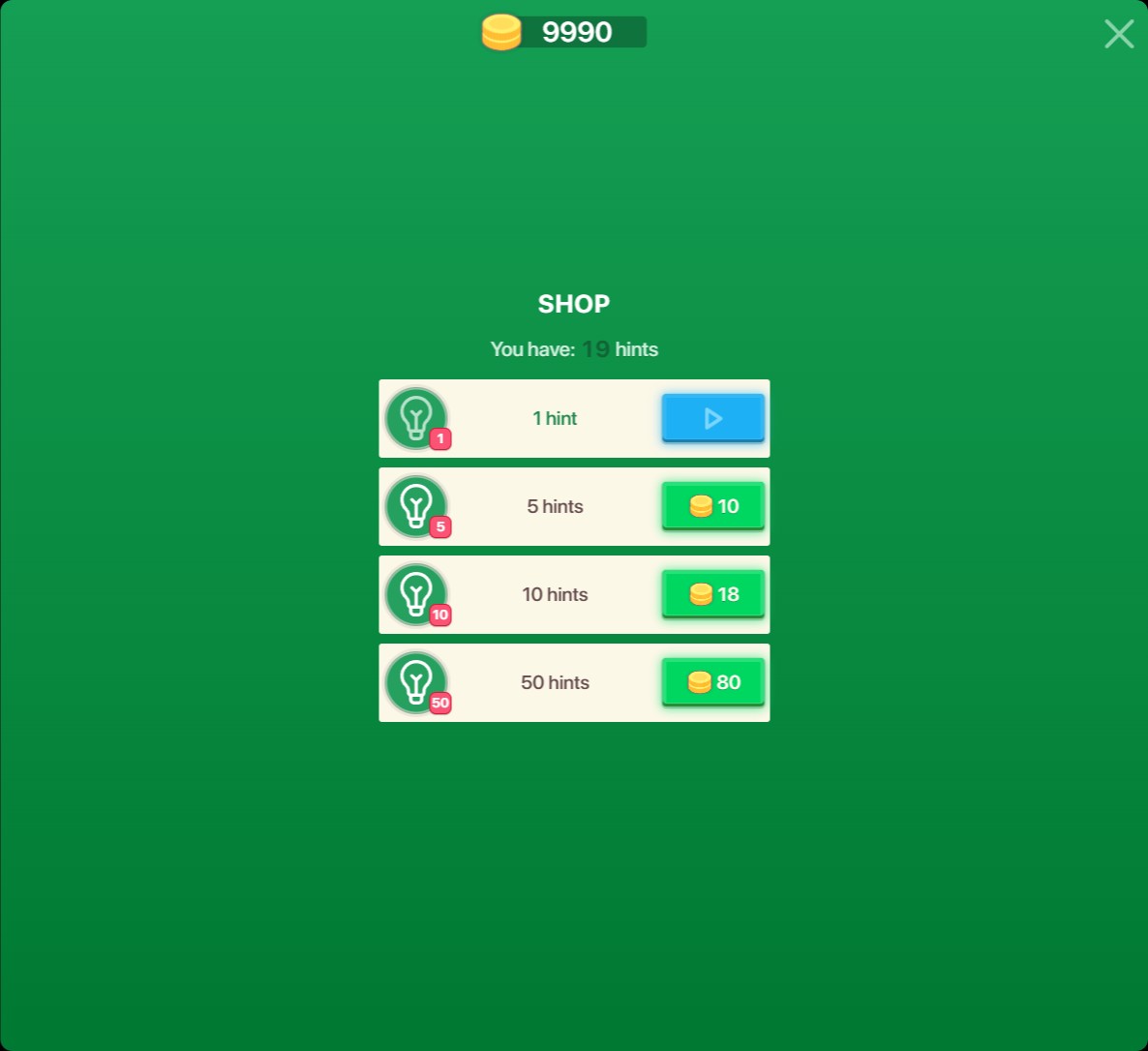
Coins for hint packs
Buy hints through the normal Shop. This five-hint purchase leaves 9,990 coins and a supply of 19 hints.
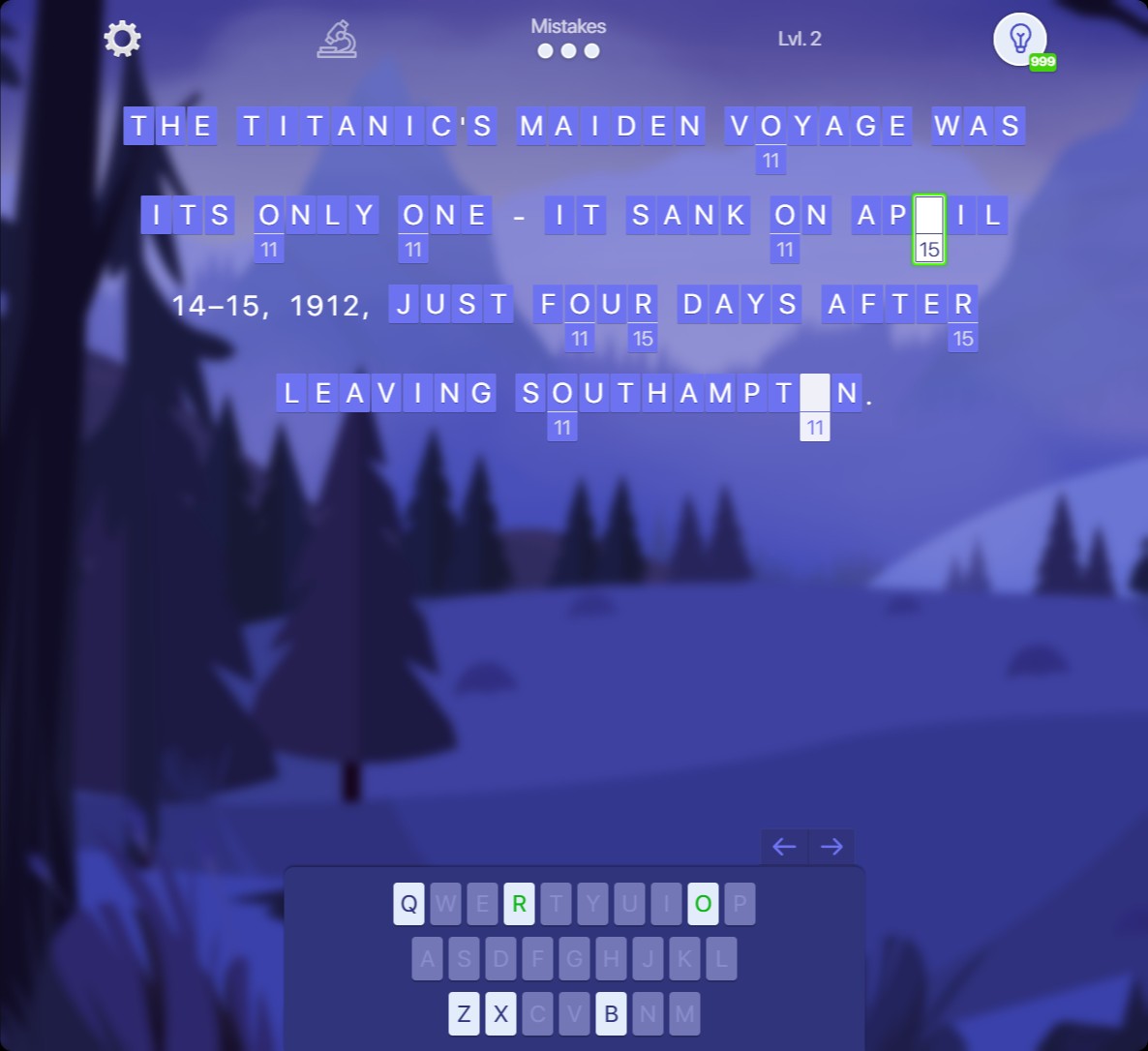
Hints for a missing letter
Use the lightbulb and select a cell to reveal its letter. This hint fills the missing N and leaves 999 hints available.
Set Coins for hint packs
Choose a whole-number Coins amount and apply it. Open Shop, select a coin-priced hint pack and buy it with your new balance.
Set Hints for letter reveals
Choose your hint supply and apply it, then continue the puzzle. Press the lightbulb and select a missing cell to reveal its letter. A normal use reduces your supply by one.
Available customisation options
CoinsFree
Set your Coins balance for hint-pack purchases in the Shop.
Enter a whole-number amount, apply it, then open Shop and buy a coin-priced hint pack.
HintsFree
Set your hint supply for revealing missing letters.
Enter a whole-number amount, apply it, continue your puzzle and use the lightbulb to select a cell.
Questions about customisation options
- Do I need to change both balances?
- No. Set Coins if you want to buy packs, or set Hints directly.
- What happens after applying an amount?
- The game reloads. Choose Continue to return to your puzzle, or open Shop to spend Coins.
Using these features
Connect your game, then open Customise in the Windows app. Choose an option, check its available values and follow its instructions. Each option lists its own requirements and limits.
Setup for Cryptogram: Cipher →