

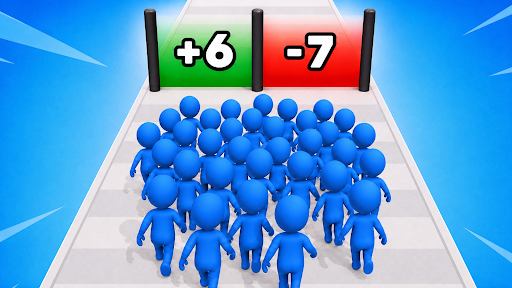
Customise
3 optionsChoose a coin balance and set up to two starting crowd or magnet upgrades.
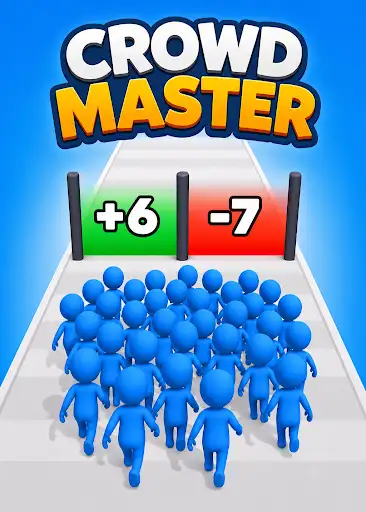
View customise →Crowd Master sends a group of blue runners along floating tracks filled with coins, number gates and obstacles. Grow the crowd as you move forward, then prepare for another attempt with the game's upgrade menu.
Choose Coins to give yourself room to buy upgrades from the normal menu. Starting Crowd Upgrades and Magnet Upgrades provide separate controls for those two upgrade settings.
Number gates change the size of your crowd, while hazards and enemy groups can cut it down. Starting with more units gives you a larger group to guide, but you still need to navigate the track.
Choose your settings and apply them before continuing. Use the game's normal Restart flow to refresh the upgrade menu and starting group, then press Space or use the start prompt to begin running.
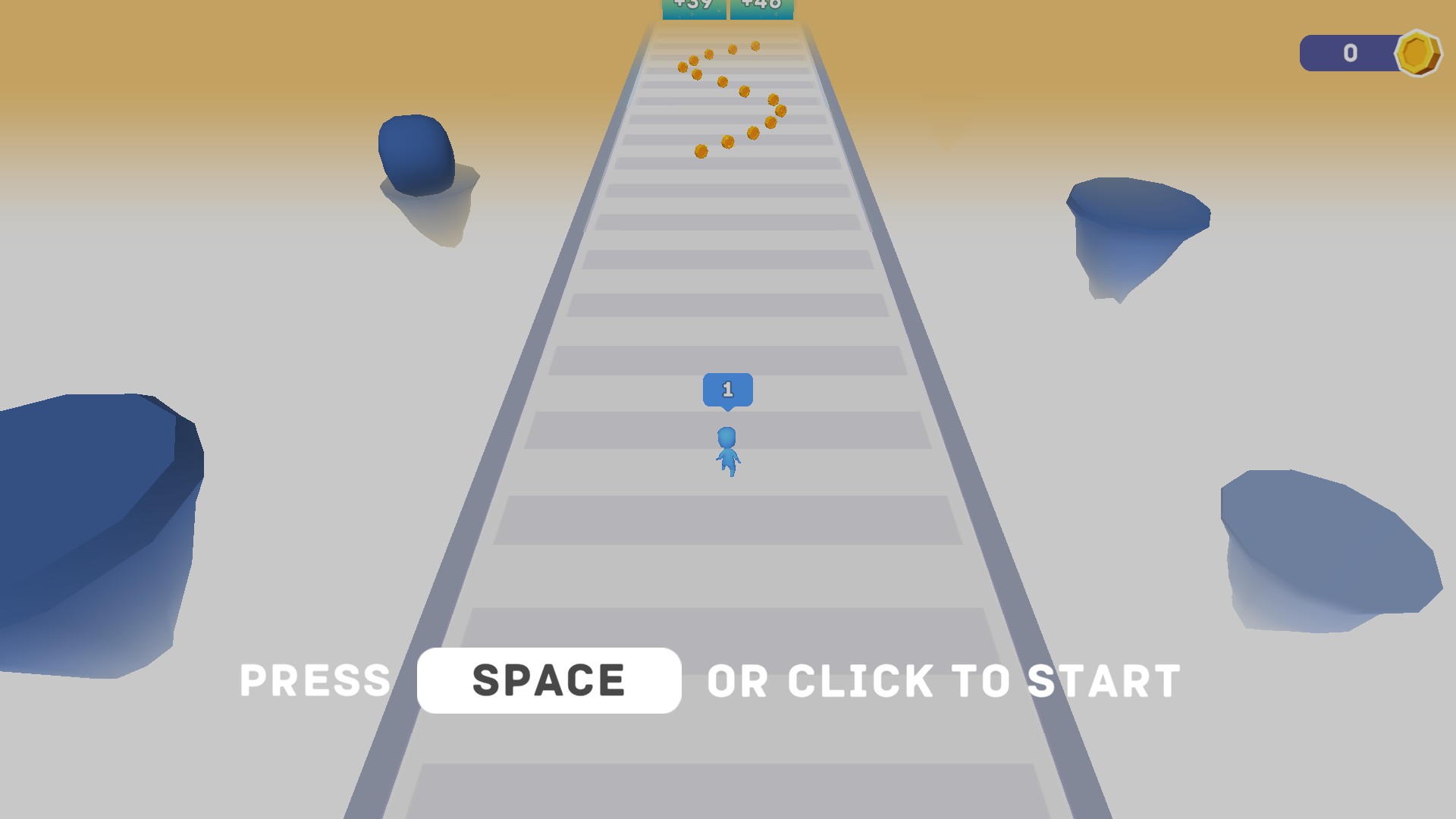
Lead your crowd through number gates
Collect coins, grow your crowd through numbered gates and prepare for the obstacles ahead.
Choose a coin balance and set up to two starting crowd or magnet upgrades.
View customise →Download the Windows app and follow the setup prompts.
Set up the browser extension in Chrome or Edge, then open the supported YouTube Playable. Follow the connection guide if the game is already running.
Review the available options in the app and choose the ones that suit how you play.