
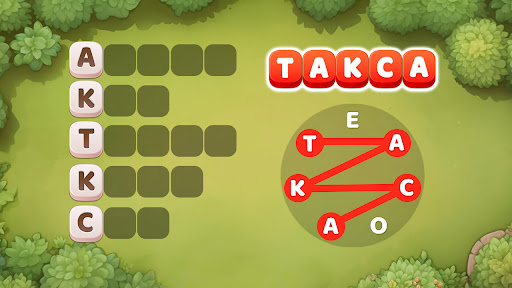
Customize Crocword coins and hints
Choose the amount of coins, bulb hints and magnifier stock you want, then apply your changes before returning to the puzzle.
Requires the Windows app and the Bytonian Mods browser extension for Chrome or Edge. Browser setup guide
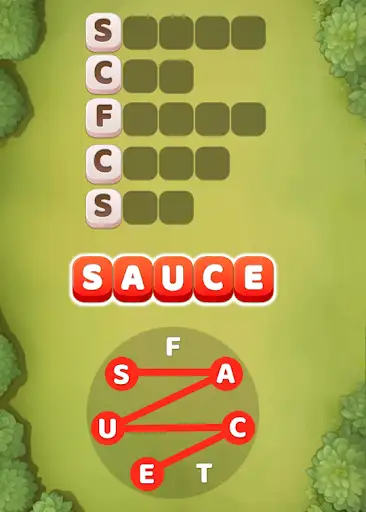
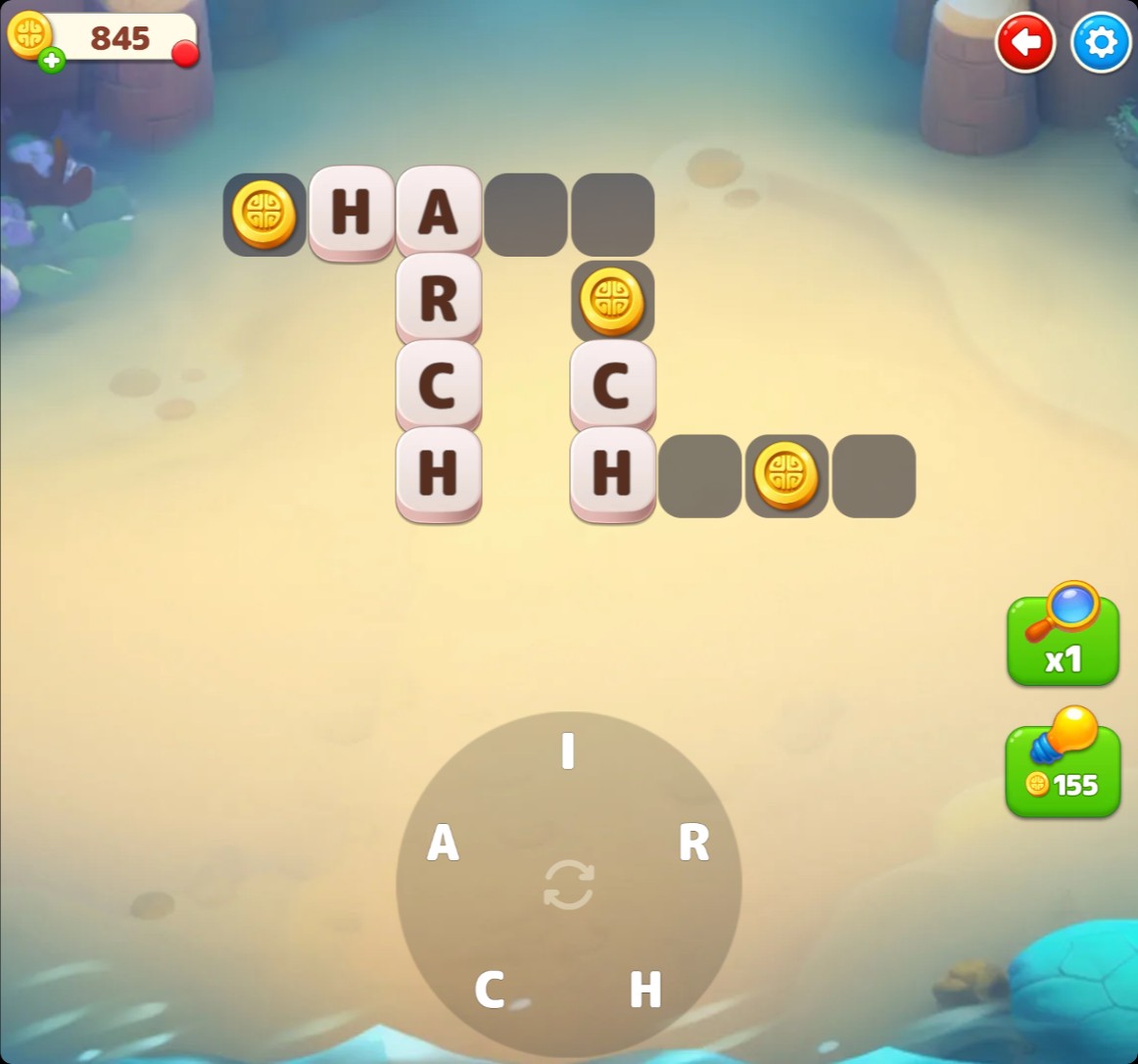
Coins for puzzle hints
Spend coins on a bulb hint to reveal a letter in the crossword.
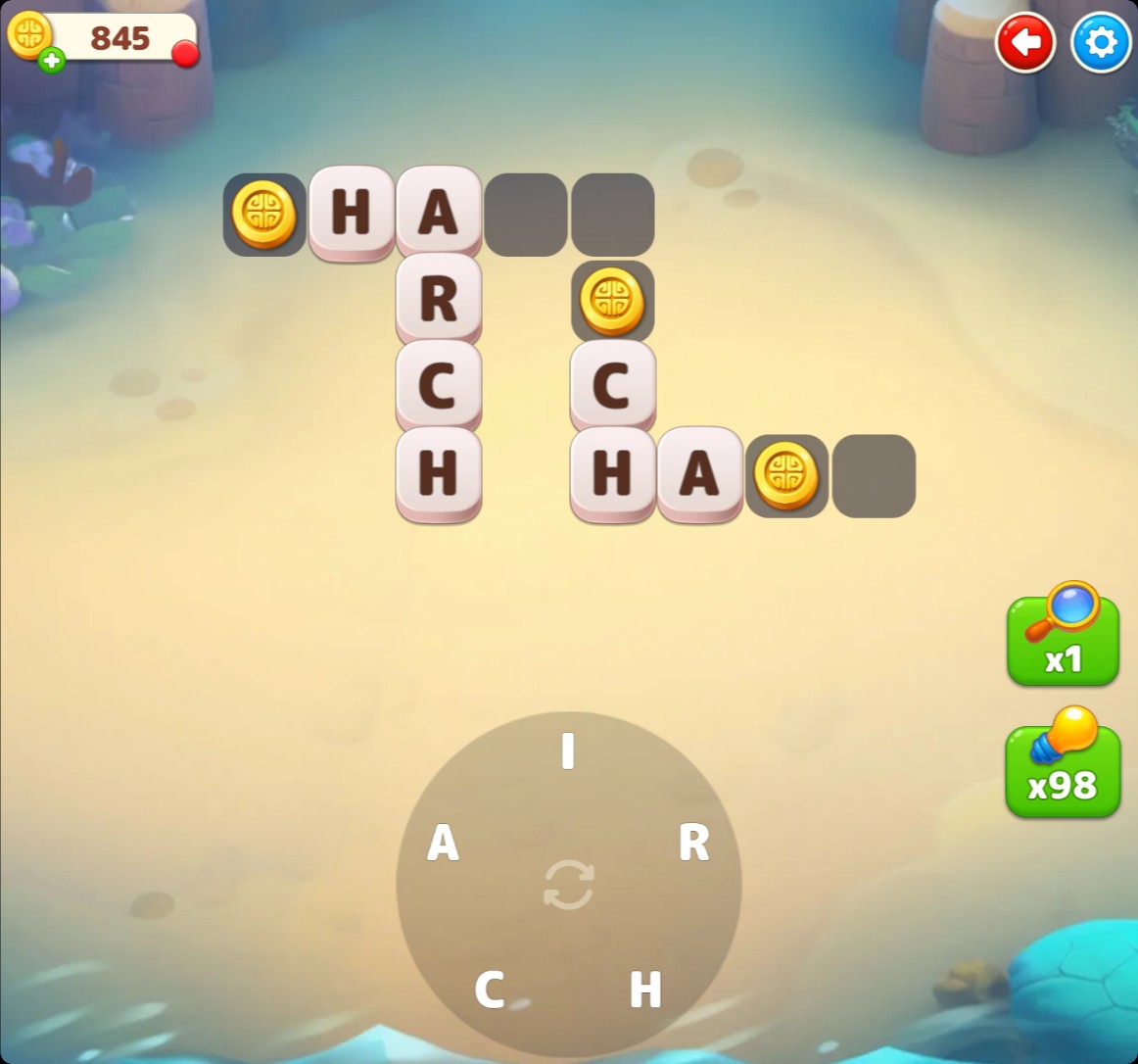
Reveal a crossword letter
Use bulb hint stock to uncover a letter without spending coins.
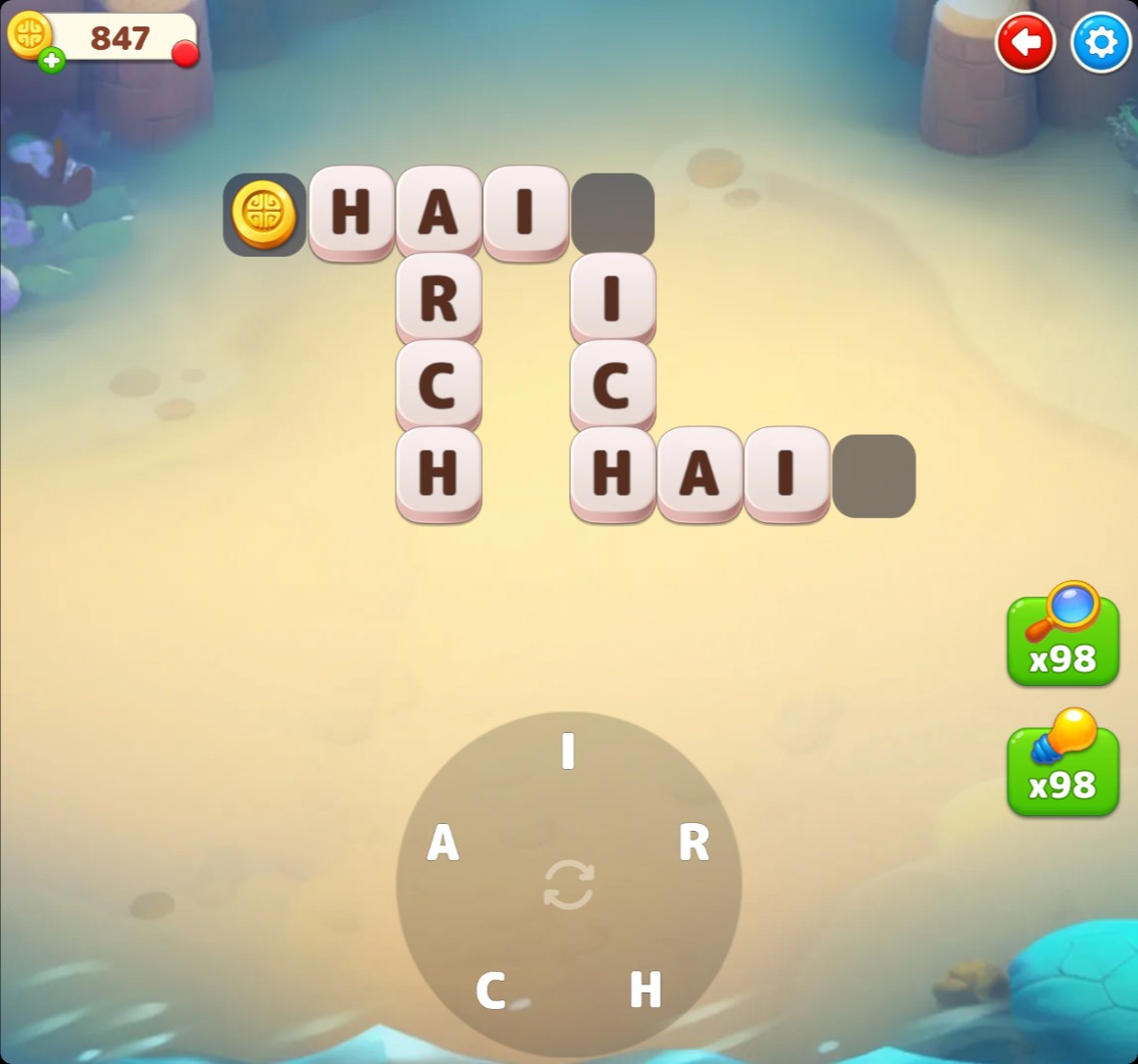
Reveal your chosen letter
Select a letter with the magnifier to uncover its positions across the crossword.
Coins and bulb hints
Coins pay for the hint price shown on the bulb button. With bulb hint stock available, use the button to uncover a board letter from that stock.
Choose a letter with the magnifier
Use the magnifier, then select an available letter from the wheel. Its matching positions are revealed across the crossword.
Available customisation options
CoinsPremium
Set your coin balance for normal hint purchases.
Apply your chosen amount, enter a puzzle and use coins for the price shown on the bulb hint button.
Hint stockFree
Set bulb hint stock to uncover a missing crossword letter.
Apply your chosen stock, then press the bulb hint button in a puzzle to use one hint.
Letter reveal stockPremium
Set magnifier stock to reveal a chosen letter across the crossword.
Apply your chosen stock, activate the magnifier and select an available letter from the wheel.
Using these features
Connect your game, then open Customise in the Windows app. Choose an option, check its available values and follow its instructions. Each option lists its own requirements and limits.
Setup for Crocword →