

Resources
1 optionSet a coin balance of your choice.
View resources →Guide the ball past defenders and find a route to goal. These Crazy Kick! controls let you choose your coin balance, adjust the ball's pace and bring it back for another approach.

Find your route to goal
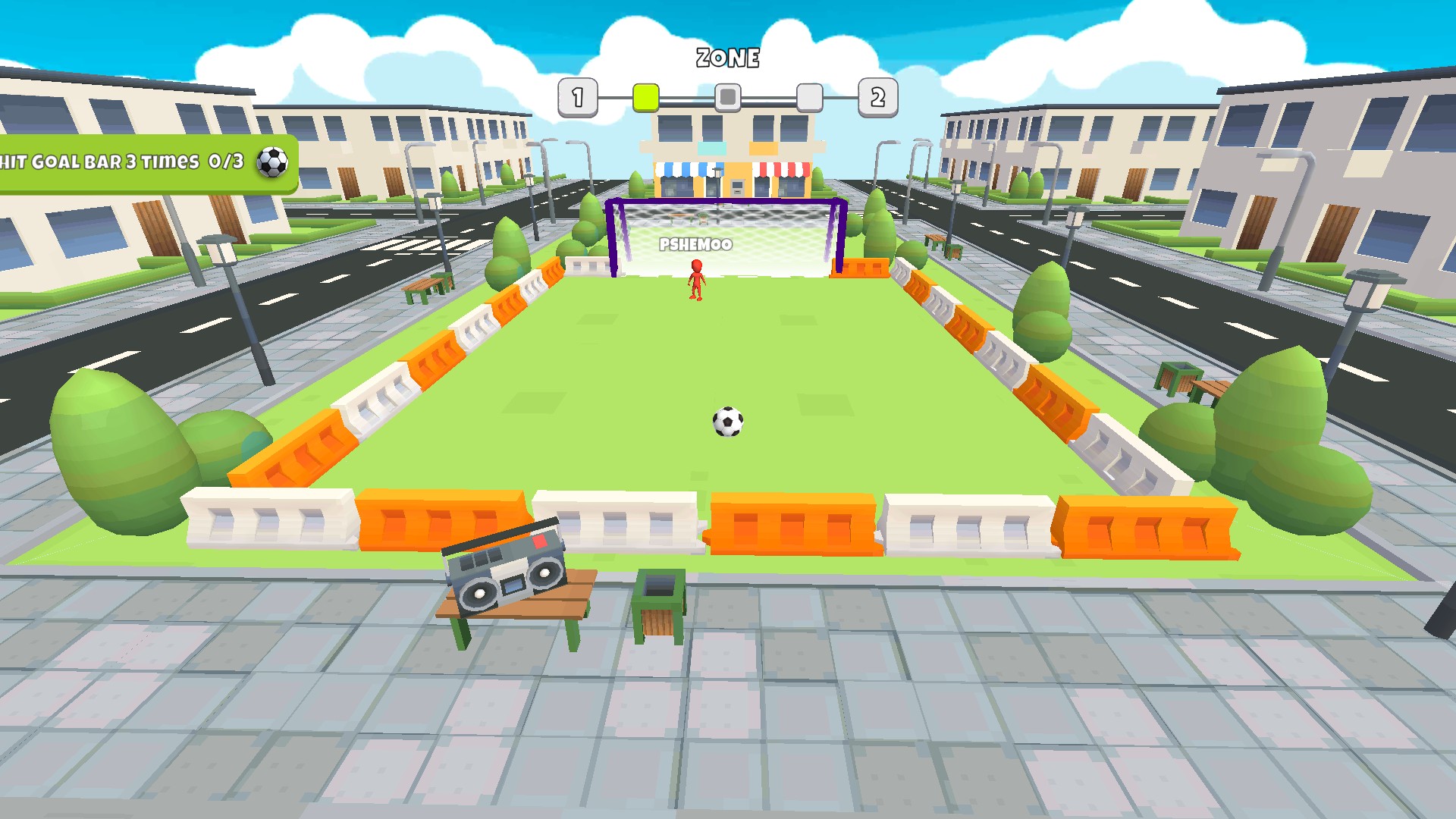
Guide the ball around defenders and line up your shot in Crazy Kick!.
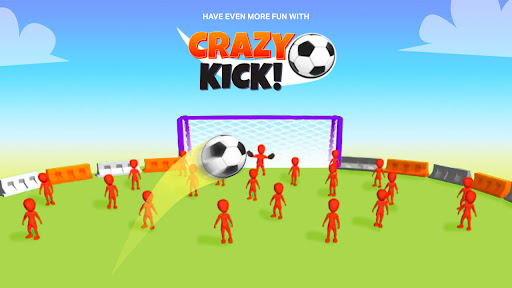
Football in Crazy Kick! puts the ball under your control. Work around the defenders, line up a shot and take on the next pitch. Ball controls give you more ways to approach the action.
Set your coin balance in Resources. Adjust the ball's pace in Stats, or open Game Actions to activate reinforced-ball mode and return the ball to its starting point.
Open Crazy Kick! with Bytonian Mods connected and choose the control you want. Enter a pitch before using the ball controls.
Set a coin balance of your choice.
View resources →Adjust ball speed with a percentage control.
View stat modifiers →Reinforced-ball mode and a Free return-ball action.
View game actions →Download the Windows app and follow the setup prompts.
Set up the browser extension in Chrome or Edge, then open the supported YouTube Playable. Follow the connection guide if the game is already running.
Review the available options in the app and choose the ones that suit how you play.