

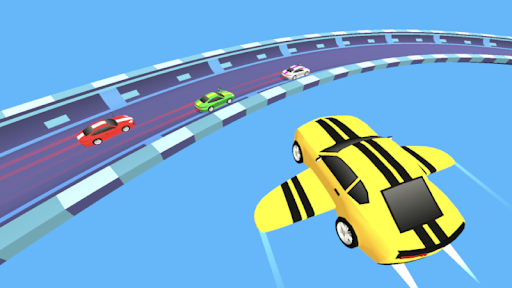
Choose your coin balance
Give yourself the coins for your next car purchase. Refresh the Coins card, choose a balance, and return to the shop to buy another car.

Using Coins
Enable the Coins package, refresh the card, and set a balance from 0 to 1,000,000. Open the car shop and use Buy to add a car to your collection.
Available resources
CoinsFree
Set your coin balance for car purchases in the shop.
Refresh the Coins card, set your balance, then open Skins and use Buy.
Before you use it: Choose a value from 0 to 1,000,000 coins.
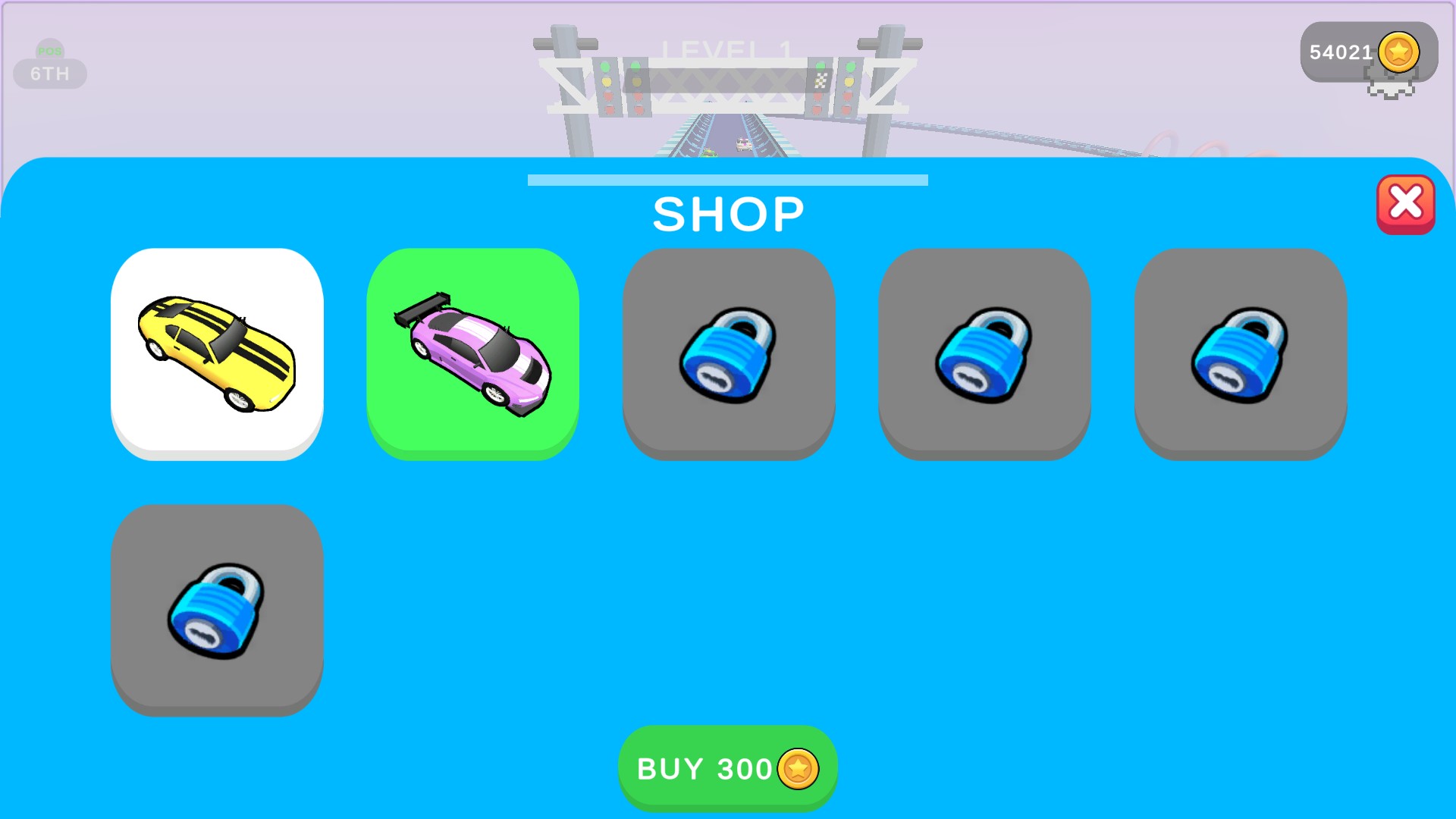
Coins for more cars
Choose your coin balance, then use the shop to buy another car.
Using these features
Choose the feature in the Windows app after connecting your game. Check its requirements before making a change.
Setup for Crazy Flying Car →