

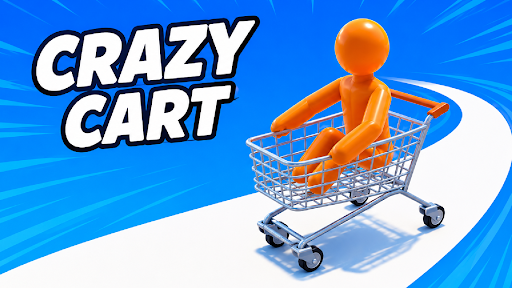
Skip the first Crazy Cart course
Start Level 2 without finishing the opening course. Skip first level advances your progress and loads the next track so you can continue playing.

How to skip Level 1
Enter the Level 1 course and press Skip first level. When Level 2 loads, use the normal cart controls to continue.
A direct start on Level 2
This control is for moving past the first level. It becomes available while you are on Level 1 and advances your progress to Level 2.
Available game actions
Skip first levelFree
Advance from Level 1 to Level 2.
Enter Level 1, then press Skip first level. Your game loads Level 2.
Before you use it: This advances your progress and is available while you are on Level 1.
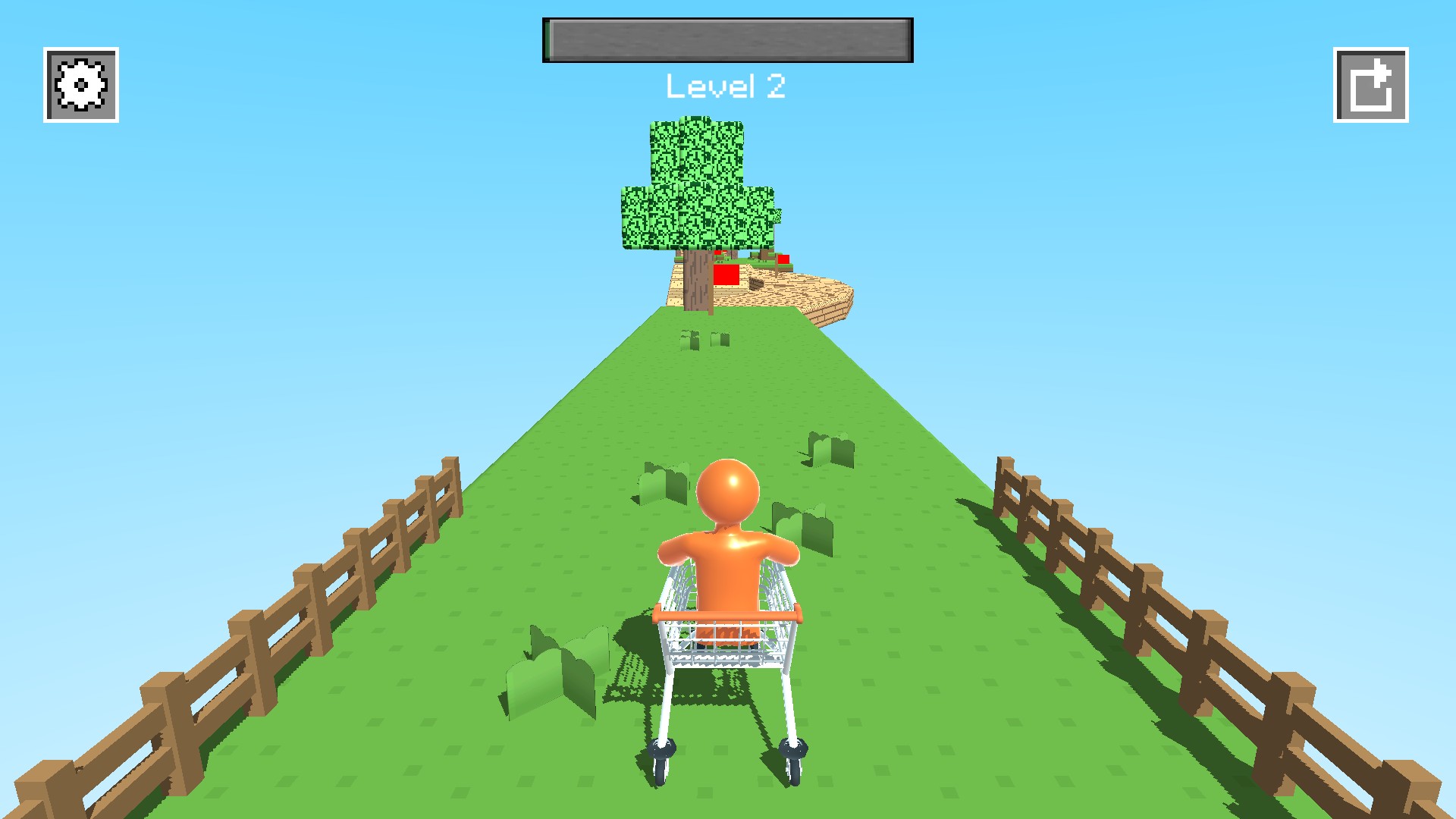
Start Level 2
Skip the first course and start driving along Level 2's fenced track.
Using these features
Choose the feature in the Windows app after connecting your game. Check its requirements before making a change.
Setup for Crazy Cart →