

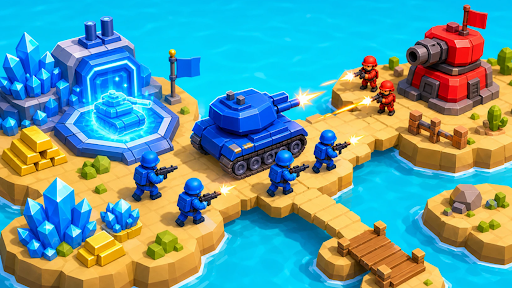
Resources
2 optionsSet stone and crystals independently.
View resources →Lead the blue army across the island, gather resources and build your forces against the red army. Bytonian Mods lets you choose your stone and crystal balances so you can spend more time building towers and recruiting troops.

Stone pays for military towers at marked building spots. Crystals pay for troops at hire pads. Set each resource separately, then use the normal building and recruitment spots to spend it.
A hire pad keeps recruiting while you stand on it and have crystals to spend. Move away when you have the squad you want. Complete the opening mining and hiring instructions to reach the rest of the battlefield.
Set stone and crystals independently.
View resources →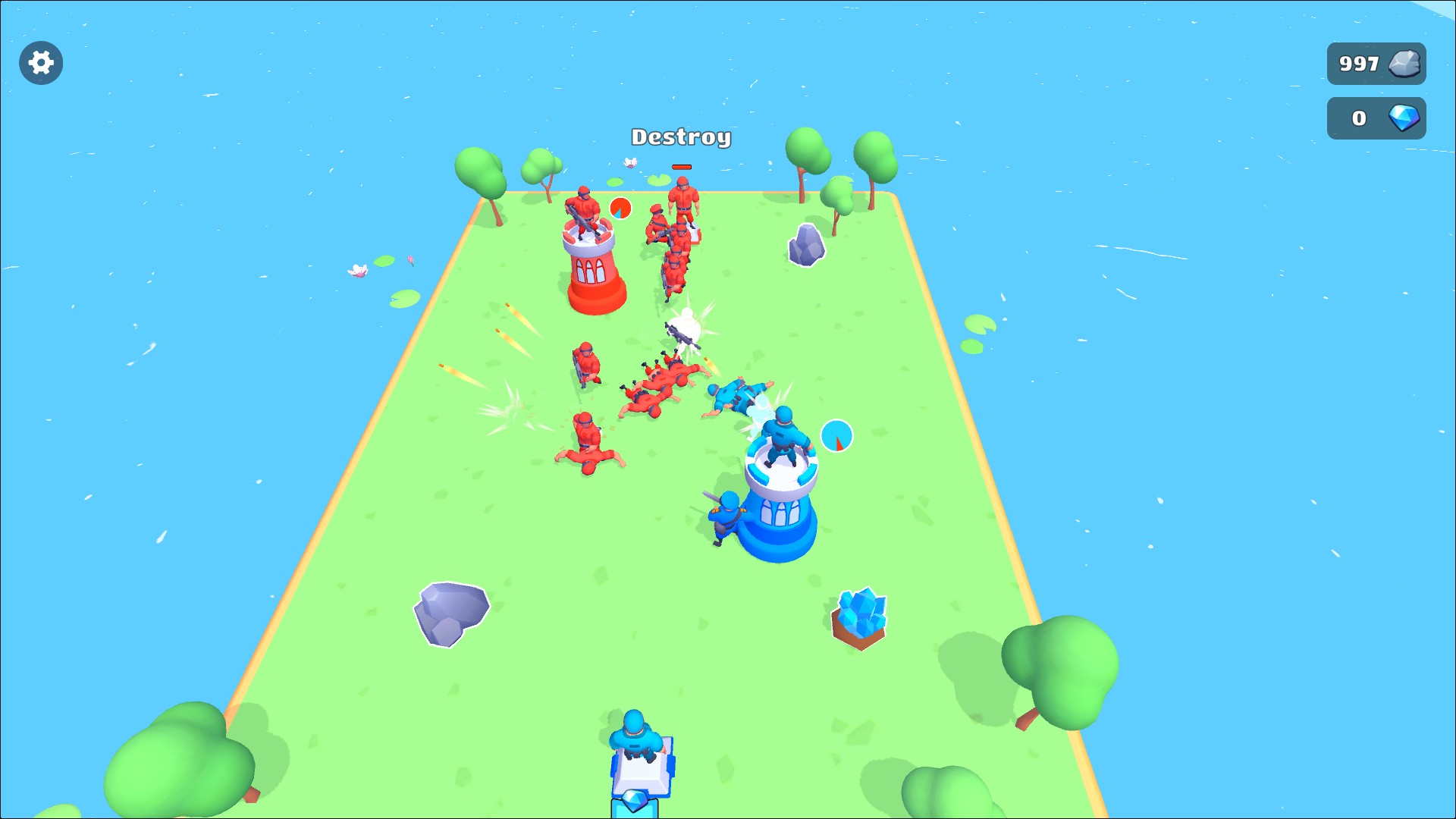
Build your military towers
Set your stone balance, then stand at a building spot to construct a tower for your army.
Download the Windows app and follow the setup prompts.
Set up the browser extension in Chrome or Edge, then open the supported YouTube Playable. Follow the connection guide if the game is already running.
Review the available options in the app and choose the ones that suit how you play.