

Stat Modifiers
6 optionsProtection, hunger, speed and viewing controls for cave exploration.
View all stat modifiers →Restore health or mana, manage hunger and make nearby caves easier to see. Choose the tools that suit your Core Keeper expedition as you build a base and explore underground.

Start with free mods
Download Bytonian Mods for Windows and try these free features. Choose one to see how it works and any requirements.
Browse ordinary items by category and add them to your world. Use in your hosted world or admin-approved co-op. Disables Steam achievements for the session.
Explore this free feature →Protect your character from damage while enabled. For your hosted world or admin-approved co-op. Disables Steam achievements for the session.
Explore this free feature →Adjust the pace of worlds you host, from 25% to 200%. Switch off to restore the previous pace.
Explore this free feature →Return your character to the current bookmark. Requires admin-approved play and disables Steam achievements for the session.
Explore this free feature →Survival and exploration controls cover protection, hunger, movement speed, lighting and camera follow. Actions offer health and mana refills, a position bookmark and a browser for ordinary items.
Install Bytonian Mods for Windows, select Core Keeper and launch the game. Enter your own world, then choose the controls you want. In co-op, use them with your host's permission and admin access. Game Speed requires a world you host.
Some gameplay controls disable Steam achievements for the active session. Leave the session before returning to achievement-focused play. Use these controls for your own adventure or agreed co-op play.
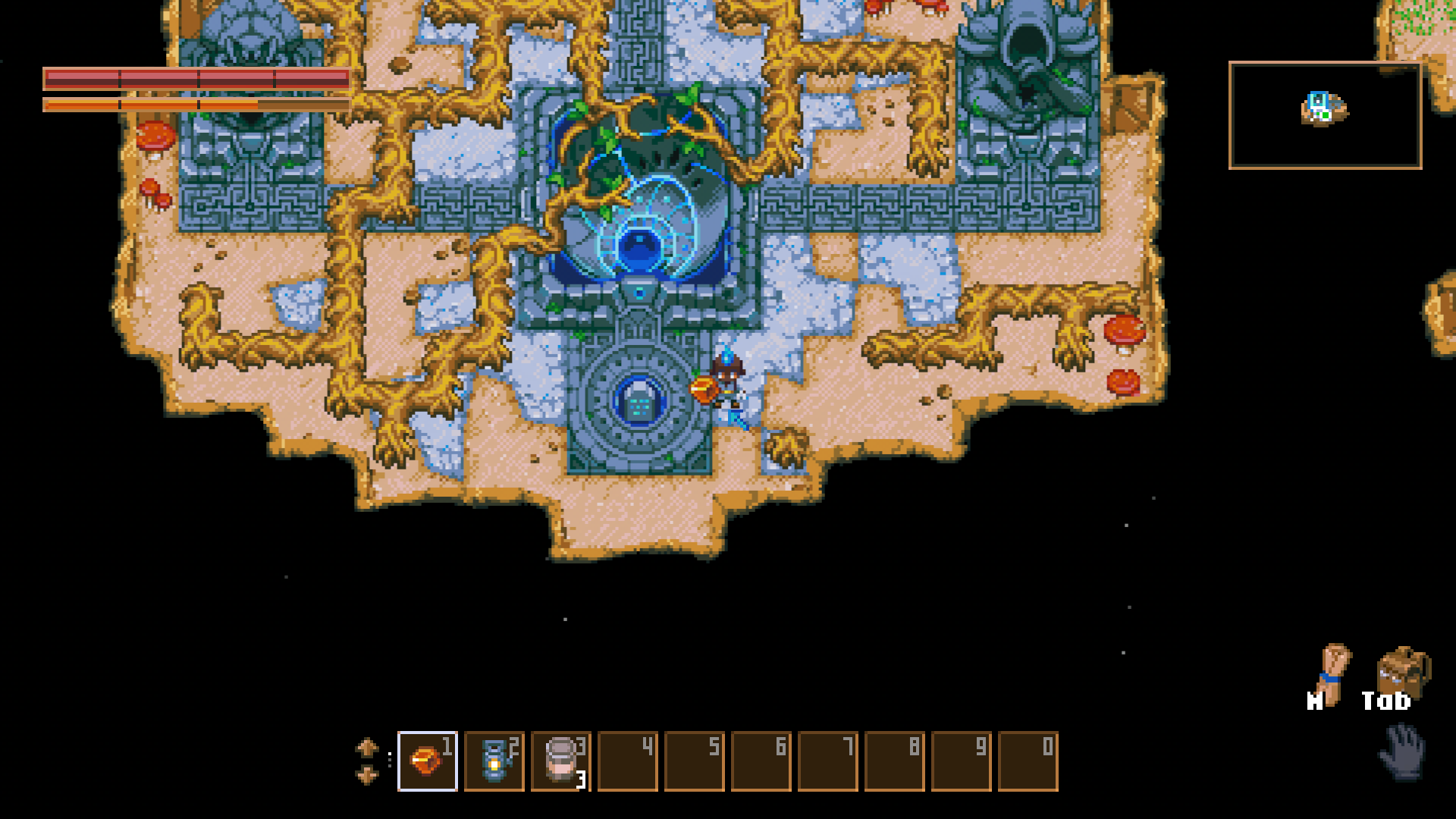
Explore around the Core
A clearer view of nearby cave terrain with Bright Caves enabled.
Protection, hunger, speed and viewing controls for cave exploration.
View all stat modifiers →Health and mana refills, one position bookmark and a free item browser.
View all game actions →Browse the Steam achievement names and descriptions for Core Keeper. Choose and unlock achievements for free with Bytonian Mods in the Windows app.
View all achievements →Download the Windows app and follow the setup prompts.
Open Core Keeper and select it in Bytonian Mods. Follow the app’s connection prompts.
Review the available options in the app and choose the ones that suit how you play.