


Choose the help you want in the kitchen
Set your hint and extra-time supplies before starting a recipe. Use Cookingdom's own buttons to reveal instructions, open an illustrated guide or add time to the clock.

Follow the recipe
Recipe Hints supplies written clues for the next steps. Picture Hints opens an illustrated guide to the dish. Choose the kind of guidance that helps you get back to cooking.
Take a little more time
Extra Time replenishes the boosts used by the clock button. Keep some ready for the moments when your recipe needs more breathing room.
Available customise
Recipe HintsFree
Keep written recipe hints ready when you need the next steps.
Choose your supply, then open the recipe book during cooking and spend a hint to reveal instructions.
Picture HintsPremium
Keep illustrated recipe guides within reach.
Choose your supply, then use the lightbulb button and reveal a picture hint during a recipe.
Extra TimePremium
Keep extra-time boosts ready when a recipe needs a little longer.
Choose your supply, then use the clock button during timed cooking.
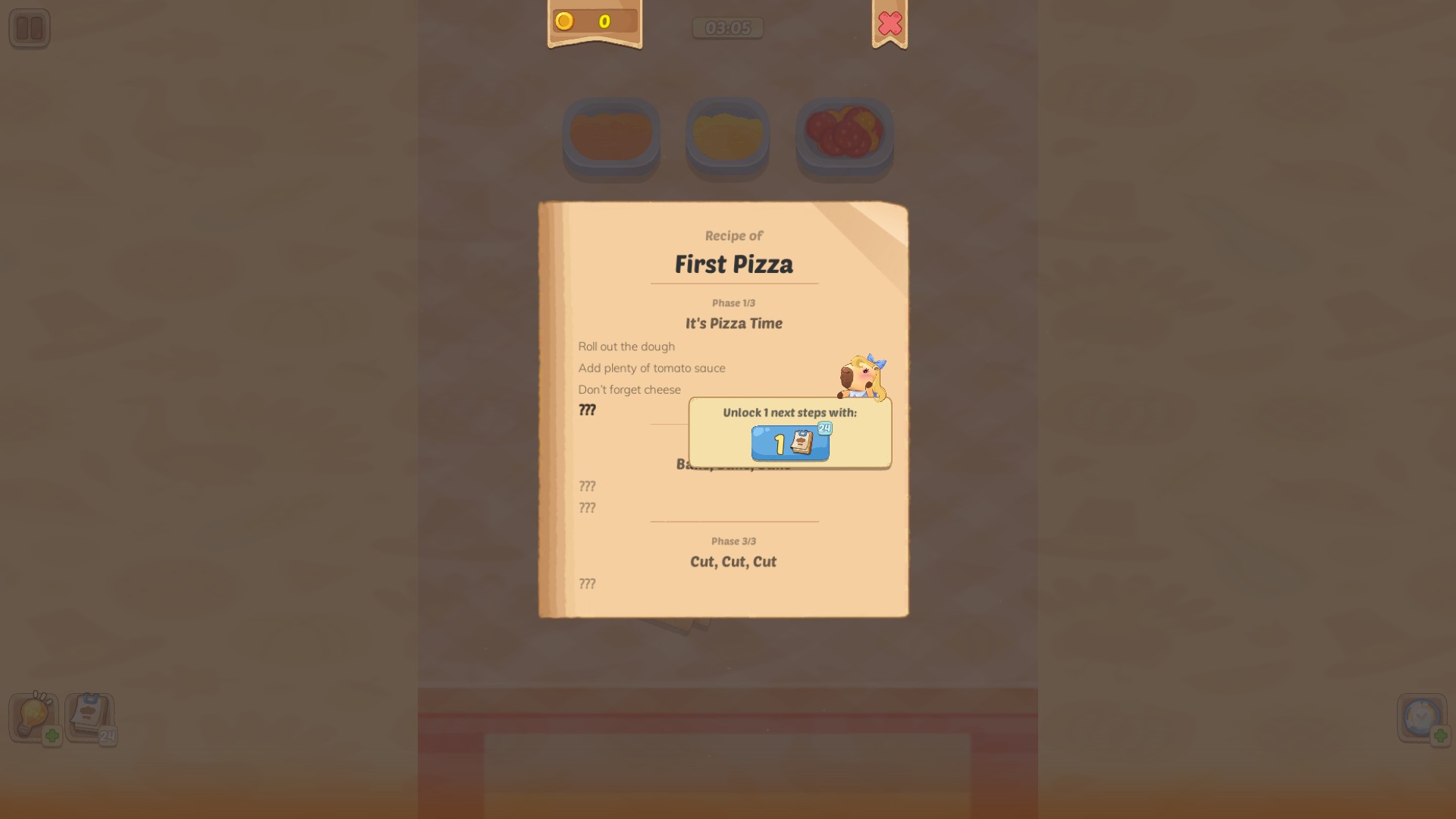
Find your next recipe step
Keep recipe hints on hand and reveal written instructions when you need a little guidance.
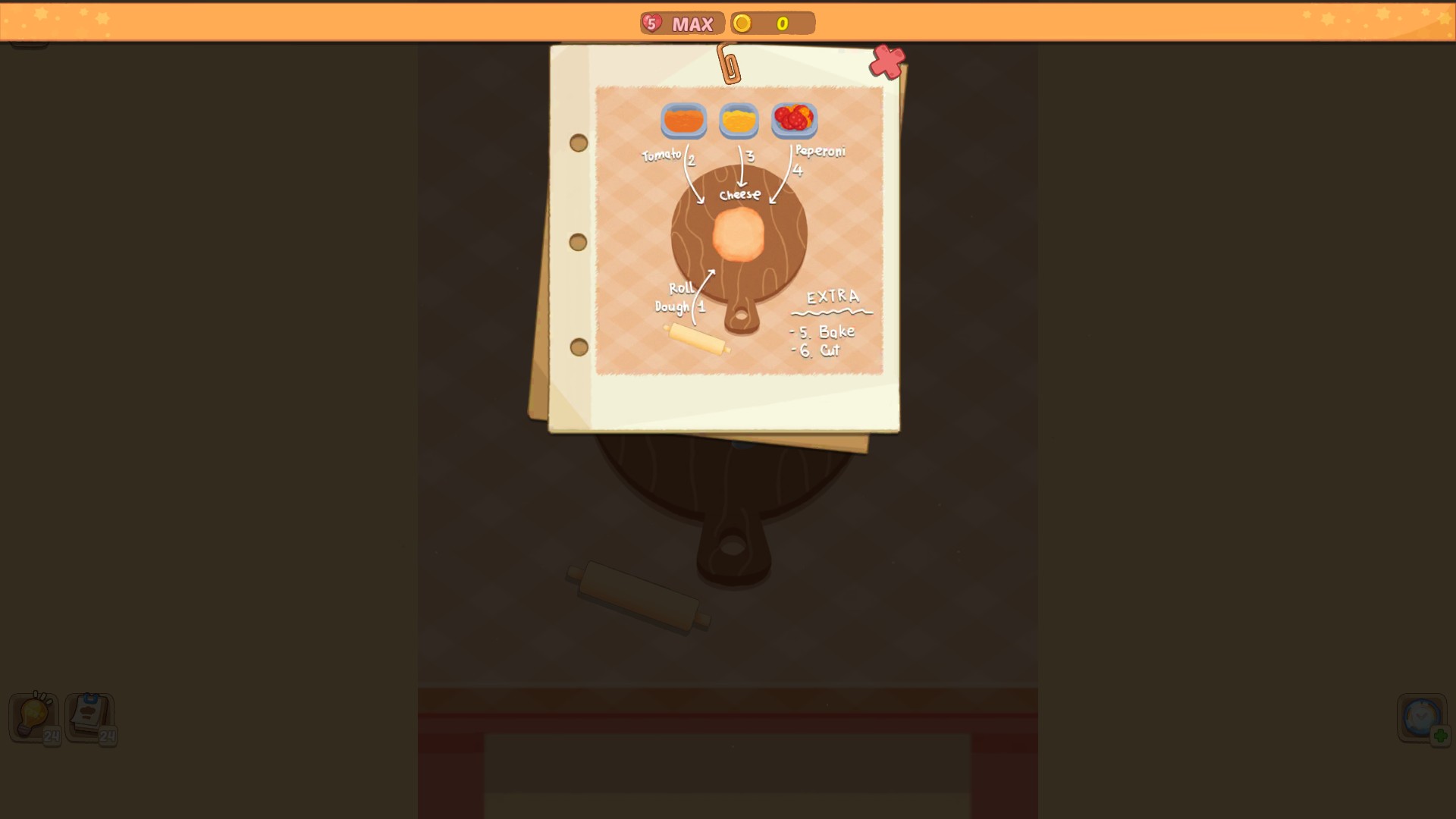
See the recipe at a glance
Stock up on picture hints and open an illustrated guide when you need a hand.
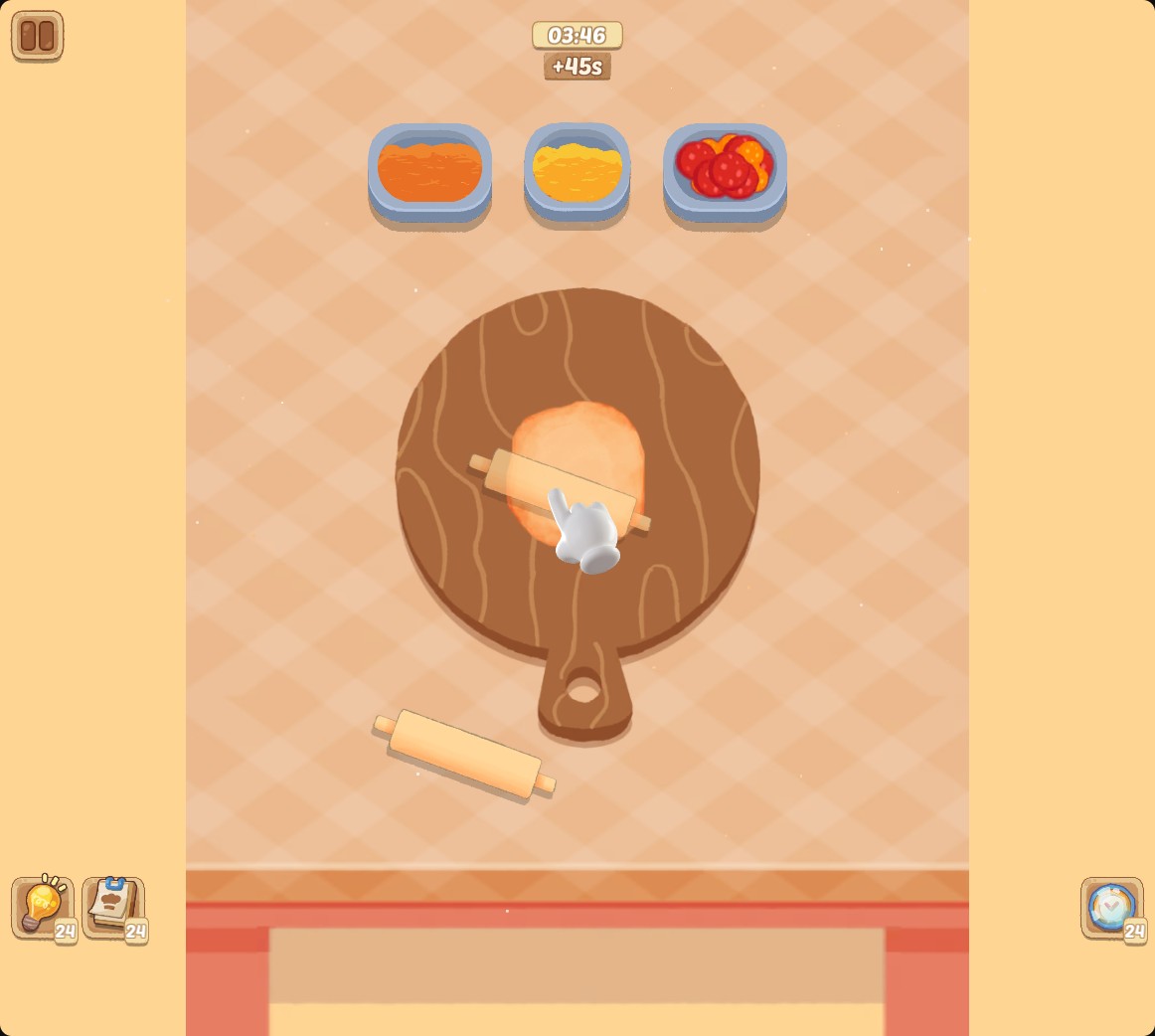
Give your recipe a little more time
Stock up on extra-time boosts and use the clock when you need more breathing room.
Using these features
Choose the feature in the Windows app after connecting your game. Check its requirements before making a change.
Setup for Cookingdom →