

Customize coins and puzzle-helper charges
Choose the balances you want, apply your changes and use the game's normal buttons. Hints point out a suggested pour, Undo takes back a move, and Extra Tube adds space to the puzzle. Coins fund cosmetic unlocks in the shop.
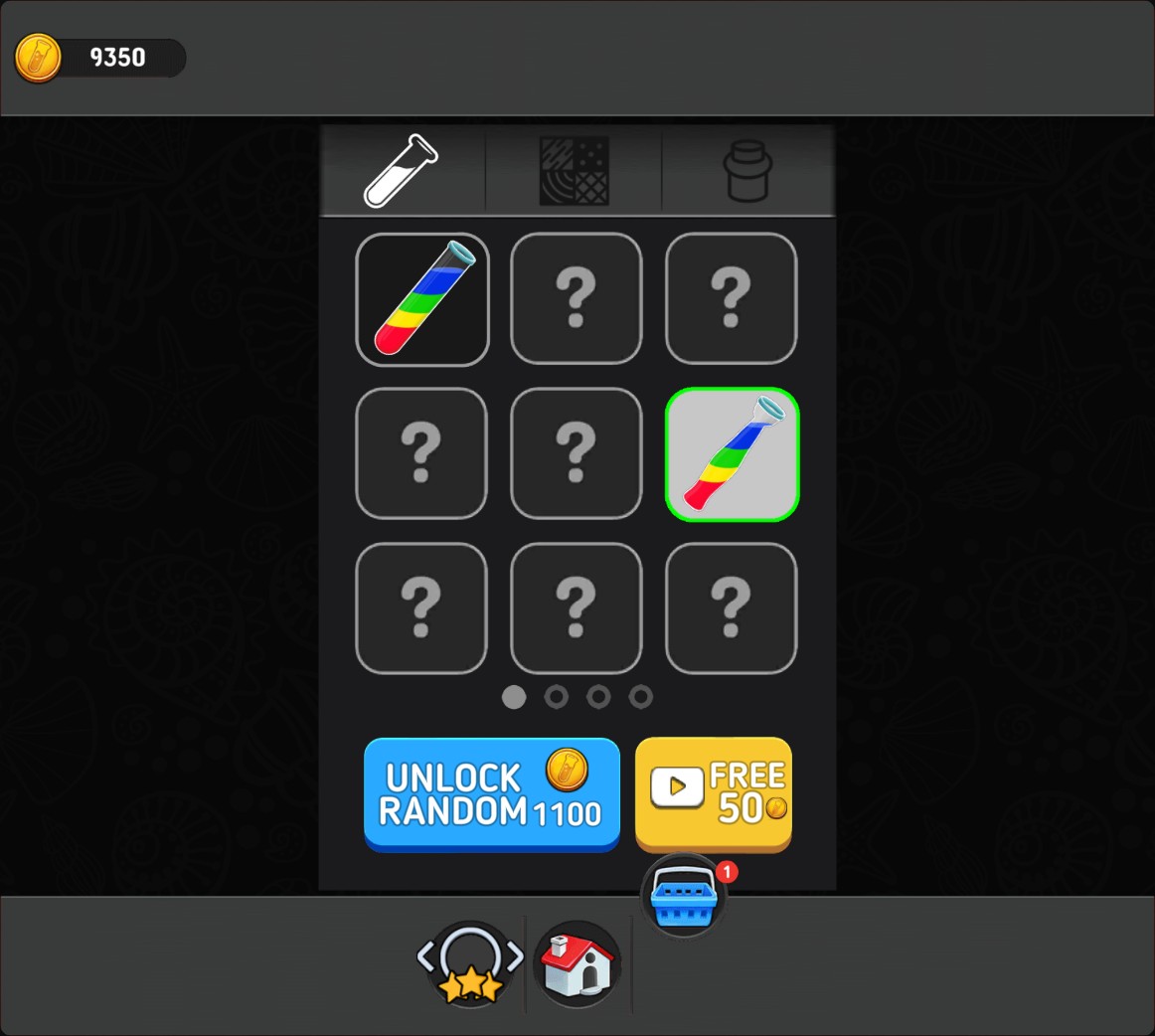
Coins for new tube designs
Choose your coin balance, then spend coins on random cosmetic unlocks in the shop. This tube design was unlocked for 650 coins.
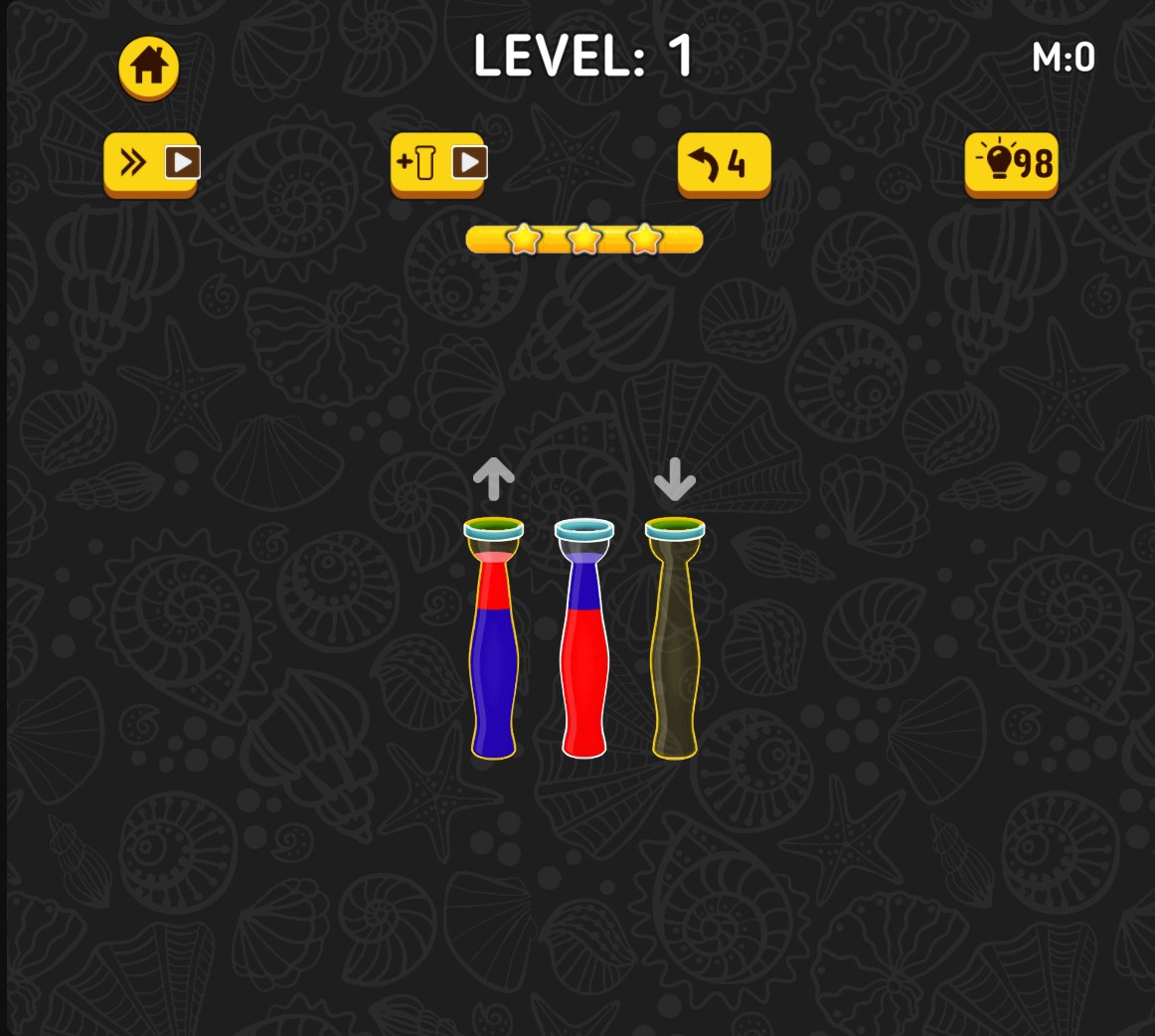
More hints for tricky pours
Choose your hint supply and use the bulb button to highlight a suggested pour.
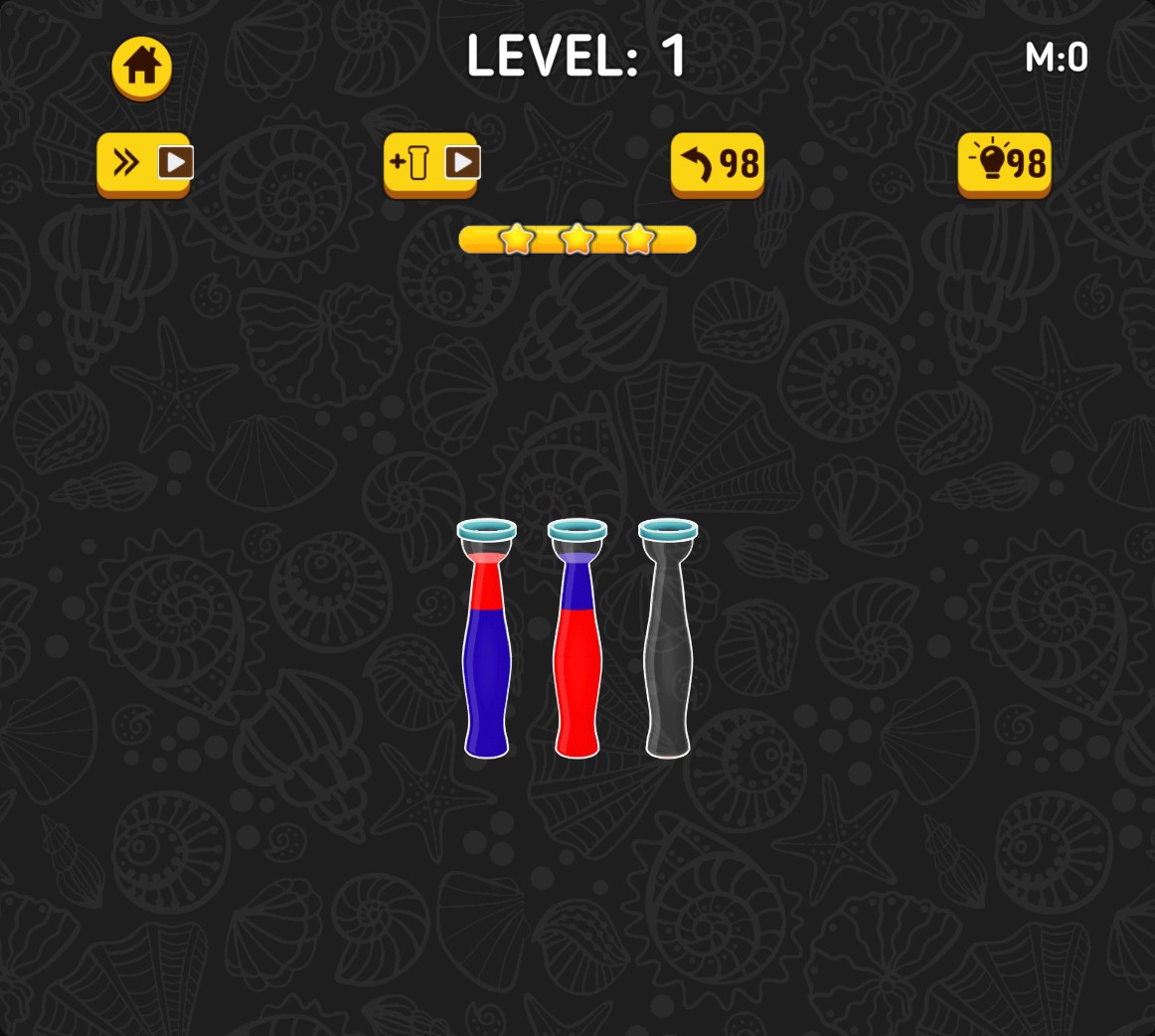
Undo a pour and try another route
Choose your Undo supply, then take back a pour with the curved-arrow button. The previous tube arrangement returns so you can try a different move.
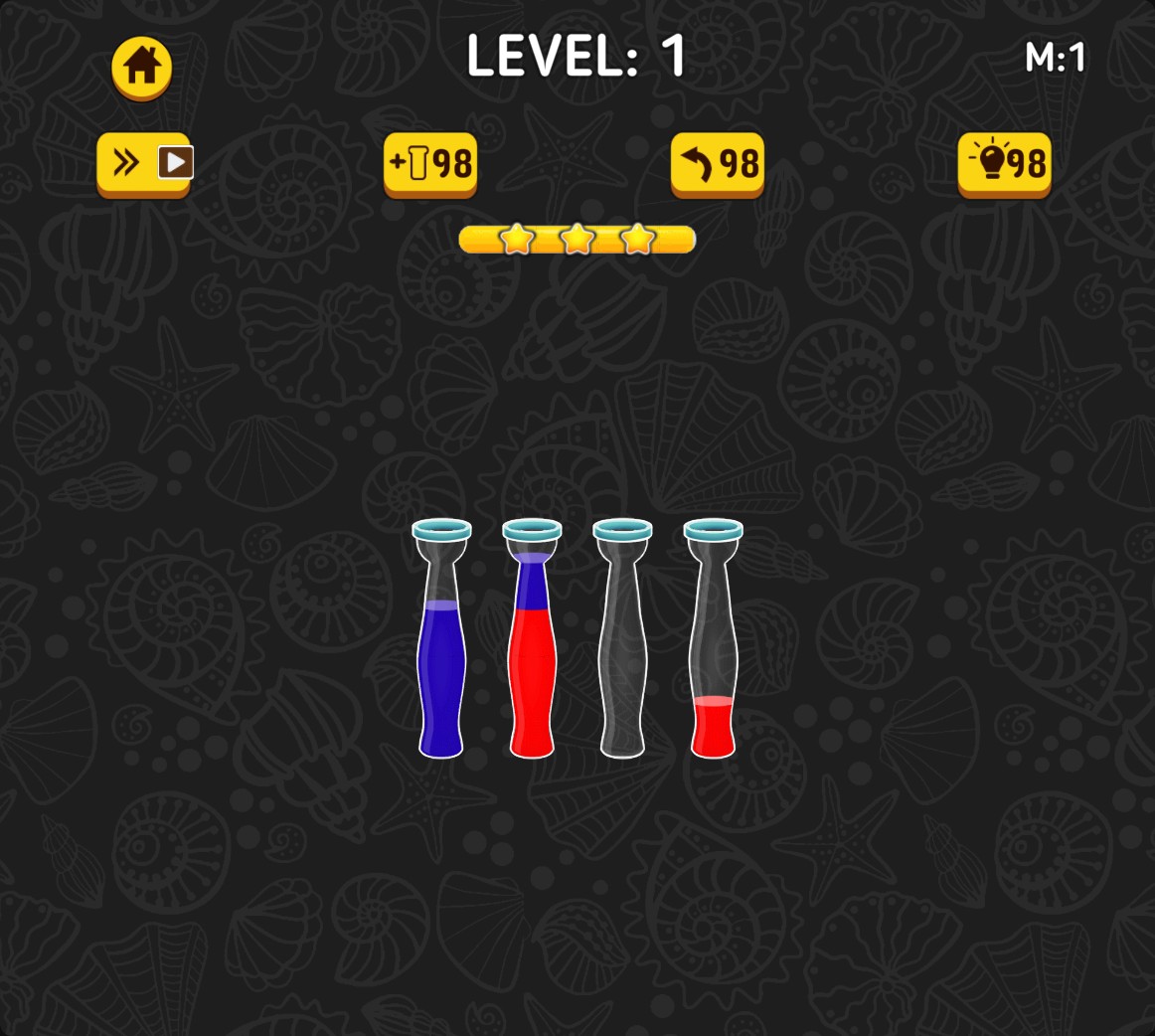
Make room with an extra tube
Choose your Extra Tube charge supply, then add an empty tube to give your next pours more room.
Use your puzzle helpers
Tap the bulb for a suggested pour, the curved arrow to undo your last move, or the plus-tube button to add an empty tube. These actions use their respective charges.
Spend coins on cosmetic unlocks
Open the shop from the home screen and use Unlock Random with coins. The button shows the current price, and the unlocked design becomes available for selection.
Available customise
CoinsPremium
Choose coins for random cosmetic unlocks in the shop.
Apply your chosen balance, open the shop from the home screen and use the coin Unlock Random button.
Undo chargesPremium
Choose Undo charges to take back pours and restore the previous arrangement.
After a pour, tap the curved arrow above the puzzle to reverse the move.
Hint chargesFree
Choose Hint charges to show a suggested pour.
Tap the bulb above the puzzle to highlight a source tube and destination.
Extra tube chargesPremium
Choose Extra Tube charges to add empty tubes for more sorting space.
Tap the plus-tube button above the puzzle, then use the added tube for your pours.
Questions about customise
- Where do I use the charges?
- Use the bulb, Undo arrow and plus-tube buttons above the puzzle. Each button uses its own charge supply.
- Do I need to change every balance?
- Choose the controls you want to change. Each balance is a separate option.
Using these features
Choose the feature in the Windows app after connecting your game. Check its requirements before making a change.
Setup for Color Water Sort 3D →