
Stat Modifiers
2 optionsChoose swipe strength, boost duration and a minimum rolling pace.
View stat modifiers →Keep your ball's current size, adjust its swipe boost or set a minimum rolling pace. Leave a rainbow trail as you steer toward the checkered finish.
Requires the Windows app and the Bytonian Mods browser extension for Chrome or Edge. Browser setup guide

Start with free mods
Download Bytonian Mods for Windows and try these free features. Choose one to see how it works and any requirements.
Keep your ball from shrinking when it bounces off walls.
Start a course and enable Keep ball size before you begin bouncing to keep the starting size.
Holds the ball's current size rather than making it larger.
Free Keep ball size holds the size your ball has when you enable it, so wall bounces leave you with the same-sized ball.
Set swipe strength and boost duration separately. Use Minimum rolling pace to choose how quickly the ball keeps moving between boosts, while swipes and bounces can carry it faster.
Bounce toward the finish
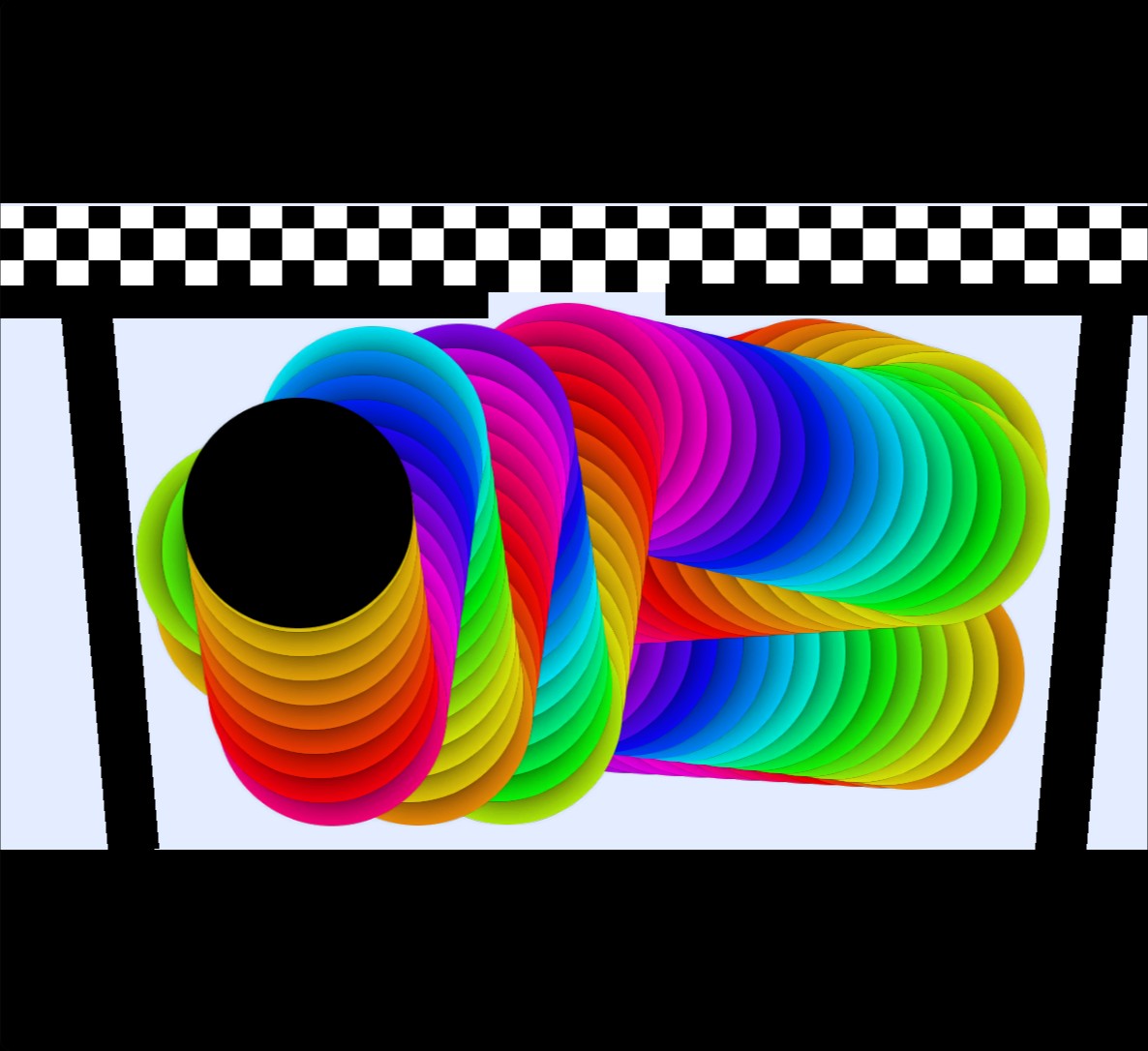
Swipe your black ball through each course and leave a colorful trail as you bounce toward the finish.
Choose swipe strength, boost duration and a minimum rolling pace.
View stat modifiers →Hold the ball's current size as it bounces around the course.
View rule modifiers →Download the Windows app and follow the setup prompts.
Set up the browser extension in Chrome or Edge, then open the supported YouTube Playable. Follow the connection guide if the game is already running.
Review the available options in the app and choose the ones that suit how you play.