

Resources
1 optionChoose the current painting's history-limit setting from 1 to 30.
View resources →Color Match asks you to blend paint on paper and compare your mixture with a target object. The opening scene offers named paint colors, a brush and comparison controls. A free experimental history-limit control is available for the current painting canvas.
Blend paint to match the target
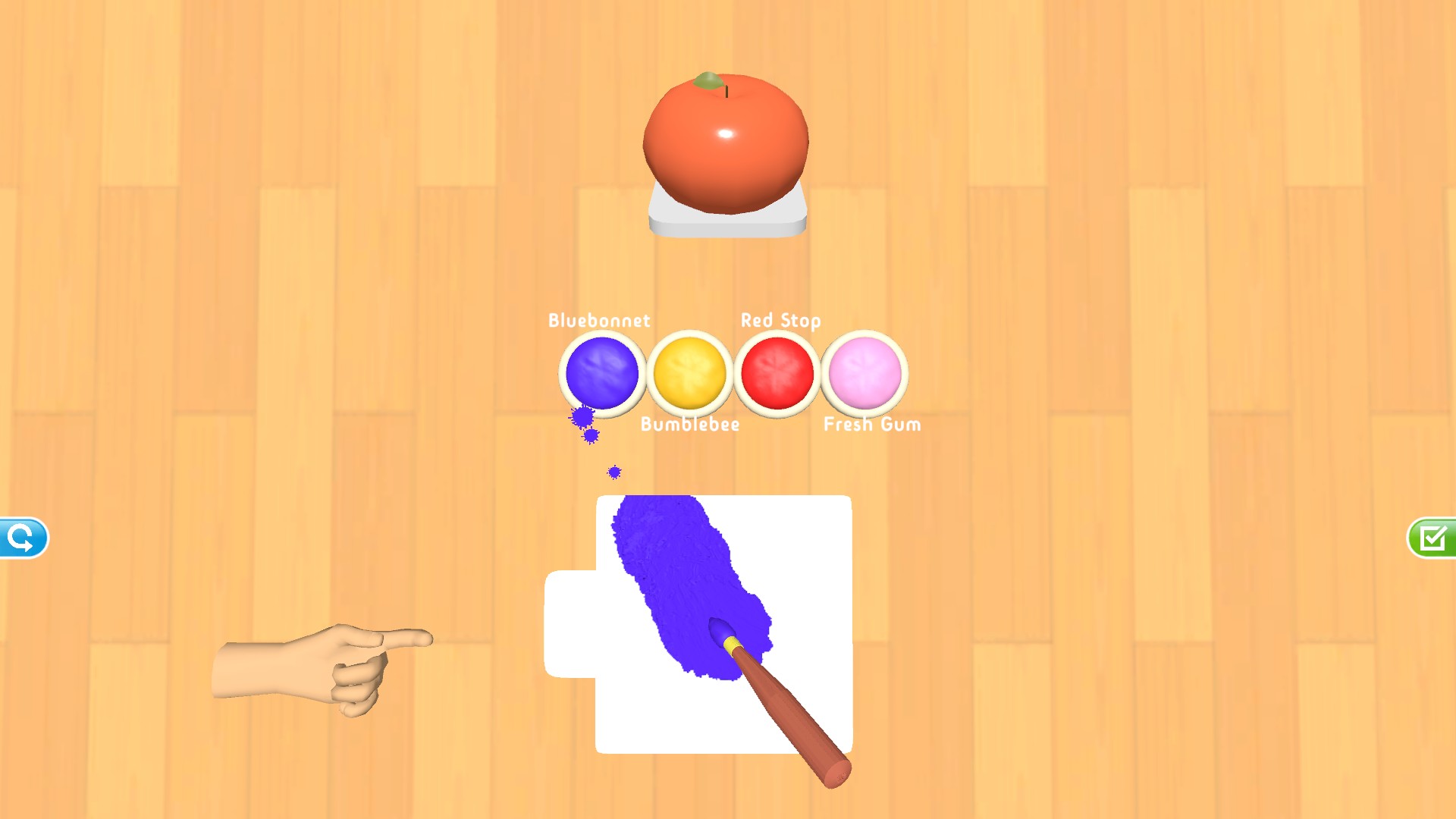
A blue brushstroke on the mixing paper, four named paints, and an orange target show the opening Color Match painting scene.
Open Resources to choose the current painting's history-limit setting, from 1 to 30.
Open Color Match, wait for its painting scene, and open the Mixing history limit card. Start with a modest value and keep the experimental limits in mind.
Choose the current painting's history-limit setting from 1 to 30.
View resources →Download the Windows app and follow the setup prompts.
Set up the browser extension in Chrome or Edge, then open the supported YouTube Playable. Follow the connection guide if the game is already running.
Review the available options in the app and choose the ones that suit how you play.