
Customise
3 optionsThree free controls let you manage gems, own the current cosmetics and open challenge puzzles.
View customisation options →Set gems for shop purchases, unlock 31 current patterns and the alternate style, or open Challenges before level 20 in Color Fill 3D. Swipe your block around the grid and fill the board with color.
Requires the Windows app and the Bytonian Mods browser extension for Chrome or Edge. Browser setup guide
Start with free mods
Download Bytonian Mods for Windows and try these free features. Choose one to see how it works and any requirements.
Open Challenges before level 20 while keeping your regular level.
Apply to reload, press Challenges, and choose Start beside a themed puzzle. Complete the puzzles through normal play.
Own all 31 current patterns and the alternate rounded style.
Apply to reload, then open the cart and choose a look. Your selection stays the same until you change it; selecting a look restarts the current board.
Set the gems available for normal shop purchases.
Choose a balance and apply it to reload. Open the cart to buy a pattern or the alternate style.
Set a gem balance for normal shop purchases, or unlock all 31 current patterns and the alternate rounded style. Open the cart to pick what you want to use.
Open Challenges before level 20 and choose a puzzle such as Winter. The unlock opens the mode; you still play the puzzles and earn their completion yourself.
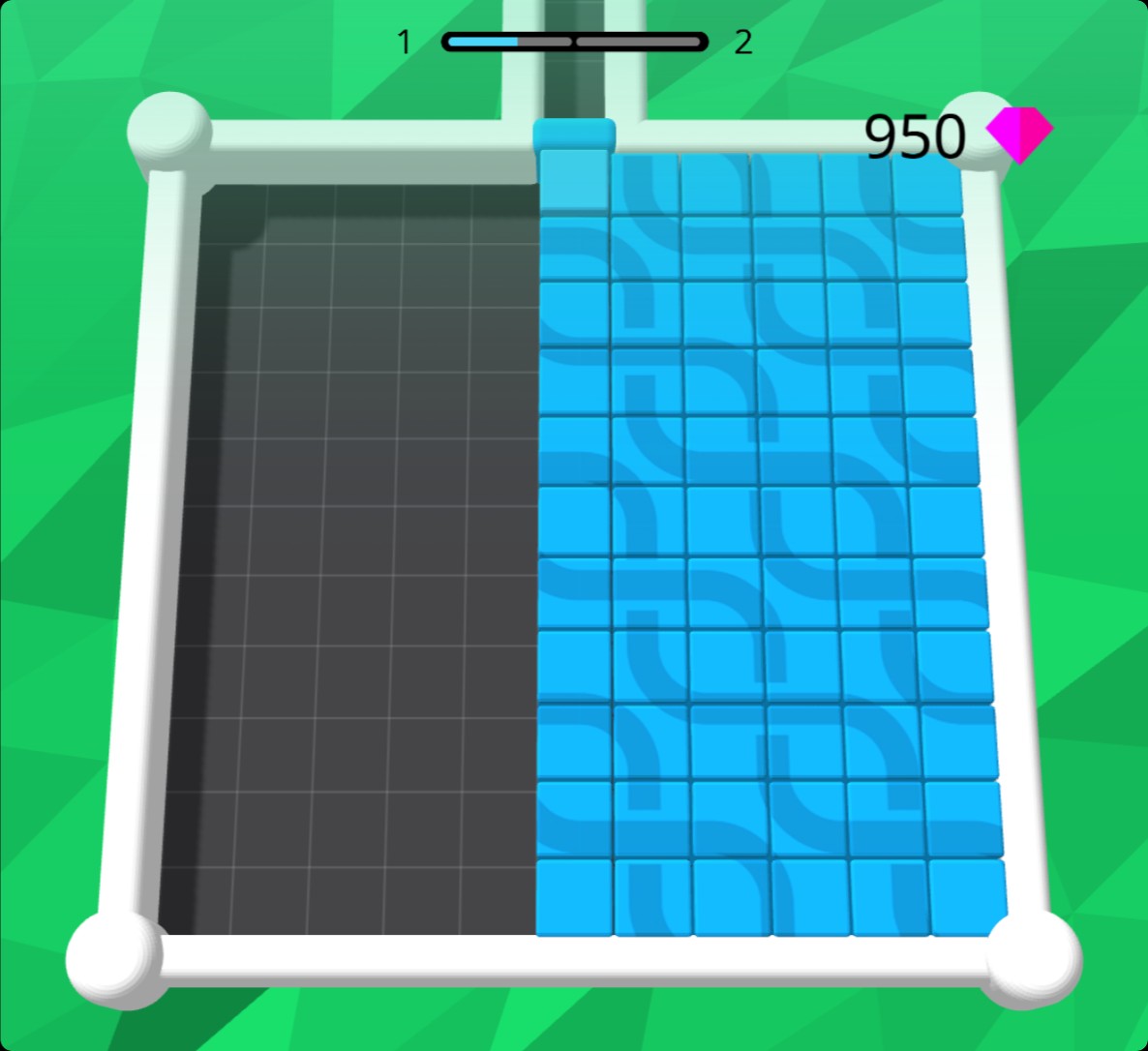
Give your color trail a different look
Choose from the current tile patterns and alternate style in the normal shop, then continue filling the board.
Three free controls let you manage gems, own the current cosmetics and open challenge puzzles.
View customisation options →Download the Windows app and follow the setup prompts.
Set up the browser extension in Chrome or Edge, then open the supported YouTube Playable. Follow the connection guide if the game is already running.
Open Customise in Bytonian Mods, choose an option and follow its instructions. Check the available values and any limits before making your change.