

Stars for ball skins
Pick a star balance, then spend it in Customize to give your ball a different look.

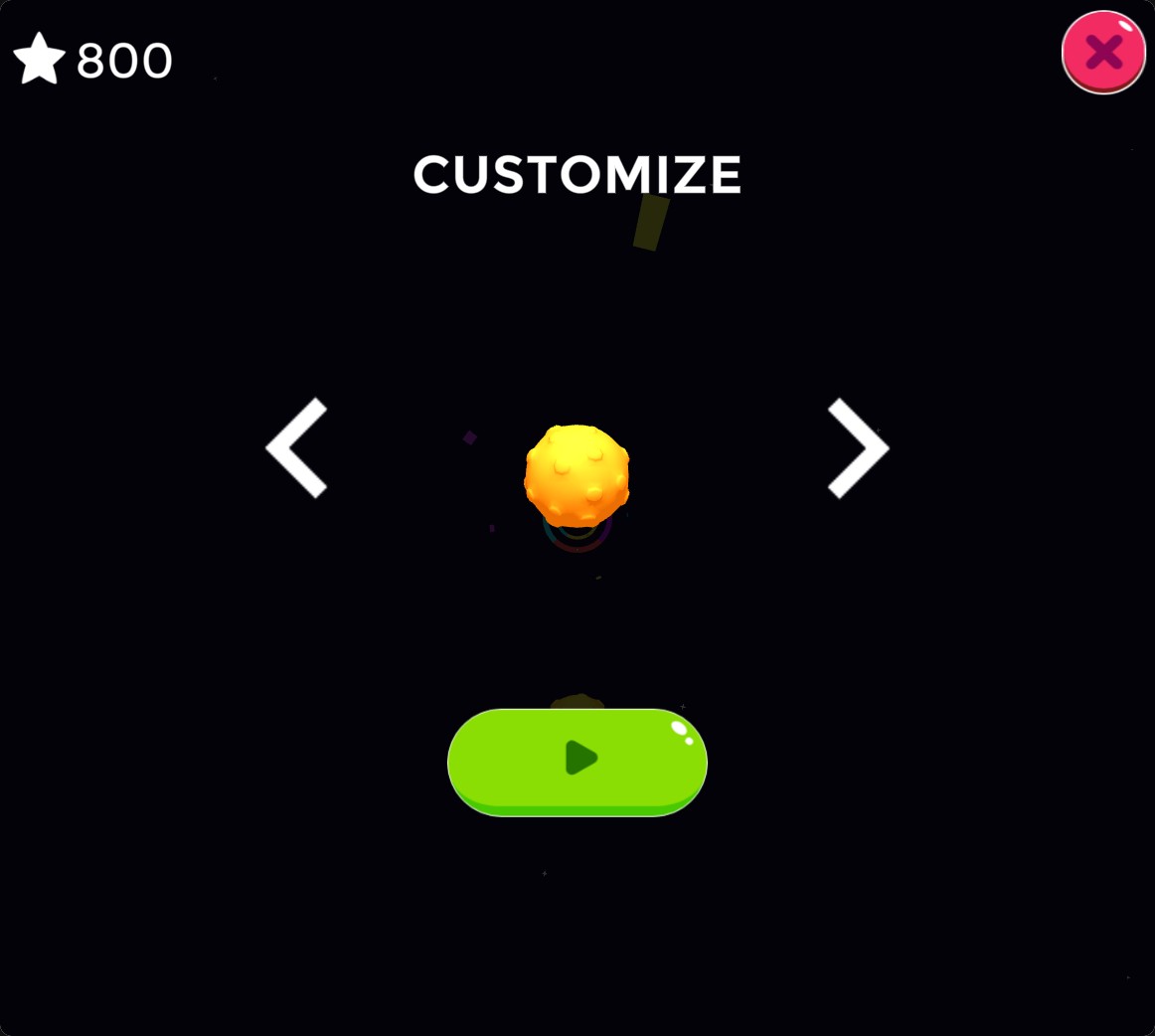
Pick a new ball
Spend stars in Customize to buy a different ball skin.
Buy a skin
Open the palette button on the home screen and browse the ball previews with the arrows. Press a skin's star price to buy it. Once owned, its green Play button lets you choose it.
Skin purchases still spend the displayed number of stars.
Available customise
StarsFree
Set stars to buy ball skins in Customize.
Choose a star amount, open the palette menu, buy a skin and press its green Play button.
Before you use it: Skin purchases still spend stars at the displayed price.
Questions about customise
- Does this unlock skins automatically?
- No. Set your stars, then buy the skins you want in Customize.
Using these features
Choose the feature in the Windows app after connecting your game. Check its requirements before making a change.
Setup for Color Burst 3D →