

Choose your coin balance
Pick a whole-number balance from 0 to 100,000, apply it and open Skins to buy a theme.

Pick a new look with Coins
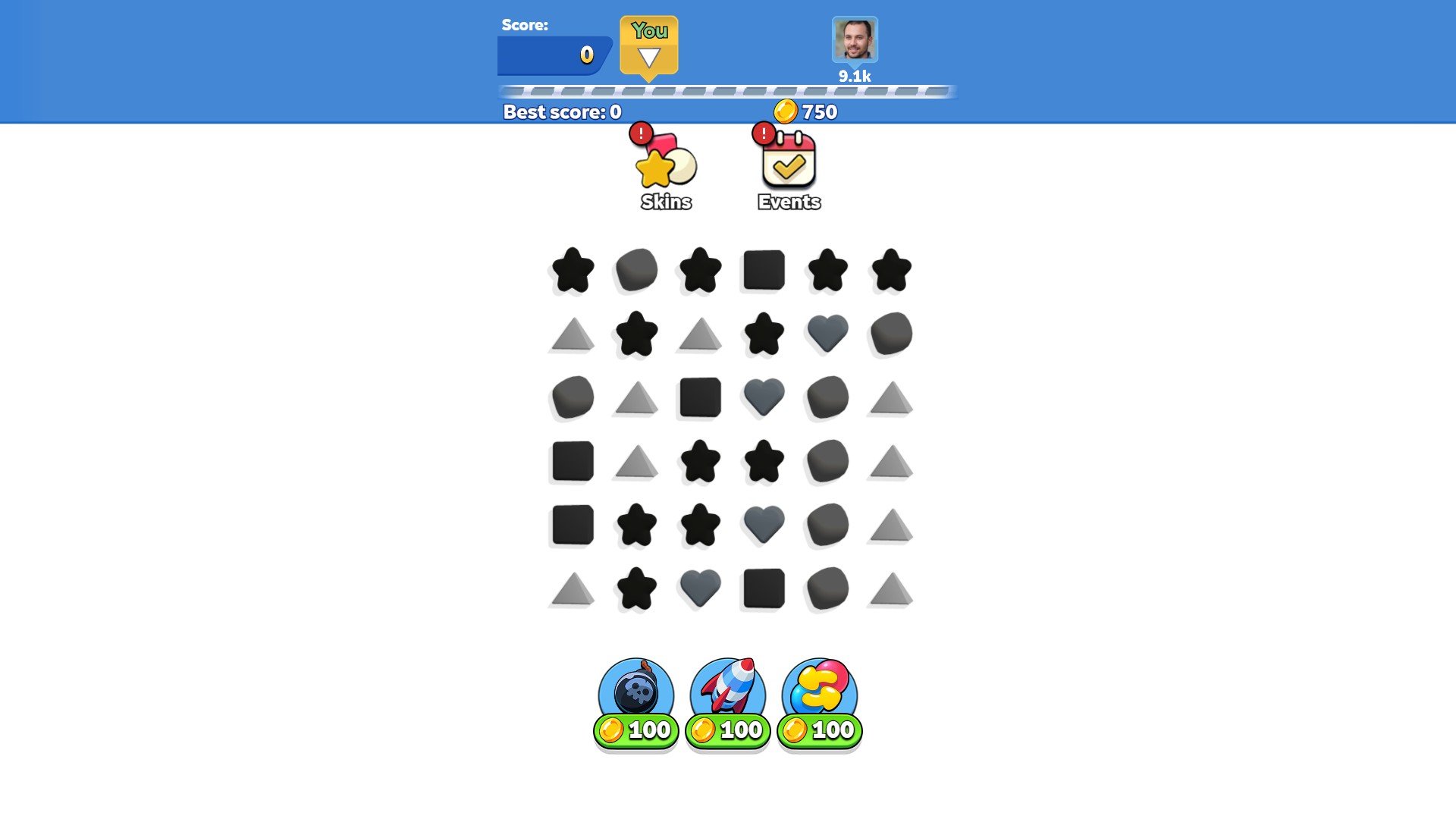
Choose your coin balance and buy a theme in Skins. Gray Scales changes the board to gray shapes, shown here with 750 coins remaining after the purchase.
Buy and select a theme
In Skins, press the coin-price button beside the theme you want. After buying it, select its preview and close the menu to use it on the board.
Available customise
CoinsFree
Choose your coin balance for the Skins shop.
Enter a whole number from 0 to 100,000 and apply it. Open Skins, buy a theme and select its preview.
Before you use it: Themes still need to be purchased and selected in Skins.
Questions about customise
- Does this unlock all themes automatically?
- No. Coins changes your balance. Buy and select themes through Skins.
Using these features
Choose the feature in the Windows app after connecting your game. Check its requirements before making a change.
Setup for Collect Em All! →