

Customise
2 optionsFree Money and Premium Level controls for the YouTube Playables version of Coin Run.
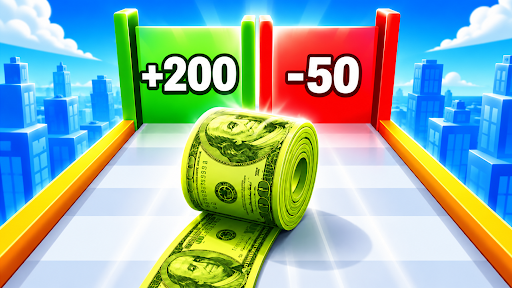
View customise →Collect coins, avoid costly obstacles and choose gates as you work toward the finish in Coin Run. Bytonian Mods provides Money and Level controls for the YouTube Playables version, letting you adjust your balance or level progress.

Open Customise for the free Money control and the Premium Level control. They change different values: Money covers your balance, while Level covers your level progress. The category page explains each option.
Install the Bytonian Mods Windows app, set up its browser extension in Chrome or Edge, and open Coin Run on YouTube Playables. Once connected, select Coin Run in the app and open Customise. Follow the browser extension setup guide below for the connection steps.
Free Money and Premium Level controls for the YouTube Playables version of Coin Run.
View customise →Download the Windows app and follow the setup prompts.
Set up the browser extension in Chrome or Edge, then open the supported YouTube Playable. Follow the connection guide if the game is already running.
Review the available options in the app and choose the ones that suit how you play.