


Resources
1 optionAdjust your current cash amount.
View resources →Guide a line of cups through coffee stations and hazards as you build drinks along the course. These controls let you choose your cash balance or leave the current course for the next one.

Cash changes the balance beside the green money icon. Next Level loads the following normal course without playing through the current one.
Open Coffee Stack with Bytonian Mods connected and enable the control you want. Use Cash to choose an amount. Use Next Level from a normal course screen; it is easiest before touching Start.
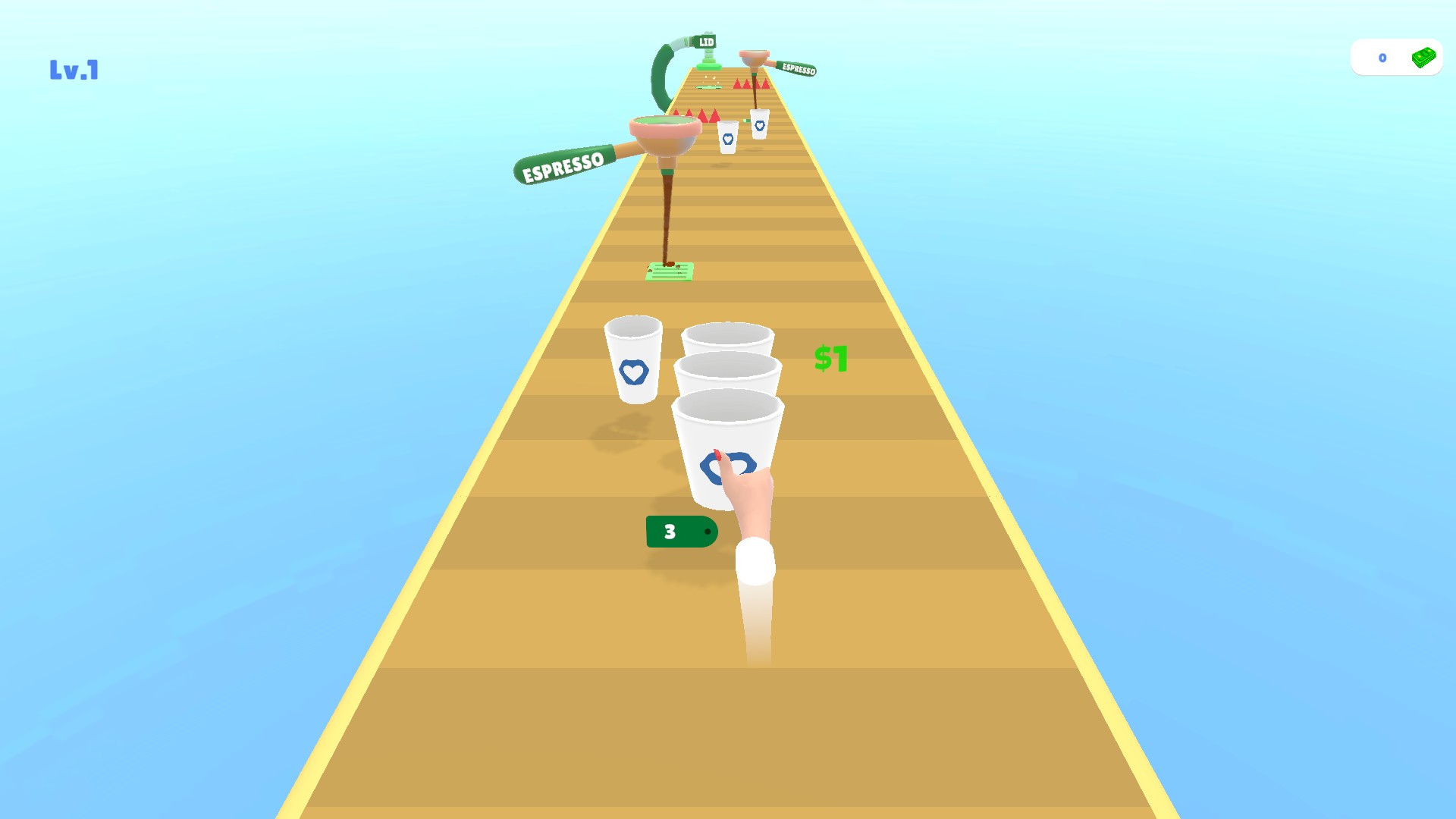
Build a line of coffee cups
Collect cups along the course and guide them through the coffee stations.
Adjust your current cash amount.
View resources →Leave the current normal course and start the next.
View game actions →Download the Windows app and follow the setup prompts.
Set up the browser extension in Chrome or Edge, then open the supported YouTube Playable. Follow the connection guide if the game is already running.
Review the available options in the app and choose the ones that suit how you play.