

Take control of your offline arena
Use quick actions for energy and arena changes, or browse the free Spawn menu for more robot opponents. Damage protection helps you practise ordinary combat, while bookmarks bring you back to a saved spot.

More ways to shape a round
Recruit Enemy turns one living enemy robot into an ally. Clear Enemies defeats the remaining enemies and can finish your round. These actions affect the current offline arena.
Free robot spawning
Browse 54 game-defined robots across 11 categories, search for a name and choose a small group to spawn. Enter an offline combat arena before adding robots. Spawn removes the robots it created when its package is disabled.
Return to familiar ground
Save a position while standing on safe ground, then use Return to position within the same level and robot. The bookmark clears when either changes. Damage protection covers ordinary body damage, rather than scripted deaths or every level hazard.
Available game actions
Clear EnemiesPremium
Defeat the living enemies in your current offline arena. This can finish the round and advance your run.
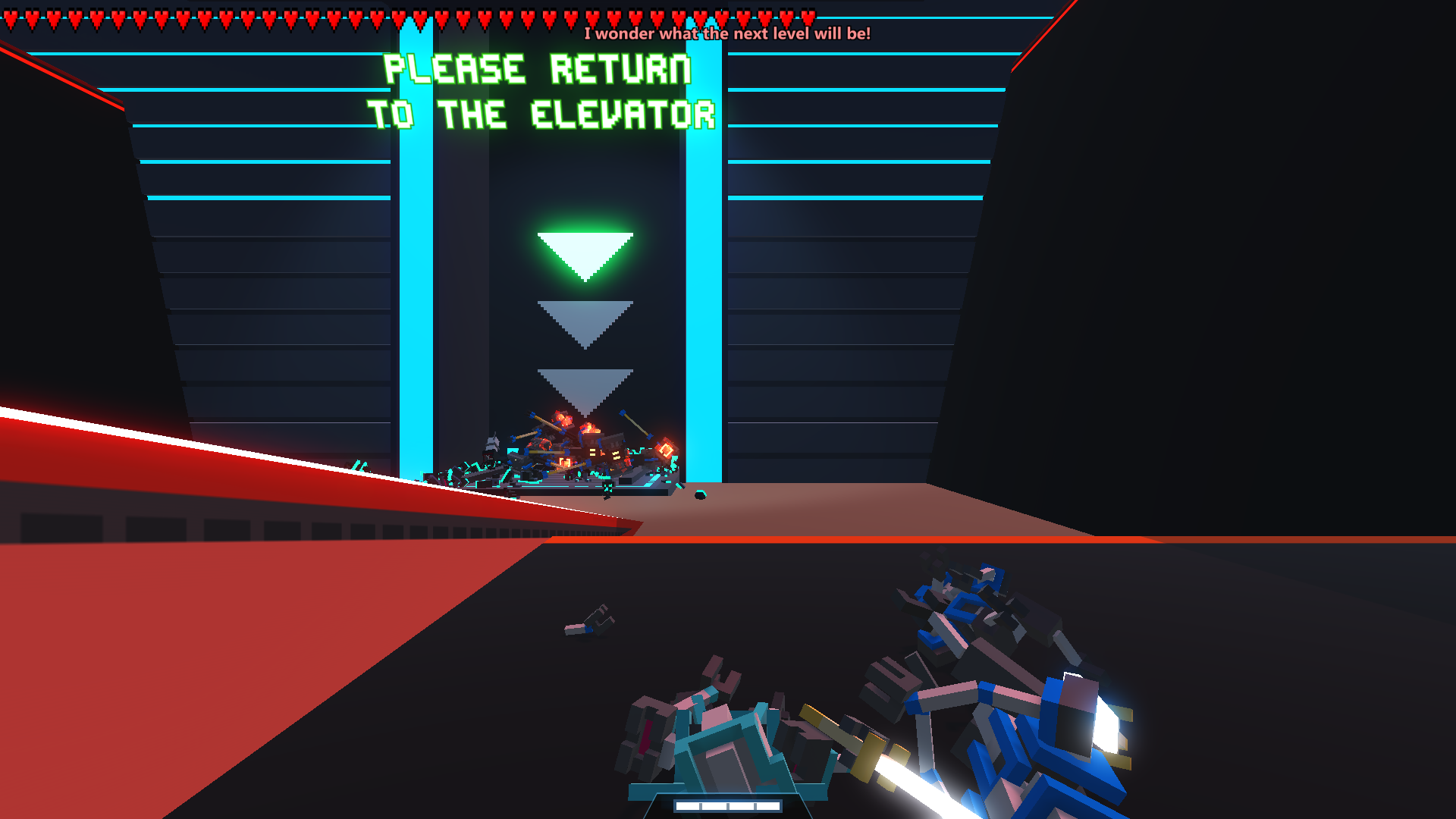
Clear the current arena
Clear Enemies defeats the remaining robots in your offline round. The game then directs you back to the elevator.
Damage ProtectionPremium
Protect your robot from ordinary body damage while you practise in offline single-player. Falls, level hazards and scripted deaths may still end a run.
Infinite EnergyPremium
Use energy abilities without spending energy in offline single-player. Does not unlock weapons or upgrades.
Position BookmarksFree
Save your robot’s current position and return to it within the same offline level. The bookmark clears when the level or robot changes. Save while standing on safe ground.
Recruit EnemyPremium
Turn one living enemy robot into an ally in the current offline arena. The change lasts for that robot.
Refill EnergyFree
Refill your robot’s current energy once in offline single-player. Does not change maximum energy or unlock abilities.
SpawnFree
Browse game-defined enemy robots and spawn a small group in front of you in an offline arena. Free, with game-owned portraits where available.
What you can spawn
- Fleet Analysis Bots (5)
- Including Analysis-Bot (Fleet Analysis Bot1), Analysis-Bot (Fleet Analysis Bot2), Analysis-Bot (Fleet Analysis Bot3), Analysis-Bot (Fleet Analysis Bot4), Imperial Repair Bot.
- Fleet Commanders (5)
- Including Emperor (Emperor Combat), Emperor (Emperor Non Combat), Fleet Captain, Fleet Overseer, Zombie Fleet Captain.
- Hammer Bots (8)
- Including Business Hammer Bot, Hammer Bot 5, Hammer Bot Jepack, Hammer Bot M1, Hammer Bot M2.
- Kick Bots (1)
- Including Kick Bot (Kick Bot).
- Moving Archers (5)
- Including Archer M2, Archer M3, Archer M4, Archer M5, Zombie Archer.
- Other (2)
- Including Jetpack Archer, Kick Bot (Kick Bot2).
- Raptors (3)
- Including Flame Raptor, Laser Raptor, Zombie Raptor.
- Spear Bots (6)
- Including Jetpack Spear Robot M1, Mind Space Spear, Spear Robot M1, Spear Robot M2, Spear Robot M3 (Spear3).
- Spidertrons (3)
- Including Mind Space Spidertron, Spider-tron 5000, Spider-tron 6000.
- Stationary Archers (1)
- Including Archer M1.
- Sword Bots (15)
- Including Business Bot, Jetpack Bot M1, Jetpack Bot M2 (Business Jetpack), Jetpack Bot M2 (Sprinter2), Jetpack Zombie.
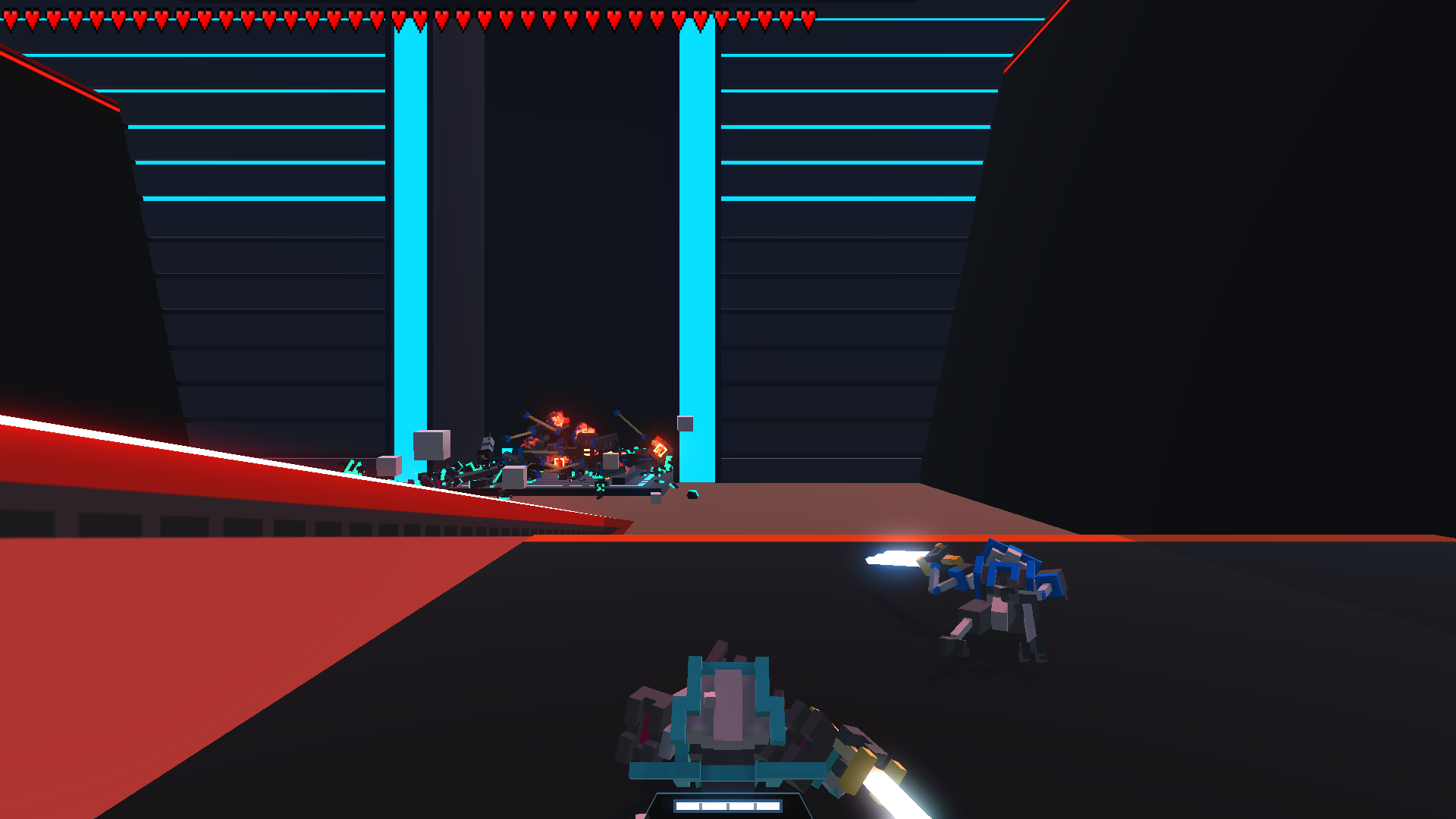
Spawn robots in your offline arena
Choose game-defined robots from the free Spawn menu. A spawned Sword Robot M1 is visible beside the player in this offline arena.
More ways to customise Clone Drone in the Danger Zone
- Clone Drone in the Danger Zone resources
Edit backup lives and points through separate resource cards.
- Clone Drone in the Danger Zone stat modifiers
Energy and speed sliders for offline robot combat.
Using these features
Choose the feature in the Windows app after connecting your game. Check its requirements before making a change.
Setup for Clone Drone in the Danger Zone →