
Display and audio controls
Choose larger enemy labels, a more compact interface, quieter hit effects or separate music and effects levels while you play.
Make the game your own
Change enemy label size or make the interface more compact. You can also reduce flinches and flashes and adjust music and sound effects separately.
Available presentation modifiers
Enemy Label SizeFree
Make the enemy name and health display easier to read.
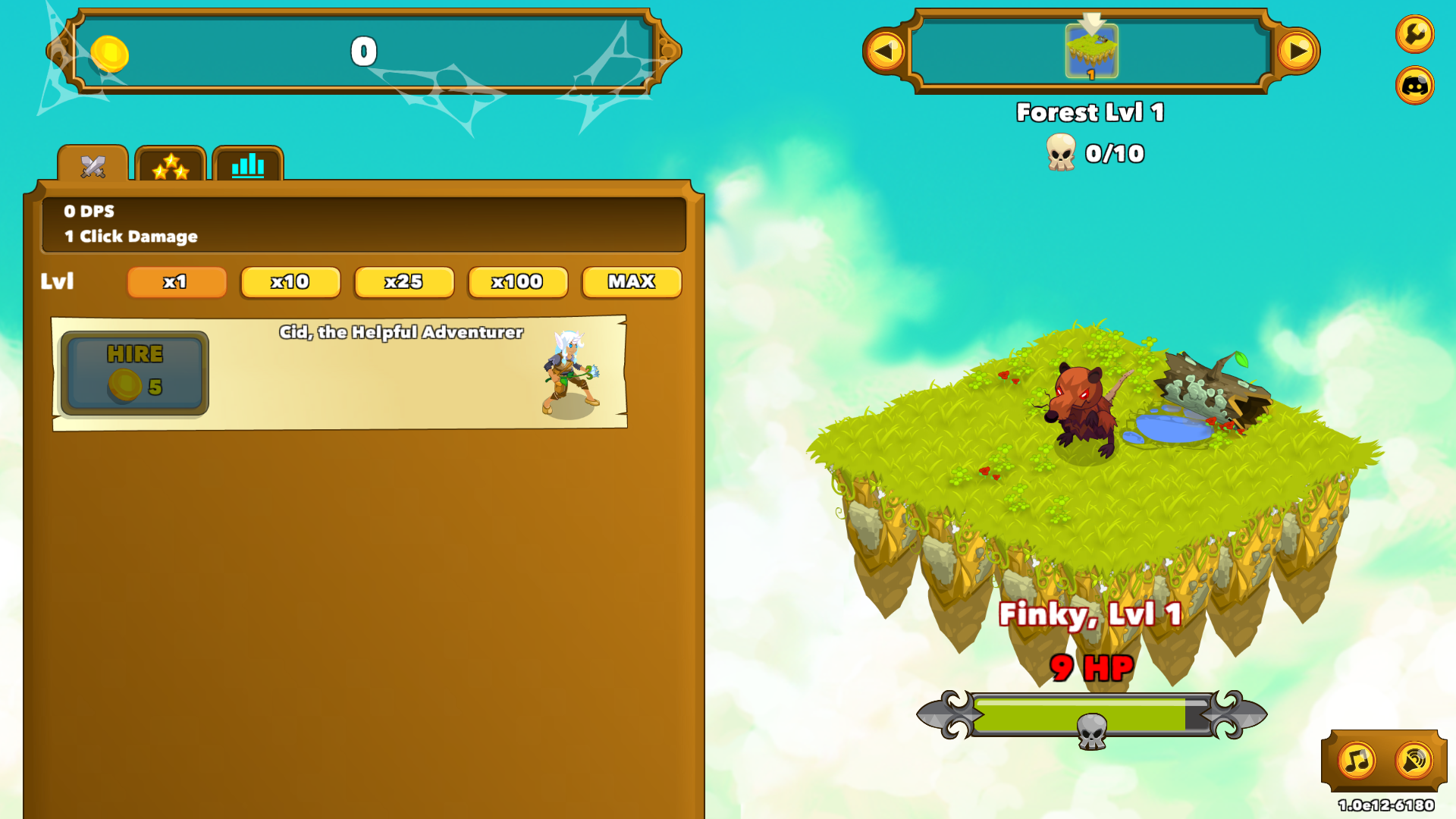
Larger enemy labels
Make enemy names, health and the health bar easier to read with adjustable label size.
Interface ScalePremium
Reduce the size of the interface to leave more room on screen.
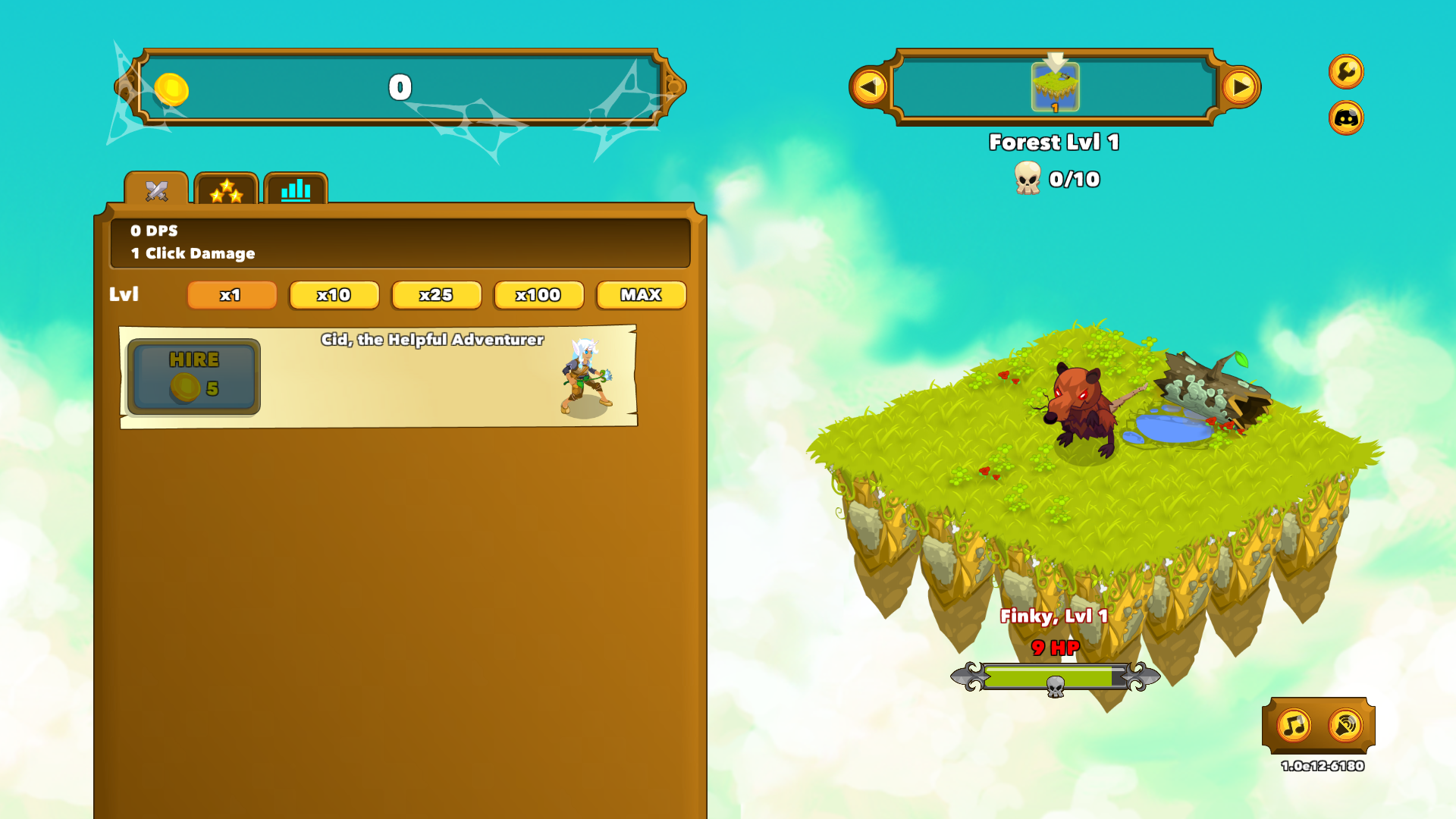
A more compact interface
Reduce the size of the game interface to give your layout more breathing room.
Music and Effects VolumePremium
Choose separate music and effects levels while keeping the game's mute controls.
Quiet Hit EffectsPremium
Reduce enemy hit flinches and flashes while keeping normal damage.
Using these features
Choose the feature in the Windows app after connecting your game. Check its requirements before making a change.
Setup for Clicker Heroes →