

Resources
2 optionsSet recycling coins and wrenches for the game's cleaning upgrades.
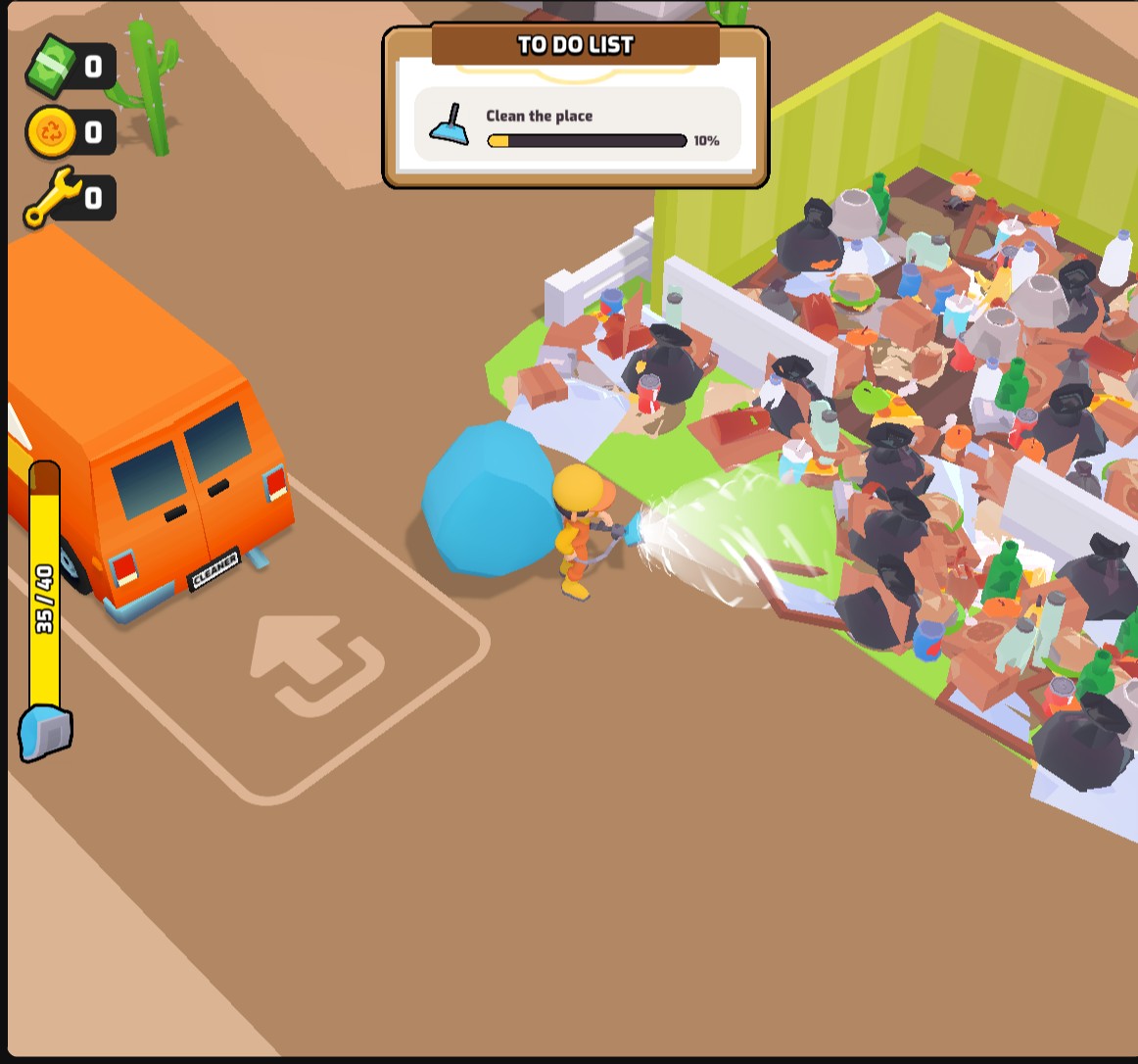
View resources →Work through piles of rubbish, empty your bag at the recycler and head back to the van for upgrades. These Clean House controls let you choose how you tackle the mess, from a roomier bag to quicker movement and a view from above.

Resources let you choose recycling coin and wrench balances for the game's upgrades. Cleaning and movement controls adjust bag capacity, vacuum range, vacuum power and movement speed. Fly gives you the freedom to rise above the van and look around.
Open Clean House through Bytonian Mods and enter the cleaning site. Enable the controls you want, choose any amounts or multipliers, then apply your changes. For Fly, turn on its toggle and use the movement keys shown on the card.
Clean up at your own pace
Collect rubbish, recycle each bag and upgrade your cleaner. Adjust your cleaning controls to suit the way you want to play.
Set recycling coins and wrenches for the game's cleaning upgrades.
View resources →Adjust bag capacity, vacuum range, vacuum power and movement speed separately.
View all stat modifiers →Rise, descend and travel freely with the Fly control.
View ability modifiers →Download the Windows app and follow the setup prompts.
Set up the browser extension in Chrome or Edge, then open the supported YouTube Playable. Follow the connection guide if the game is already running.
Review the available options in the app and choose the ones that suit how you play.