
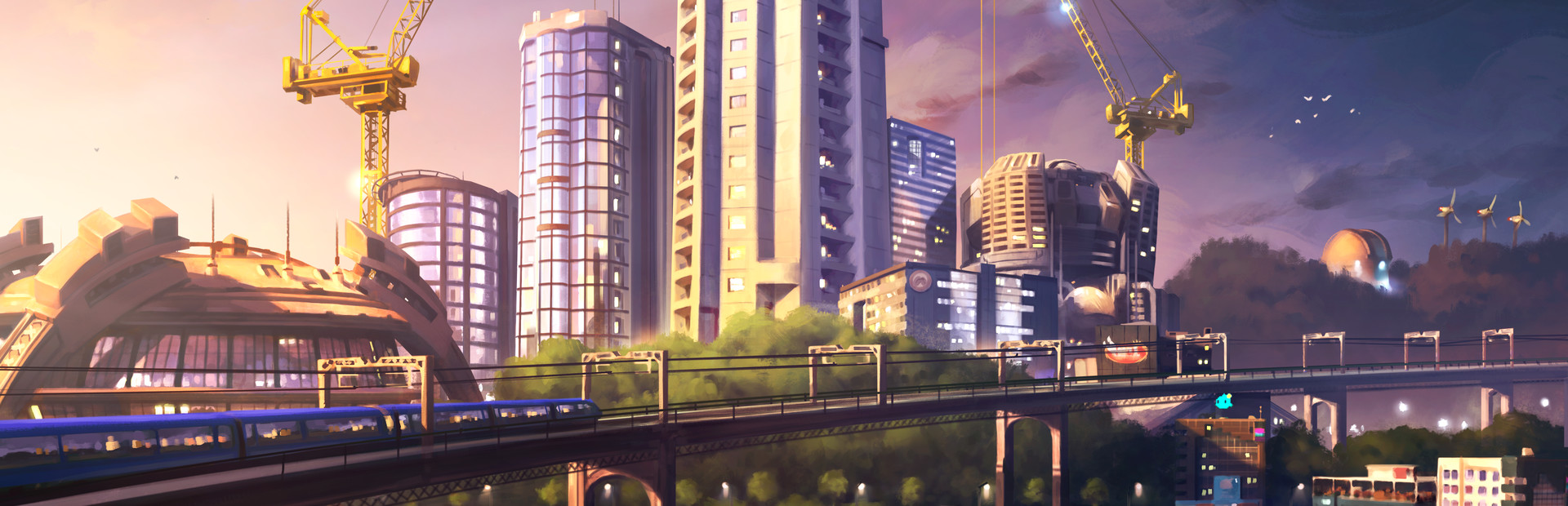
Cities: Skylines camera zoom
See more of your map at once or bring the camera closer to street level. Adjustable zoom limits give you more room to frame the view while planning your city.

Choose your zoom limits
Enable Camera zoom range and open Settings. Minimum distance controls how close you can zoom, while Maximum distance controls how far back you can pull the camera. Each percentage is measured against the normal limit. Switch the control off to restore those limits.
Available presentation modifiers
Camera zoom rangeFree
Zoom closer to streets and farther out over the map by adjusting the camera's normal distance limits.
Enable Camera zoom range and open Settings. Set Minimum distance from 10% to 100% and Maximum distance from 100% to 200%. Use the normal camera controls to zoom. Switch off to restore the original limits.
Use in a normal city, outside editors and scenarios. This changes the view rather than the area you can build on.
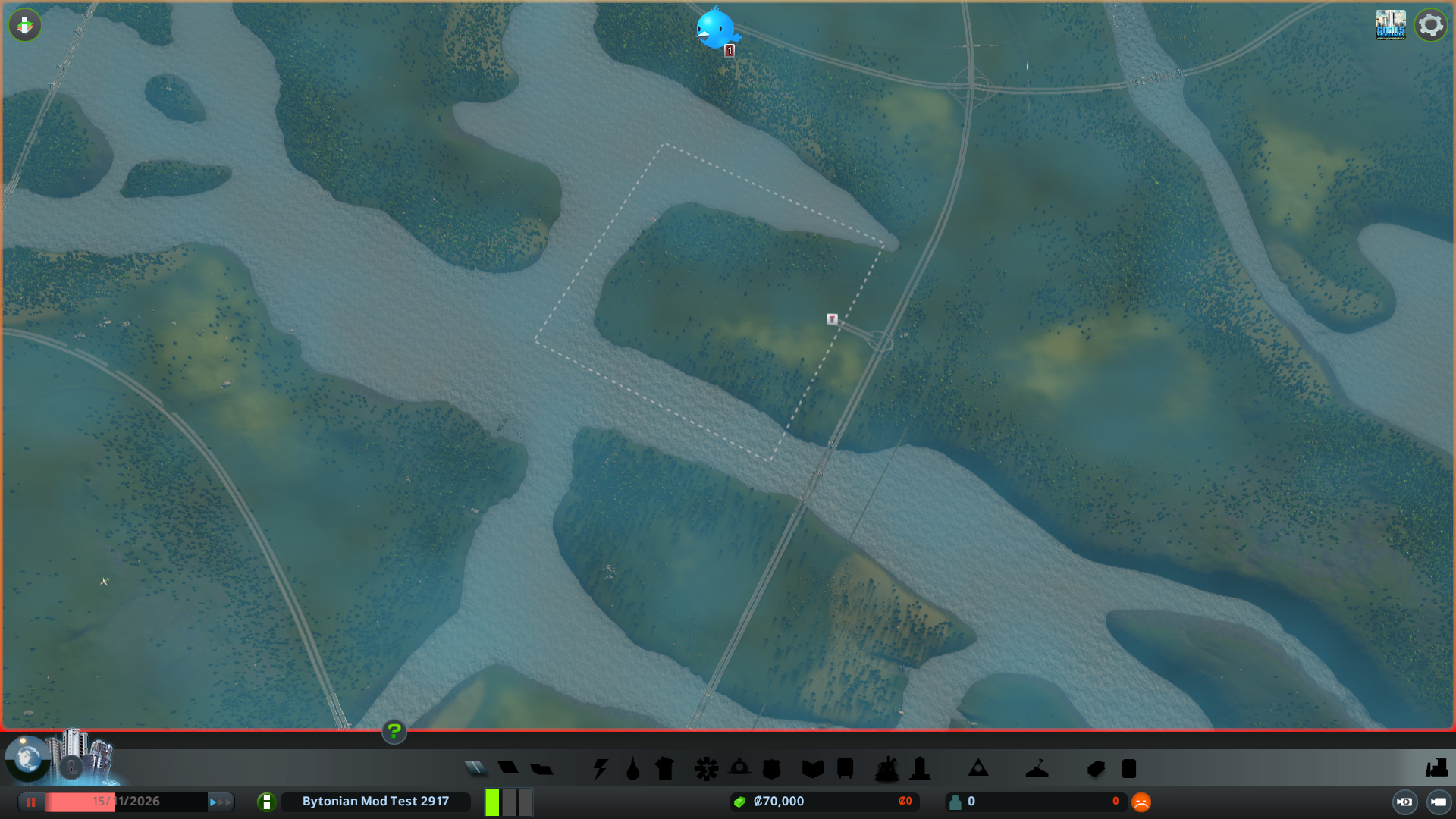
Take a wider view of your map
Pull the camera farther back to see more rivers, roads and terrain while planning your city.
More ways to customise Cities: Skylines
- Cities: Skylines game actions
Top up the current city treasury with a chosen amount.
Using these features
Choose the feature in the Windows app after connecting your game. Check its requirements before making a change.
Setup for Cities: Skylines →