
Browse the rune symbols before finding them all
Unlock All Runes reveals the glyph collection while leaving the language puzzle for you to solve. It changes rune discovery rather than supplying translations.

Unlocking and locking do different jobs
Use Unlock All Runes to make unknown symbols available in your journal. Visit each language tab to let the journal show its newly discovered glyphs.
Lock All Runes resets every rune to unknown, including symbols you found yourself. Use it only when you want to rediscover the collection. It does not restore a previous discovery snapshot.
Available unlocks
Lock All RunesPremium
Reset every rune to unknown so you can discover the symbols again.
Use only when you want to reset rune discovery.
Resets runes you discovered yourself and is not an undo of your last action.
Unlock All RunesPremium
Reveal all rune symbols without translating them.
Apply during a loaded game, then visit the journal's language tabs.
Does not complete illustrated notebook pages.
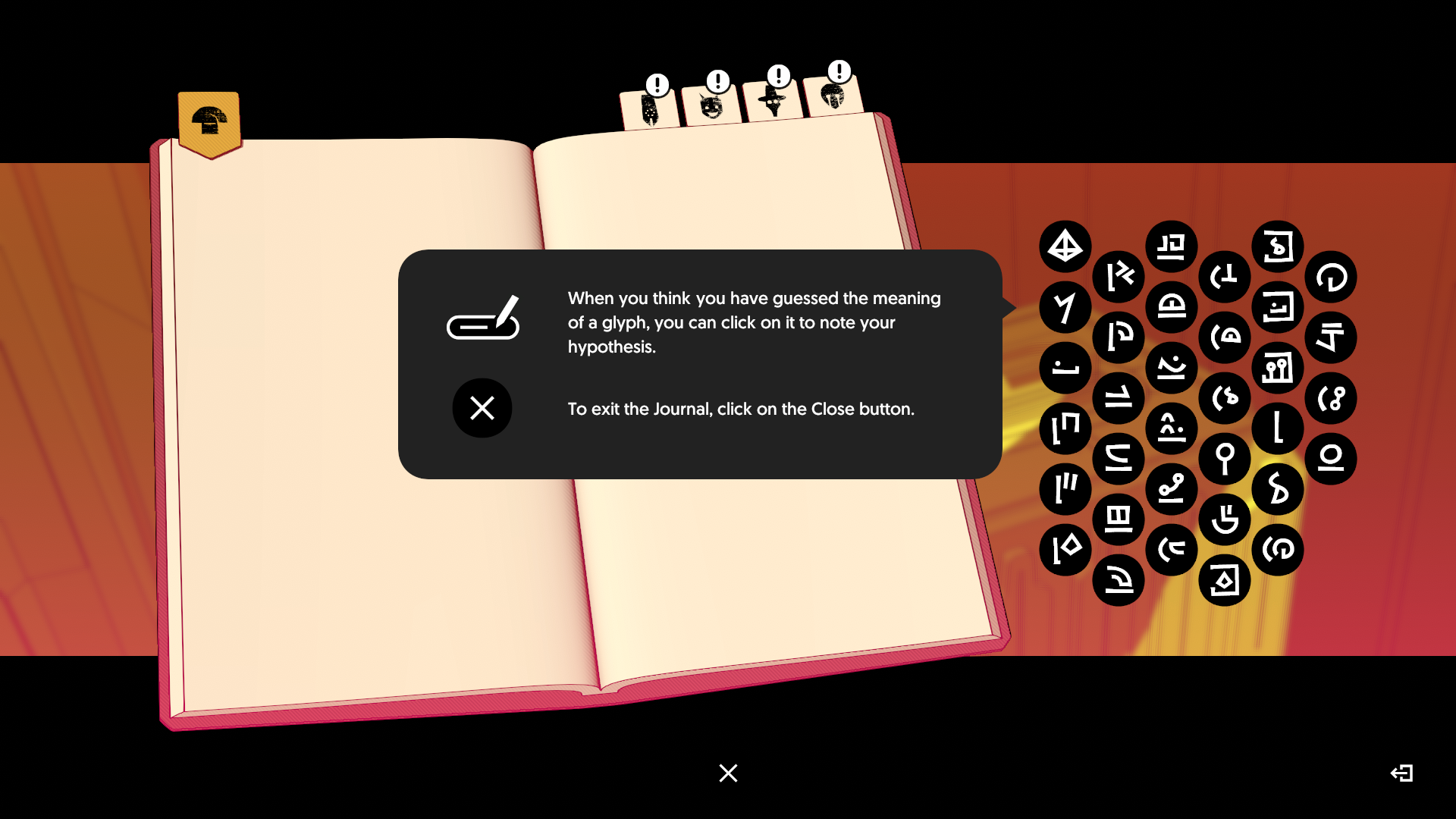
Browse unlocked glyphs in the journal
The first language's glyph collection is visible after using Unlock All Runes. The symbols remain untranslated.
More ways to customise Chants of Sennaar
- Chants of Sennaar rule modifiers
Write rune notes up to 1,000 characters.
- Chants of Sennaar utilities
Clear all rune notes without resetting discovery or translations.
- Chants of Sennaar progression systems
Translate discovered runes or reset their translated state.
Questions about unlocks
- Does this also translate the symbols?
- No. Use the separate translation controls if you want discovered runes marked as translated.
Using these features
Choose the feature in the Windows app after connecting your game. Check its requirements before making a change.
Setup for Chants of Sennaar →