
Choose your Category Sort supplies
Set the amount of each supported supply separately. Change your coin balance, prepare more hints for level 5 onward, or adjust undo charges for level 23 onward.
Requires the Windows app and the Bytonian Mods browser extension for Chrome or Edge. Browser setup guide
Set your coin balance
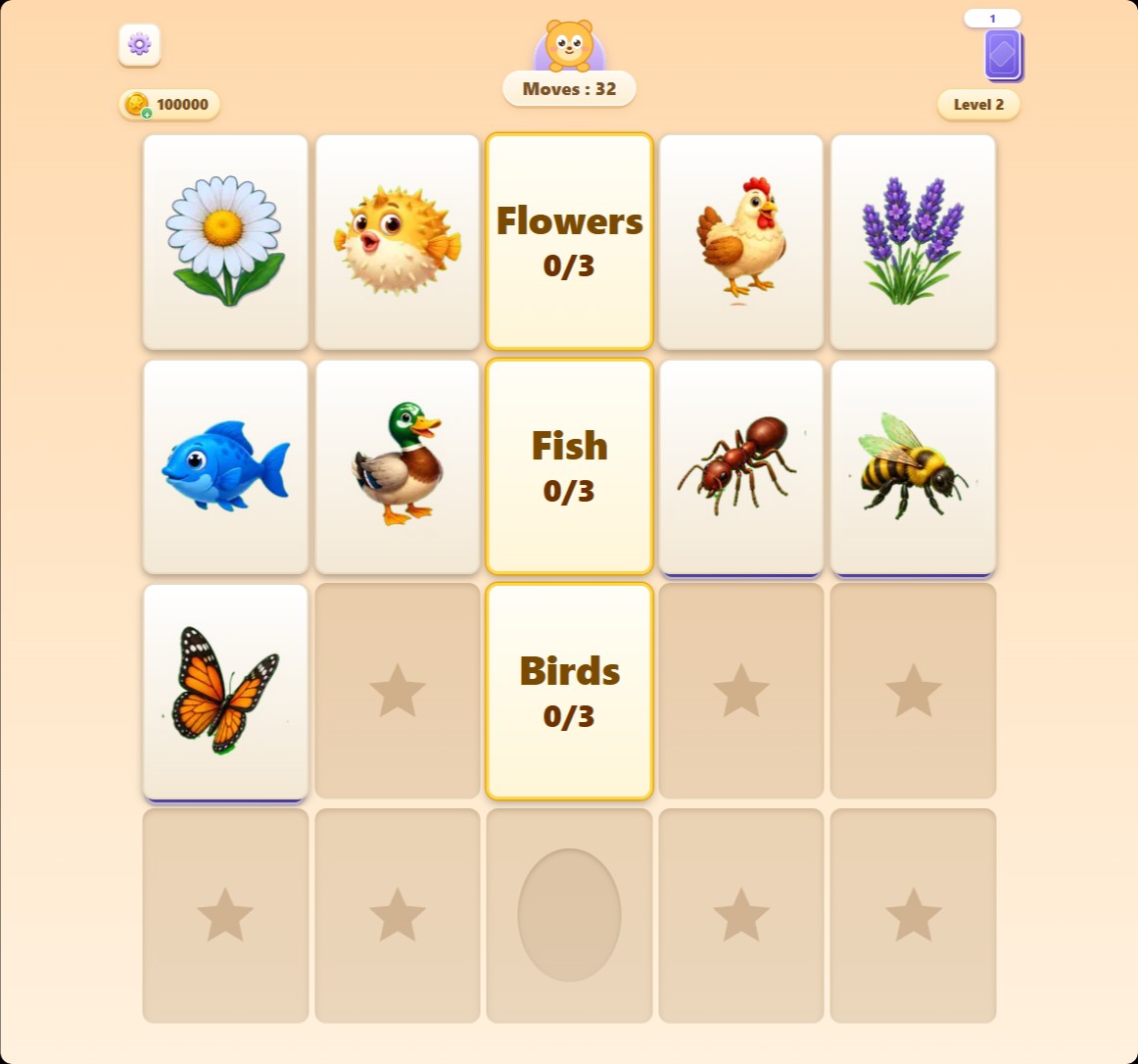
A balance of 100,000 coins shown alongside the Category Sort board.
Coins
Choose the coin total you want shown above the sorting board.
Hint and undo charges
Set the number of charges you have available once each booster unlocks. Changing a supply does not advance your level or remove the unlock requirement.
Available customisation options
CoinsPremium
Set your coin balance.
Enter the coin total you want, then apply the change.
Hint chargesFree
Set your supply of hint charges.
Choose the number of hints you want available.
Hints unlock at level 5. This control keeps that requirement.
Undo chargesPremium
Set your supply of undo charges.
Choose the number of undo charges you want available.
Undo unlocks at level 23. This control keeps that requirement.
Using these features
Connect your game, then open Customise in the Windows app. Choose an option, check its available values and follow its instructions. Each option lists its own requirements and limits.
Setup for Category Sort →