
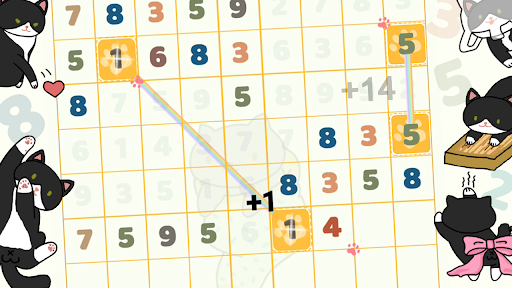
Hints and Add uses for your saved puzzle
Adjust the stocks for a normal puzzle you have already started, then Continue it after applying. Keep a supply of clues for difficult moments or give the plus button more uses to bring in new numbers.
Requires the Windows app and the Bytonian Mods browser extension for Chrome or Edge. Browser setup guide
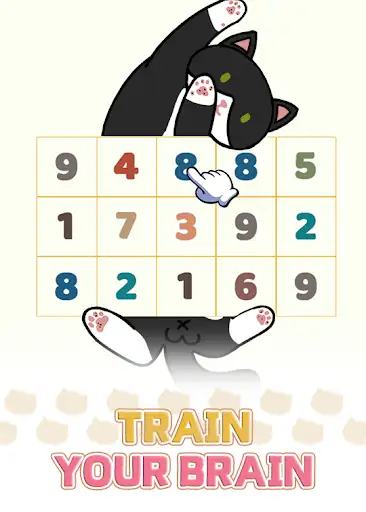
Highlight a useful pair
Hints is free. Set your regular hint stock, then use the lightbulb on the board to highlight an available matching pair. Any bonus hints you already have stay available.
Bring more numbers into play
Set Add uses, then press the plus button to copy the remaining numbers into the grid. Those new numbers can be matched as usual. You cannot add numbers when the board already has 28 or more rows.
Resume your existing board
Use Continue after applying so you return to your saved puzzle with the amounts you chose. Starting a new game resets its regular hint and Add stocks.
Available customisation options
HintsFree
Set the regular hints for your saved puzzle and use the lightbulb to highlight an available matching pair.
Start a normal puzzle, choose your hint amount, apply, then Continue after the game reloads.
A new game starts with its usual regular stock. Existing bonus hints stay available.
Add usesPremium
Set how many times you can add numbers to your saved puzzle, creating more matching opportunities.
Apply your chosen amount, Continue the puzzle and press the plus button to add numbers.
You cannot add numbers when the board already has 28 or more rows. Starting a new game resets its regular Add stock.
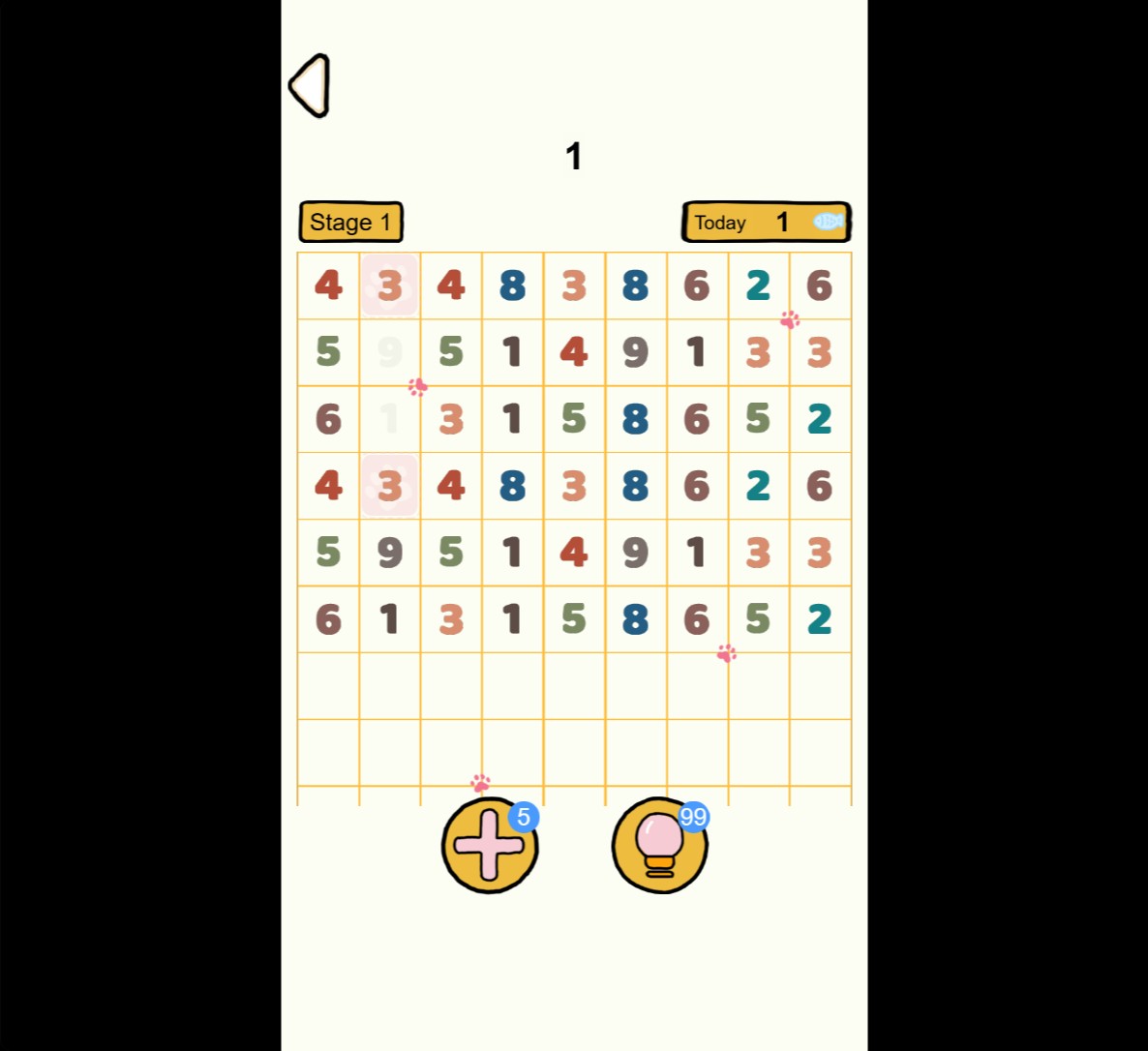
Hints for your saved puzzle
Set your regular hint stock, Continue your saved puzzle and use the lightbulb to highlight a matching pair.
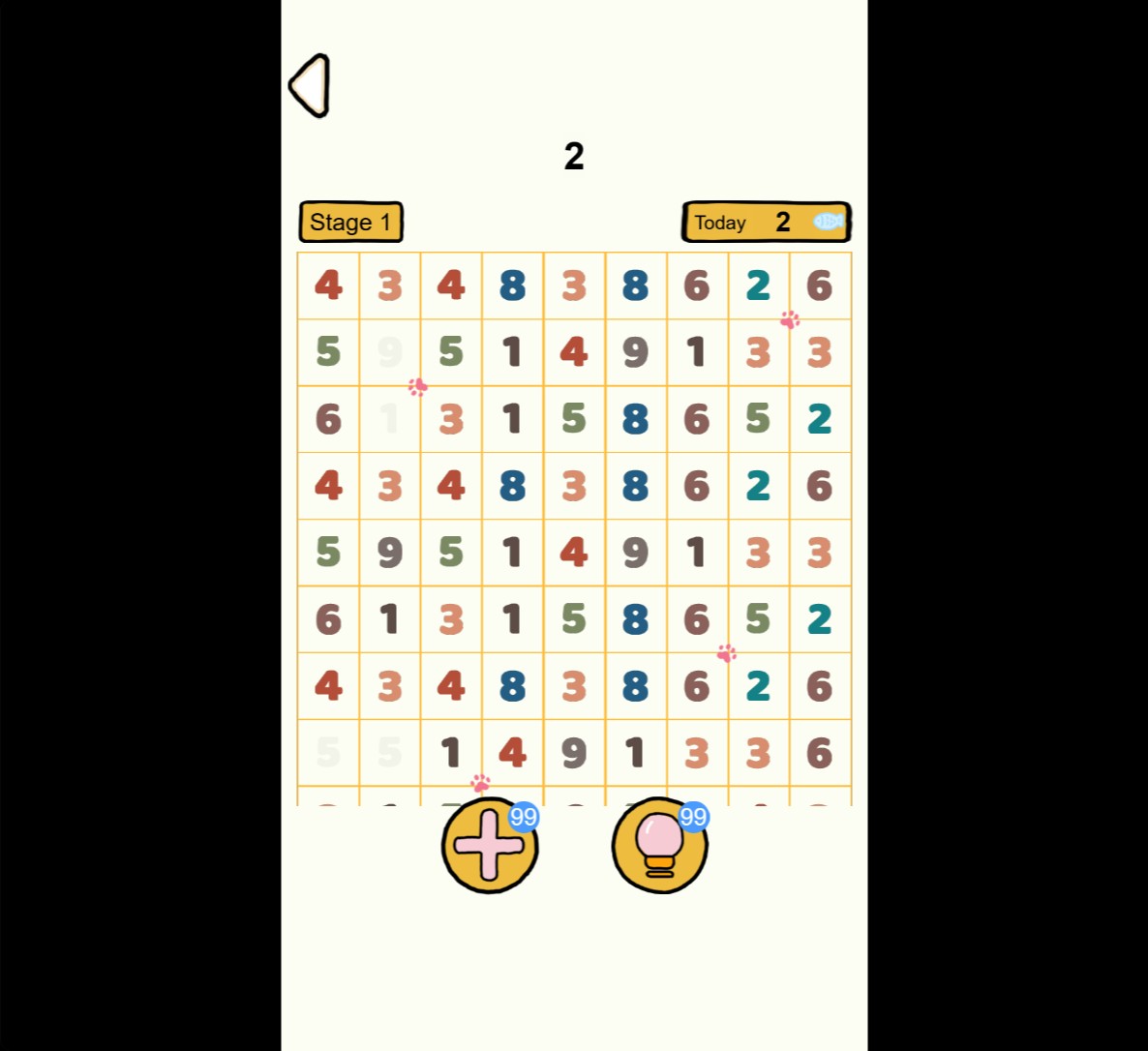
More numbers to keep matching
Set your Add stock for a saved puzzle, then use the plus button to bring in more numbers and find new pairs.
Questions about customisation options
- Why does Add stop when I still have uses left?
- Add is unavailable when the board already has 28 or more rows. Clear space by matching numbers before adding more.
- Do these amounts carry into a new game?
- These controls adjust the puzzle you Continue. A new game begins with its usual regular stocks.
Using these features
Connect your game, then open Customise in the Windows app. Choose an option, check its available values and follow its instructions. Each option lists its own requirements and limits.
Setup for Cat Number Match →