

Resources
2 optionsRefresh, set or add cash, or choose a reel speed for your equipped rod.
View resources →Adjust your cash for your next upgrade, or choose new looks for your fish in Cat Goes Fishing.
Start with free mods
Download Bytonian Mods for Windows and try these free features. Choose one to see how it works and any requirements.
Refresh, set or add cash for your next rod, upgrade or trip.
Open the Cash card while the game is running and select Refresh to read your balance.
Set how quickly the equipped rod reels in the line.
Open the Reel Speed card while the game is running. Select Refresh to check the current setting, then choose a value from 5 to 15.
Add a free Halloween-themed collection of fish appearances to your pool in Customize.
Explore this free feature →Add a free Christmas-themed collection of fish appearances to your pool in Customize.
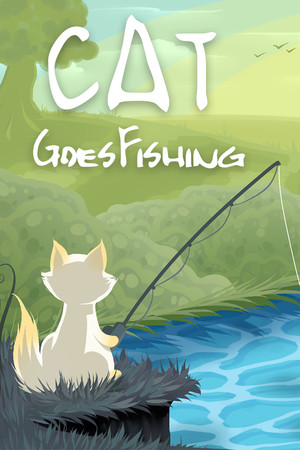
Explore this free feature →Start with a simple rod, discover fish with different habits and work towards new equipment and boats. The Cash card lets you adjust your balance when you want a little more room to choose your next purchase.
Install the Bytonian Mods Windows app, enable modding for Cat Goes Fishing and open the Cash card while the game is running. Refresh the card to read your current balance before setting or adding cash.
Install the free Custom Fish Manager from Fish packages and open Customize in Cat Goes Fishing. Choose a fish to change, pick a replacement from your pool and save your choices.
Try Azure Cuddlefish for a bright cyan-and-magenta look, or add the Halloween Fish and Christmas Fish packs. Turn on Custom fish to use your saved choices in the game.
The free Reel Speed card lets you change how quickly your equipped rod pulls in the line. Try a faster setting to bring the line back sooner between casts.
Refresh, set or add cash, or choose a reel speed for your equipped rod.
View resources →Choose individual replacements and save the mix you want to use.
View all customisation options →Browse the Steam achievement names and descriptions for Cat Goes Fishing. Choose and unlock achievements for free with Bytonian Mods in the Windows app.
View all achievements →Download the Windows app and follow the setup prompts.
Open Cat Goes Fishing and select it in Bytonian Mods. Follow the app’s connection prompts.
Review the available options in the app and choose the ones that suit how you play.