
Build your Carrom Clash setup
Spend less time waiting for a new piece of equipment and more time choosing how you want to play. Set your coins for the shop, open the striker collection, bring each striker to its normal upgrade cap or change the stones on your side of the board.
Requires the Windows app and the Bytonian Mods browser extension for Chrome or Edge. Browser setup guide
Coins for the normal shop
Choose a coin balance from 0 to 100,000, then use the game's regular Buy and Upgrade buttons. Purchases and table entry fees deduct their normal prices.
Strikers and upgrades
Unlock all strikers opens all nine designs and selects Purple Flower. Select another striker from its icon in the normal shop.
Max striker upgrades raises each striker to its own normal upgrade cap. The shop displays MAX and its improved Force, Aim and Time bars. Different strikers have different final stats, so compare their cards when choosing one.
Free stone designs
Unlock stone designs makes all nine looks available and selects the basic white stones. Open the Stones tab, equip a design and bring that look to the table.
Available customisation options
CoinsPremium
Set your coin balance for normal shop purchases and table entry fees.
Choose a whole-number balance from 0 to 100,000. Applying reloads the game; purchases then spend coins at the normal prices.
Unlock all strikersPremium
Open all nine strikers so you can choose your preferred design in the shop.
Applying reloads the game and selects Purple Flower. Click another striker's icon in the shop to equip it.
Unlock stone designsFree
Unlock all nine stone designs and choose a new look for your side of the board.
Applying reloads the game and selects the basic white stones. Choose another design in the shop's Stones tab.
Max striker upgradesPremium
Bring every striker to its normal maximum upgrade level, improving its Force, Aim and Time stats.
Applying reloads the game. Equip a striker in the shop to use its upgraded stats.
Each striker keeps its own normal upgrade cap and final stat values.
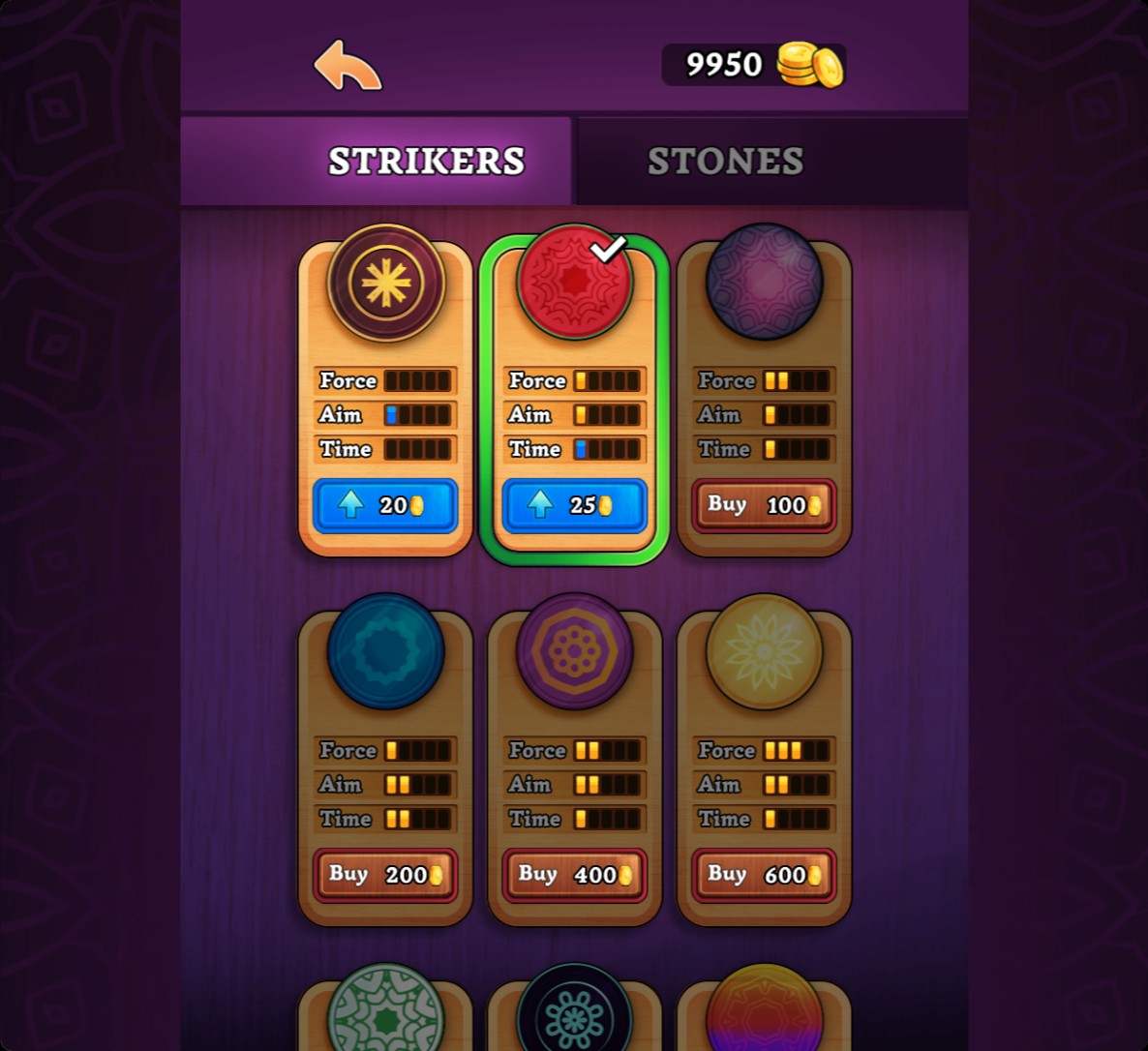
Coins for shop purchases
Set your coin balance to buy strikers and upgrades from the shop.
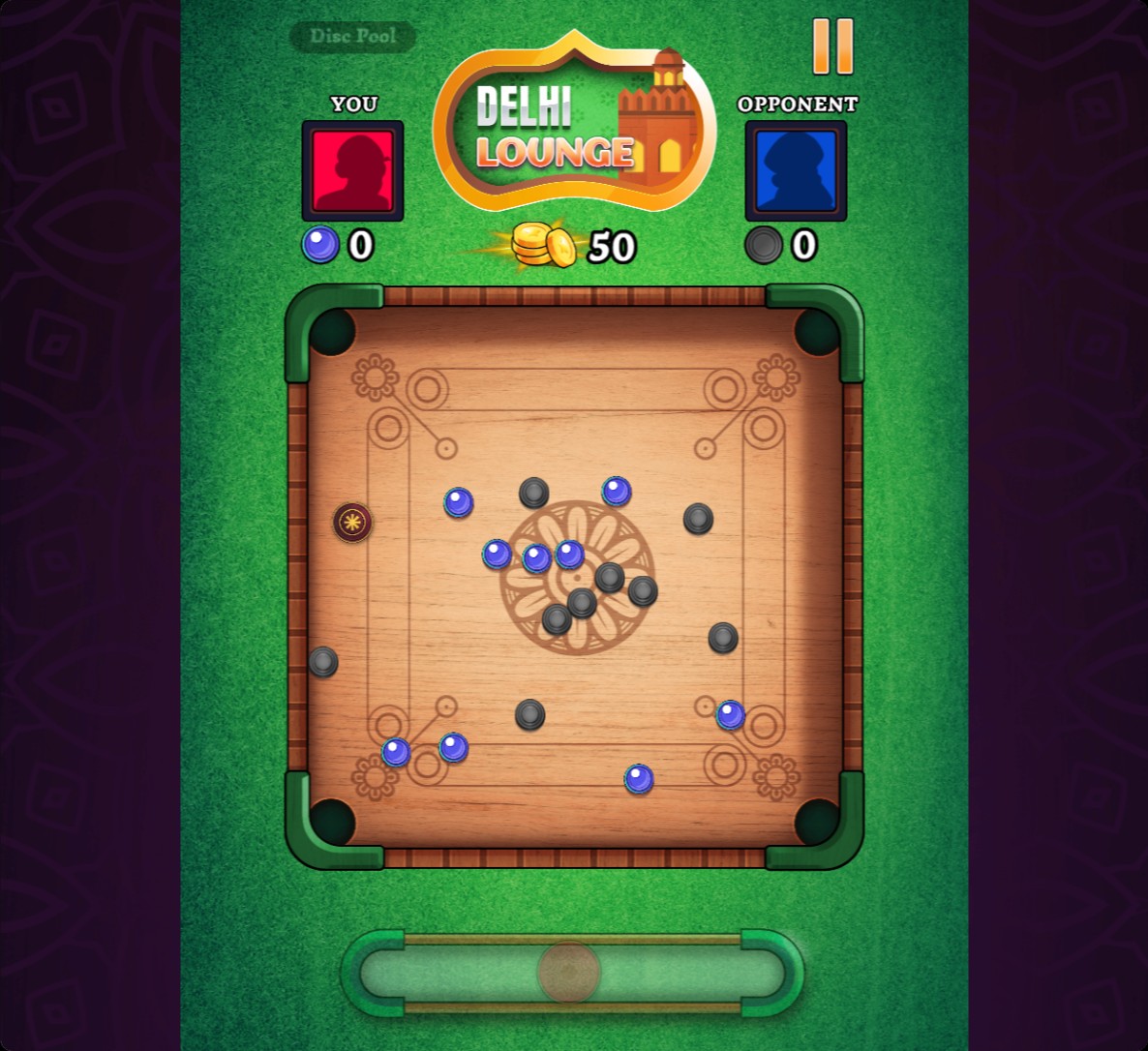
Unlock stone designs
Choose from all nine stone designs in the shop and bring your chosen look to the table.
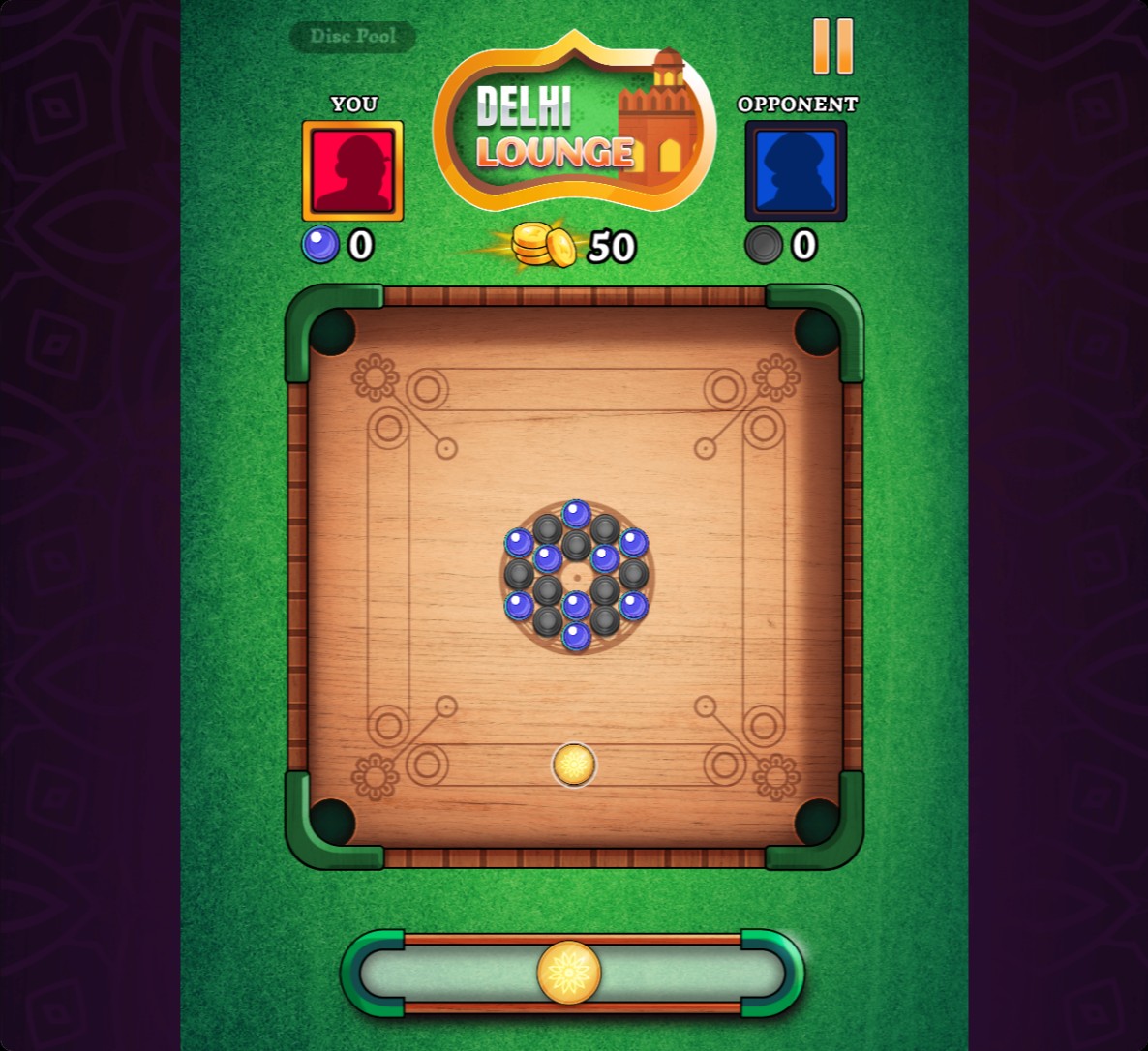
Unlock all strikers
Choose from all nine strikers in the shop, then bring your choice to the table.
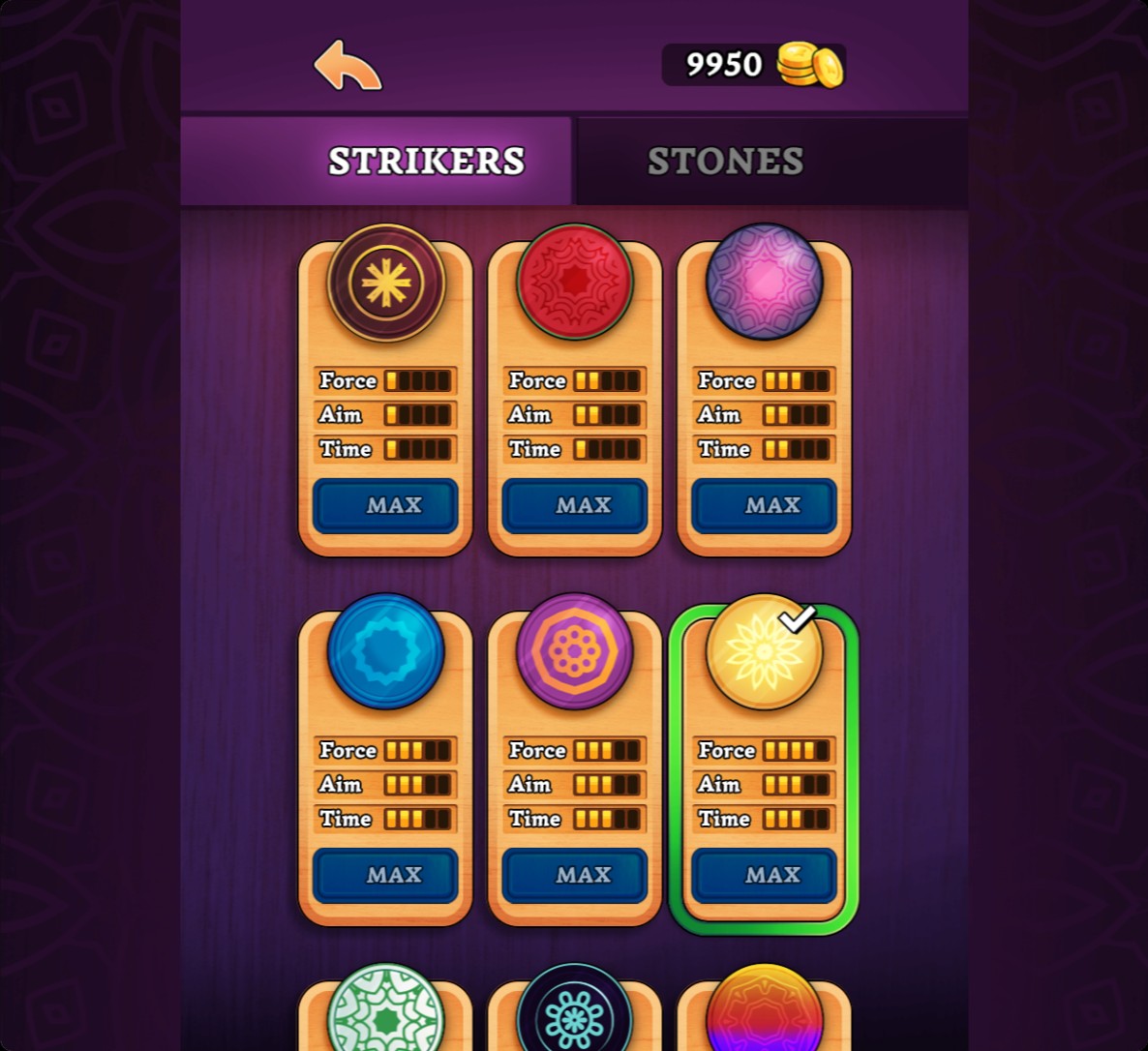
Max striker upgrades
Bring each striker to its normal upgrade cap, with improved Force, Aim and Time stats shown in the shop.
Questions about customisation options
- Do striker unlocks include the maximum upgrades?
- They are separate controls. Unlock all strikers opens the collection; Max striker upgrades raises each striker to its normal upgrade cap.
- Why did my selected equipment change?
- Unlock all strikers selects Purple Flower, and Unlock stone designs selects the basic white stones. Pick your preferred designs again in the normal shop.
Using these features
Connect your game, then open Customise in the Windows app. Choose an option, check its available values and follow its instructions. Each option lists its own requirements and limits.
Setup for Carrom Clash →