
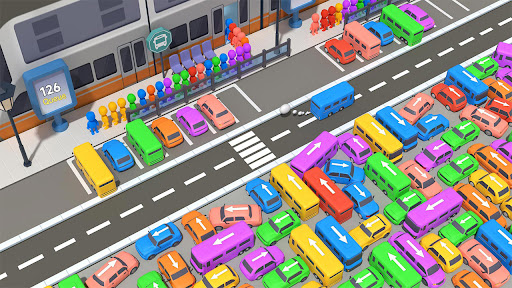
Give the puzzle a fresh look
Change the look of the traffic jam with two extra vehicle styles and two extra scene styles. Unlock the choices, then select Use in the Skin Shop to pick your favourite.
Requires the Windows app and the Bytonian Mods browser extension for Chrome or Edge. Browser setup guide
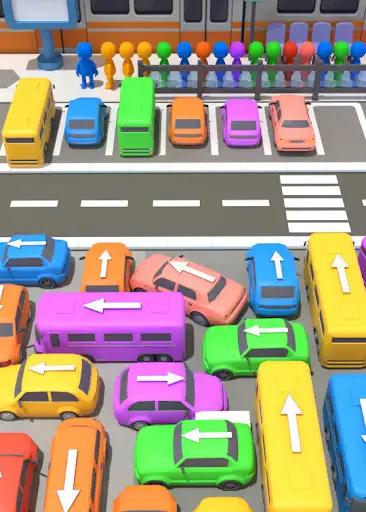
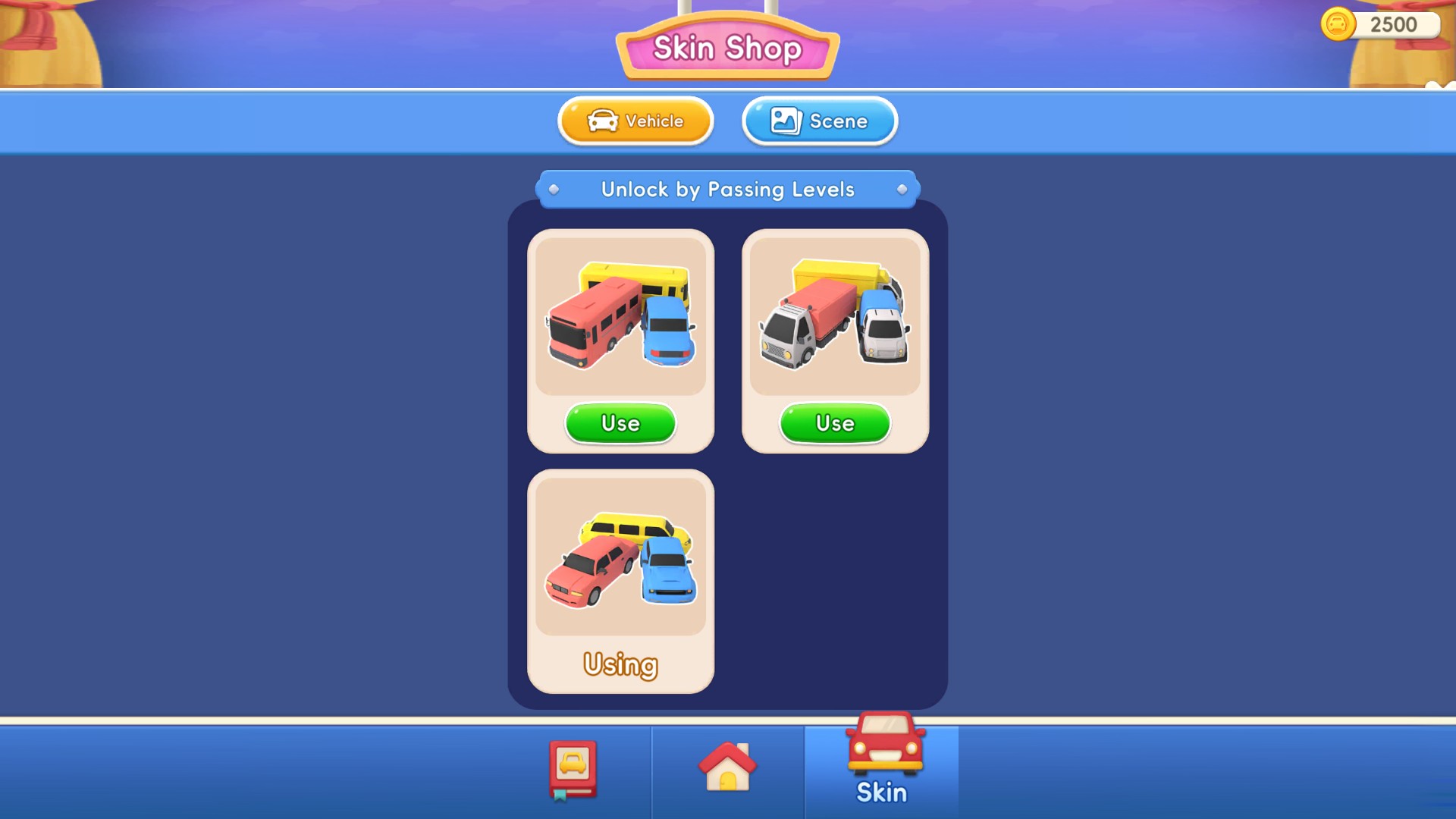
Give your vehicles a new look
Unlock two extra vehicle styles, then choose your favourite in the Skin Shop.
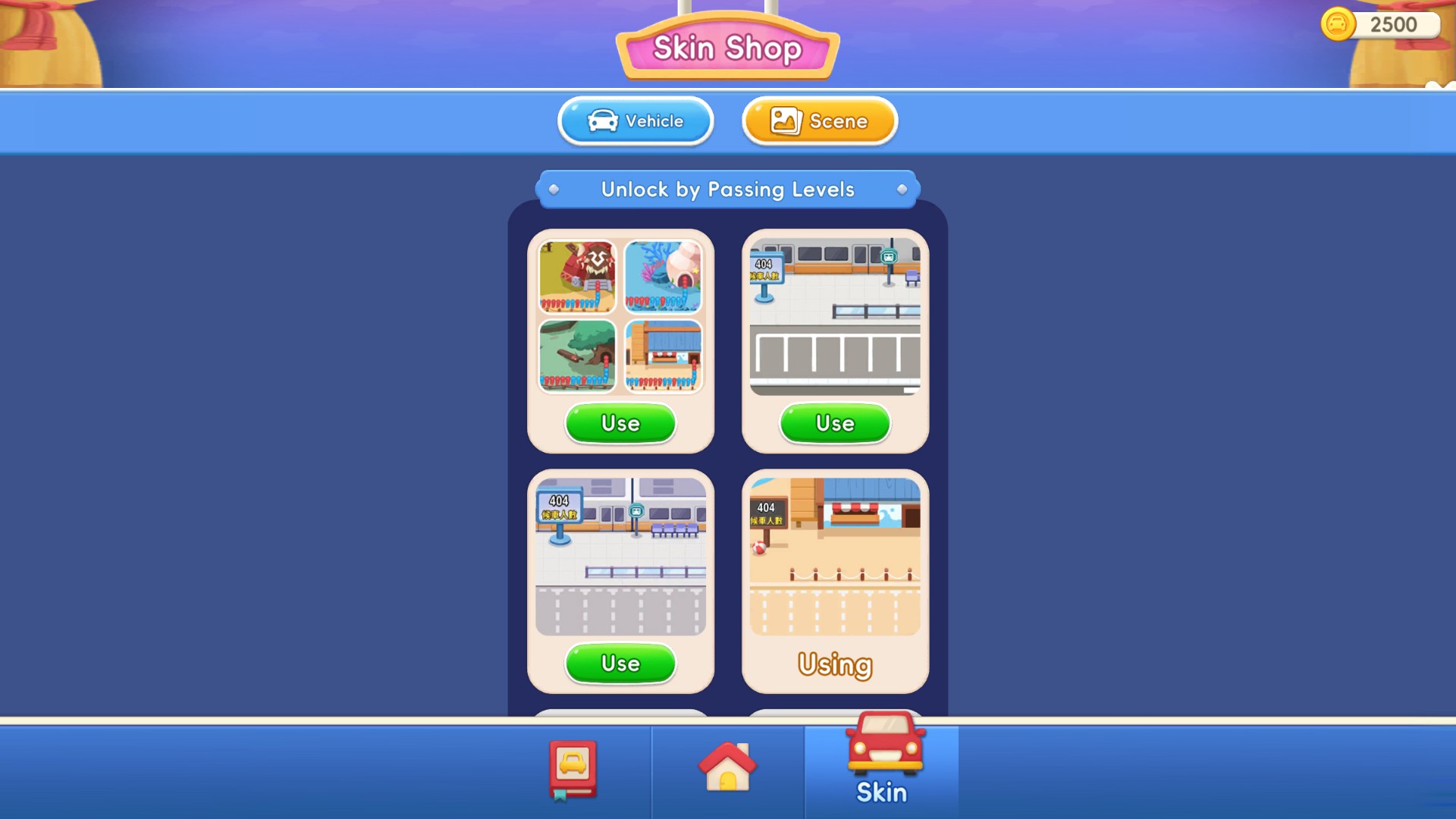
Choose a fresh setting
Unlock two extra scene styles and pick your favourite surroundings in the Skin Shop.
Available customisation options
Extra vehicle stylesPremium
Unlock two extra vehicle styles for a different look on the puzzle board.
Open the Vehicle tab in the Skin Shop and select Use on your preferred style.
Extra scene stylesPremium
Unlock two extra scenes and choose new surroundings for the traffic puzzle.
Open the Scene tab in the Skin Shop and select Use on the setting you want.
More ways to customise Car Jam Solver
- Car Jam Solver resources
Choose coins and booster amounts to help with colour matching, blocked vehicles and passenger queues.
- Car Jam Solver game actions
Complete a tricky puzzle and continue with the game's normal Next button.
Using these features
Connect your game, then open Customise in the Windows app. Choose an option, check its available values and follow its instructions. Each option lists its own requirements and limits.
Setup for Car Jam Solver →