
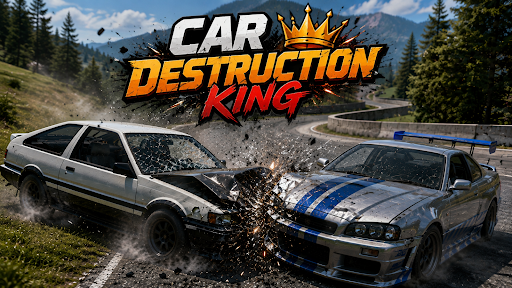
Game Actions
3 optionsRefill nitro, repair your car and cycle slow motion during your drive.
View game actions →Refill your nitro for another boost, restore your car's bodywork or slow down the action. Return to the driving playground and take another run at its ramps.
Requires the Windows app and the Bytonian Mods browser extension for Chrome or Edge. Browser setup guide

Start with free mods
Download Bytonian Mods for Windows and try these free features. Choose one to see how it works and any requirements.
Fill your current car's nitro tank back to full.
Start driving your car, apply the refill, then hold Shift to use boost.
The driving actions let you refill nitro, repair your current car and cycle the speed of the action. Use them once you are driving your own car in single player.
Refill nitro, repair your car and cycle slow motion during your drive.
View game actions →Download the Windows app and follow the setup prompts.
Set up the browser extension in Chrome or Edge, then open the supported YouTube Playable. Follow the connection guide if the game is already running.
Review the available options in the app and choose the ones that suit how you play.