
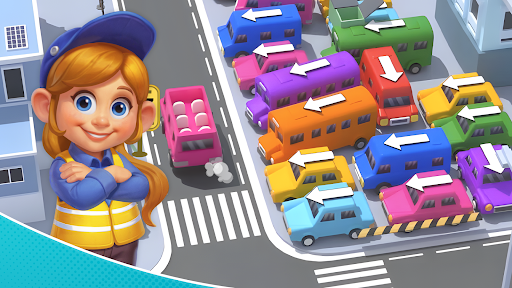
Customise
1 optionKeep coins ready for the tools you want to use.
View customisation options →Open an extra parking space or call a VIP pickup to free a blocked vehicle. Match passengers to their buses, and use Restart Puzzle or Finish Puzzle when you want to move on from the current arrangement.
Requires the Windows app and the Bytonian Mods browser extension for Chrome or Edge. Browser setup guide
Start with free mods
Download Bytonian Mods for Windows and try these free features. Choose one to see how it works and any requirements.
Restart the current puzzle and try a fresh route.
Use Restart Puzzle during an active board.
Vehicle and passenger colors can change when starting a fresh attempt.
Open another parking space to make room for an additional vehicle.
Use Extra Parking Space during a puzzle while a locked space remains.
Open another parking space when the lot feels crowded, or use VIP Pickup and select a vehicle to remove it from a blocked part of the grid. Restart Puzzle gives you a fresh attempt on the current level. Finish Puzzle brings up the victory screen, where Continue takes you to the next board.
Set your coin balance and buy tools through the game's normal shop. Sort groups waiting passengers by vehicle color to help your next buses fill up.
Keep coins ready for the tools you want to use.
View customisation options →Four practical controls for making room and moving past tricky puzzles.
View all game actions →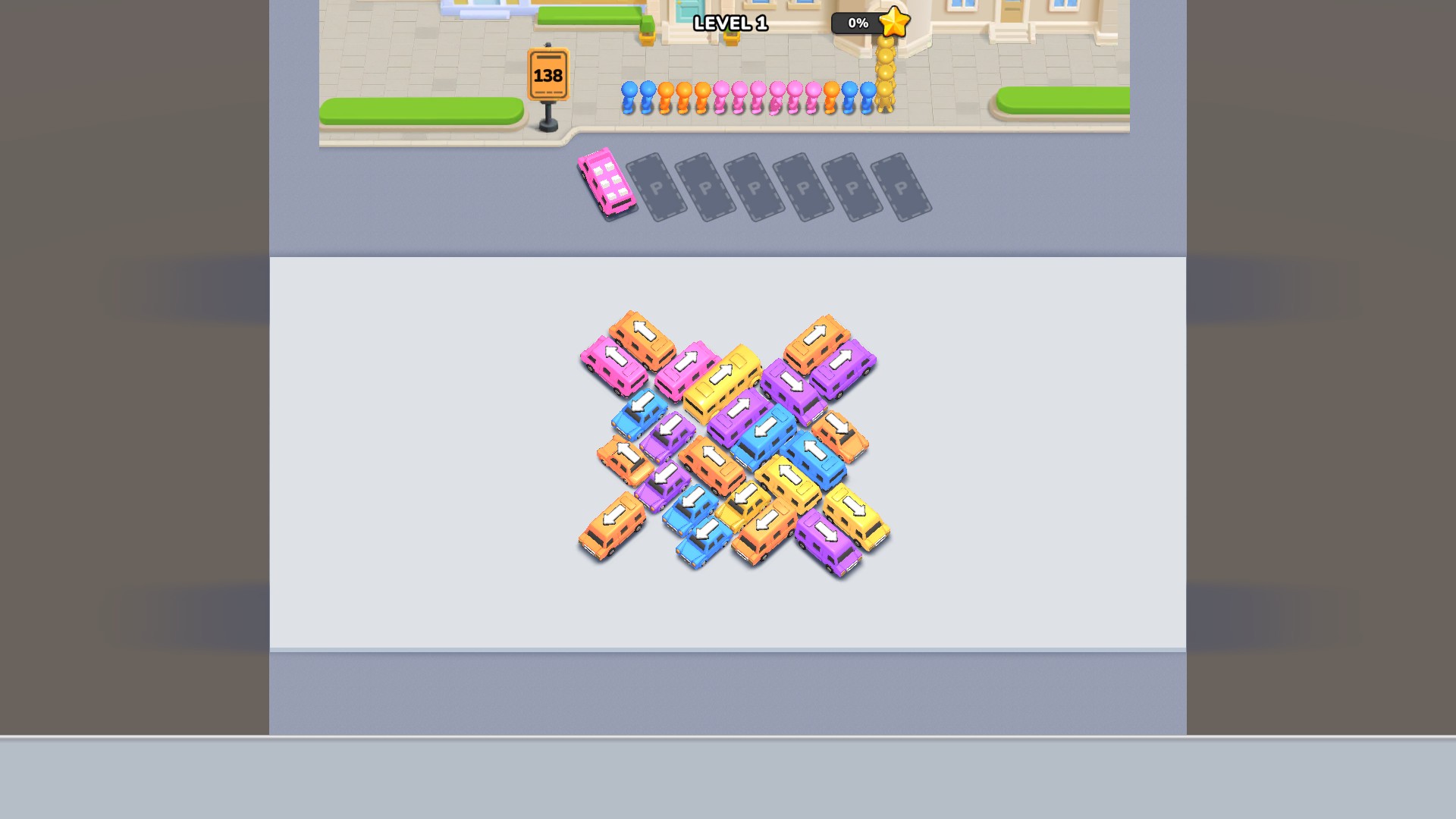
Clear the traffic and board every passenger
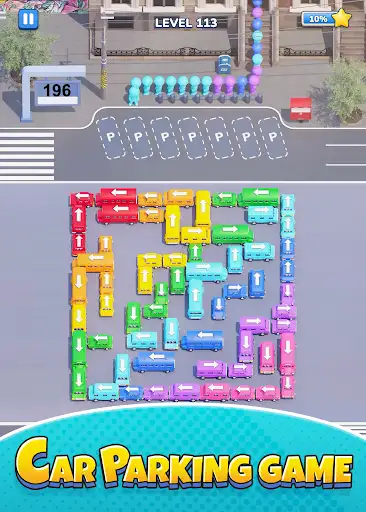
Guide colorful buses out of the crowded parking lot and match them with waiting passengers.
Download the Windows app and follow the setup prompts.
Set up the browser extension in Chrome or Edge, then open the supported YouTube Playable. Follow the connection guide if the game is already running.
Review the available options in the app and choose the ones that suit how you play.