
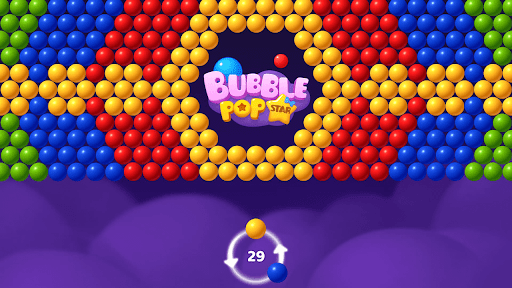
Keep your puzzle supplies ready
Choose your remaining shots, coin balance and booster supplies for Bubble Pop Star. Use the available booster buttons as you work through each puzzle.
Requires the Windows app and the Bytonian Mods browser extension for Chrome or Edge. Browser setup guide
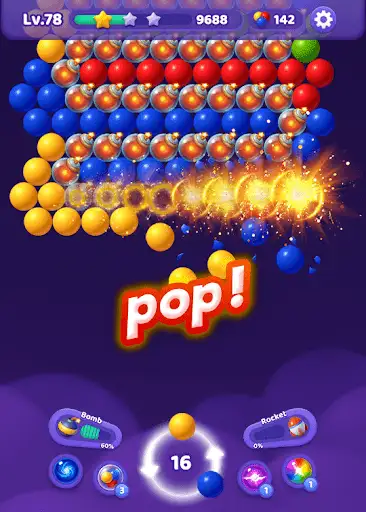
Take another shot
Start a puzzle and choose how many shots remain. Each shot uses one as usual, giving you a clear counter as you work through the board.
Prepare your boosters
Choose supplies of vortex, lightning and rainbow boosters, plus extra bubble boosters that add more bubbles to the holder. Use each booster through its normal button once that button is available in the puzzle.
Available resources
CoinsPremium
Choose your coin balance in Bubble Pop Star.
Enter the coin balance you want.
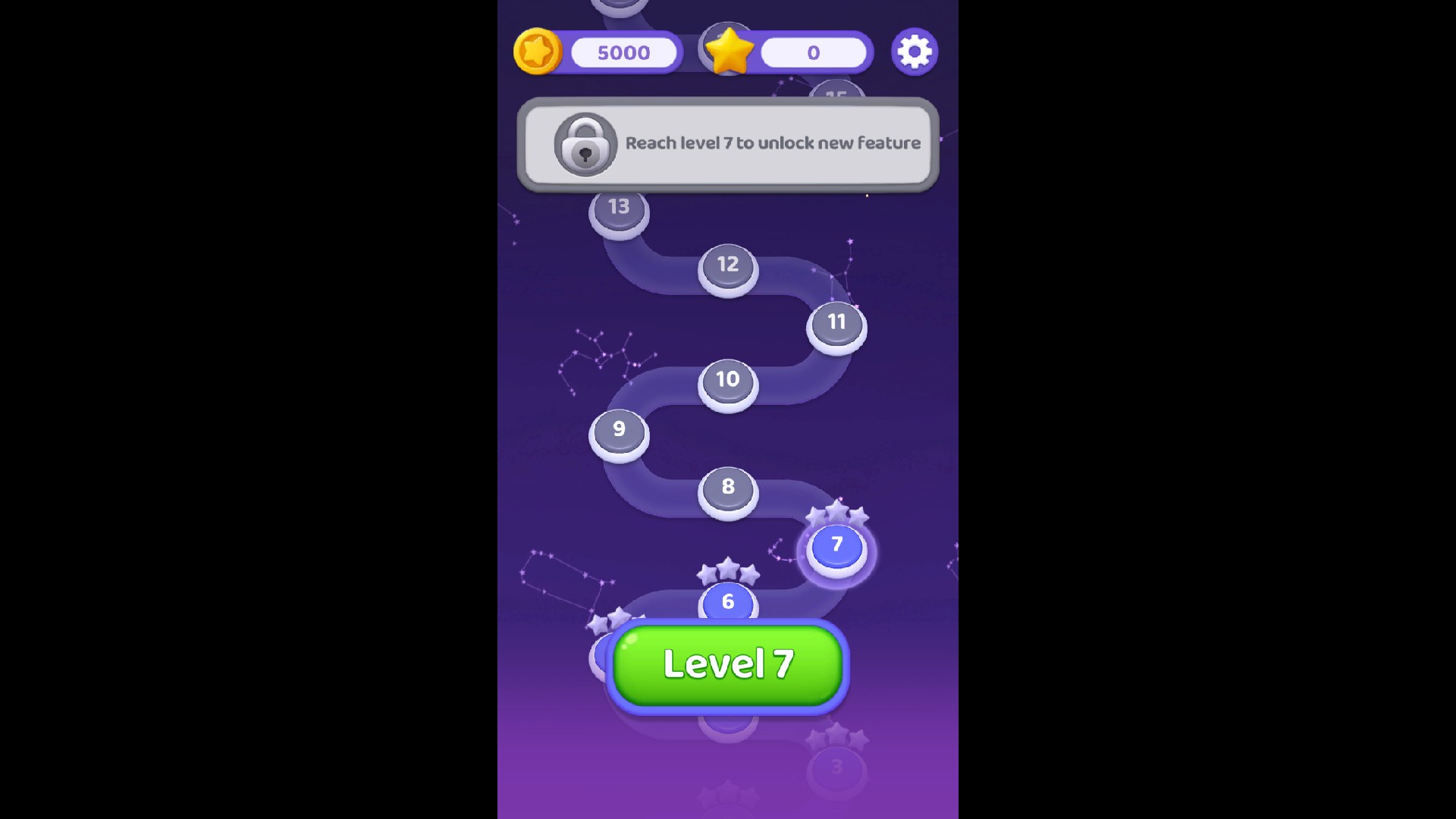
Choose your Bubble Pop Star coin balance
Set your coins to the amount you want before heading into your next puzzle.
Extra bubble boostersPremium
Stock up on boosters that add more bubbles to your holder.
Choose your booster supply, then use its button during a puzzle.
Use this booster once its button is available in the puzzle.
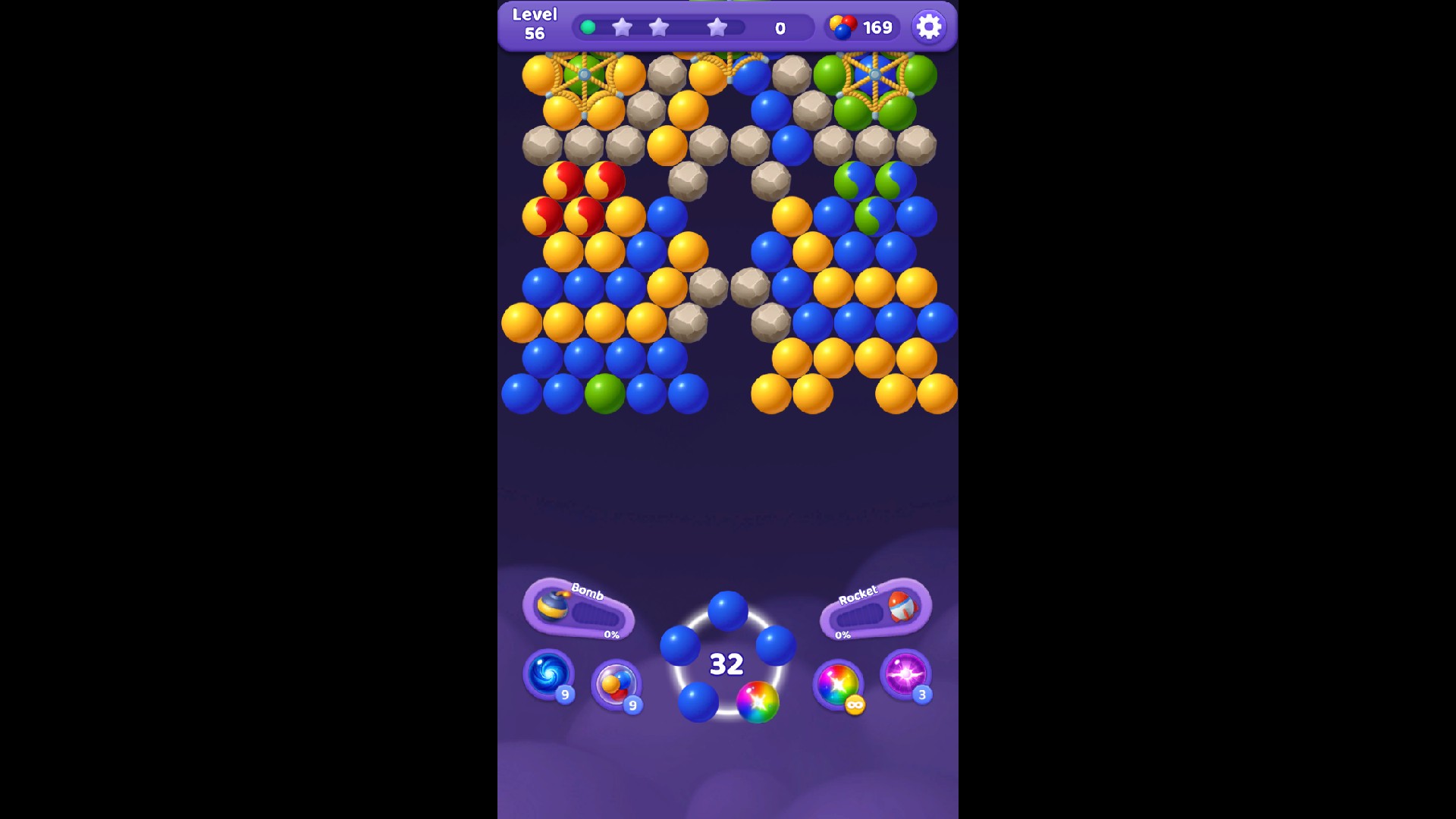
More bubbles in your holder
Stock up on extra bubble boosters to give your holder more bubbles to choose from.
Lightning ballsPremium
Choose your supply of lightning boosters.
Choose your booster supply, then use its button during a puzzle.
Use this booster once its button is available in the puzzle.
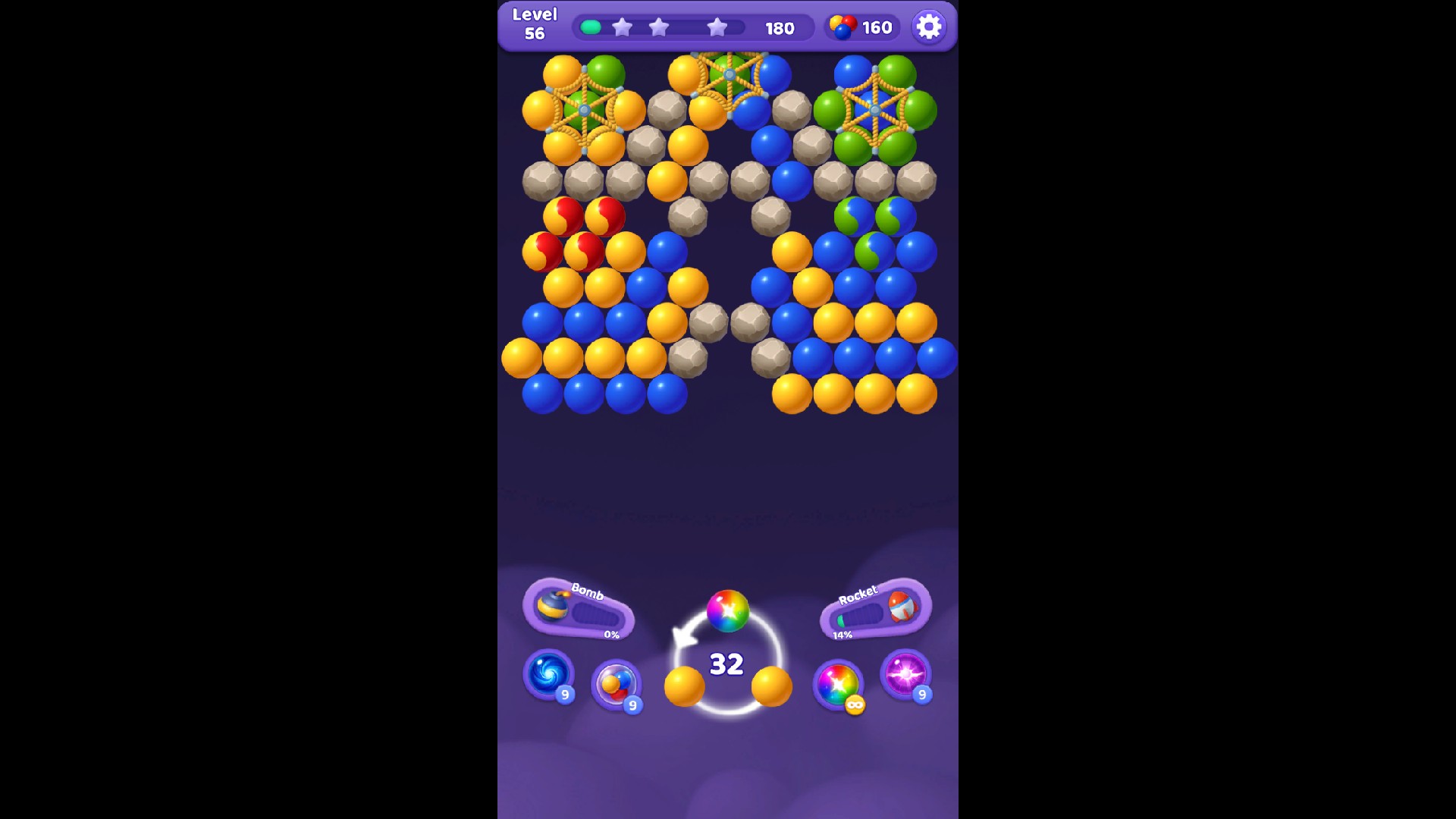
Keep lightning boosters in reserve
Choose your lightning booster supply and load one from the puzzle's booster bar.
Rainbow ballsPremium
Keep rainbow boosters ready for your next puzzle.
Choose your booster supply, then use its button during a puzzle.
Use this booster once its button is available in the puzzle.
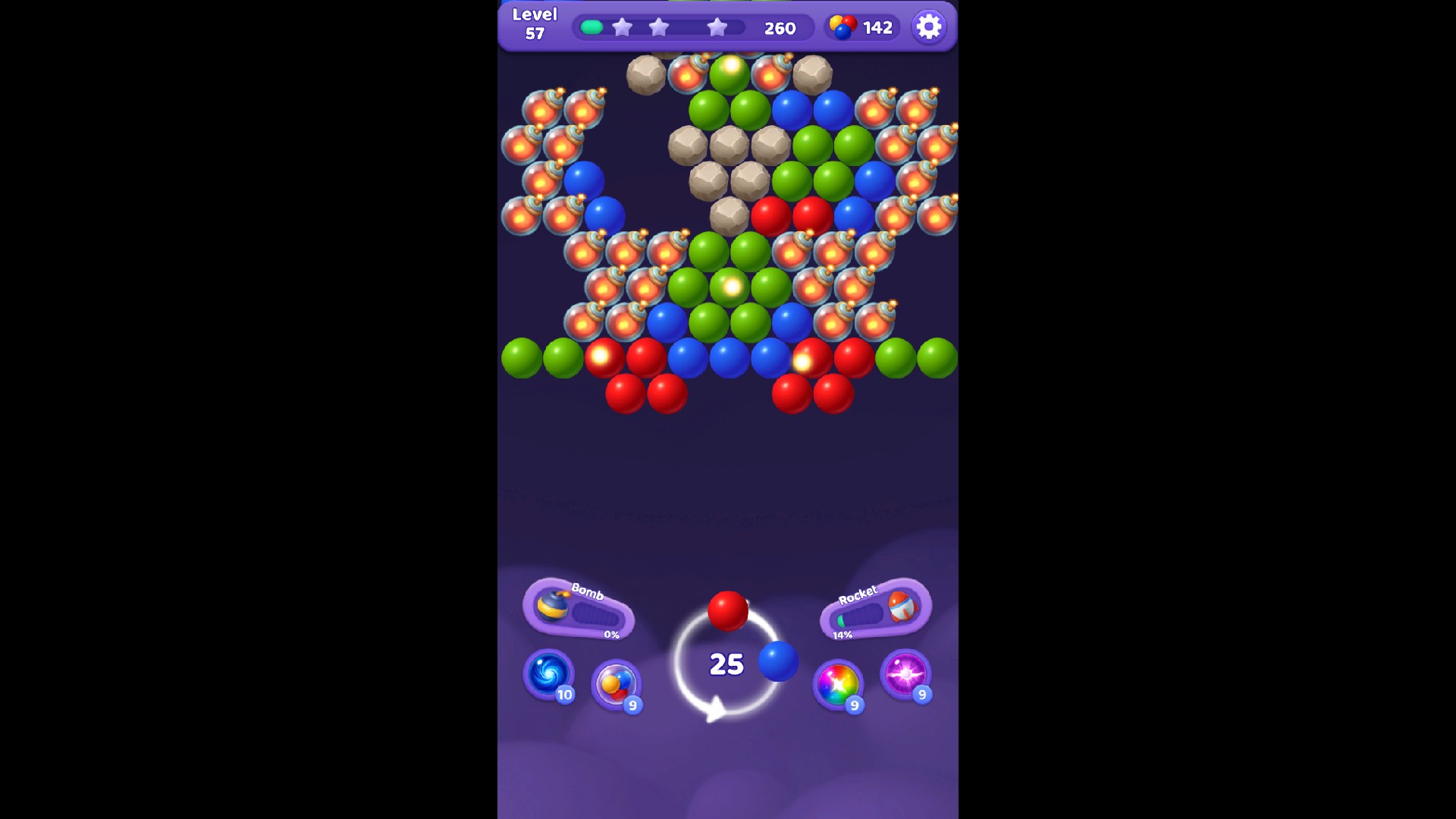
Keep rainbow boosters ready
Choose your rainbow booster supply and load one when your puzzle needs a colorful boost.
Remaining shotsFree
Give yourself more shots in the puzzle you are playing.
Start a puzzle, then choose your remaining shots.
Each shot uses one as usual.
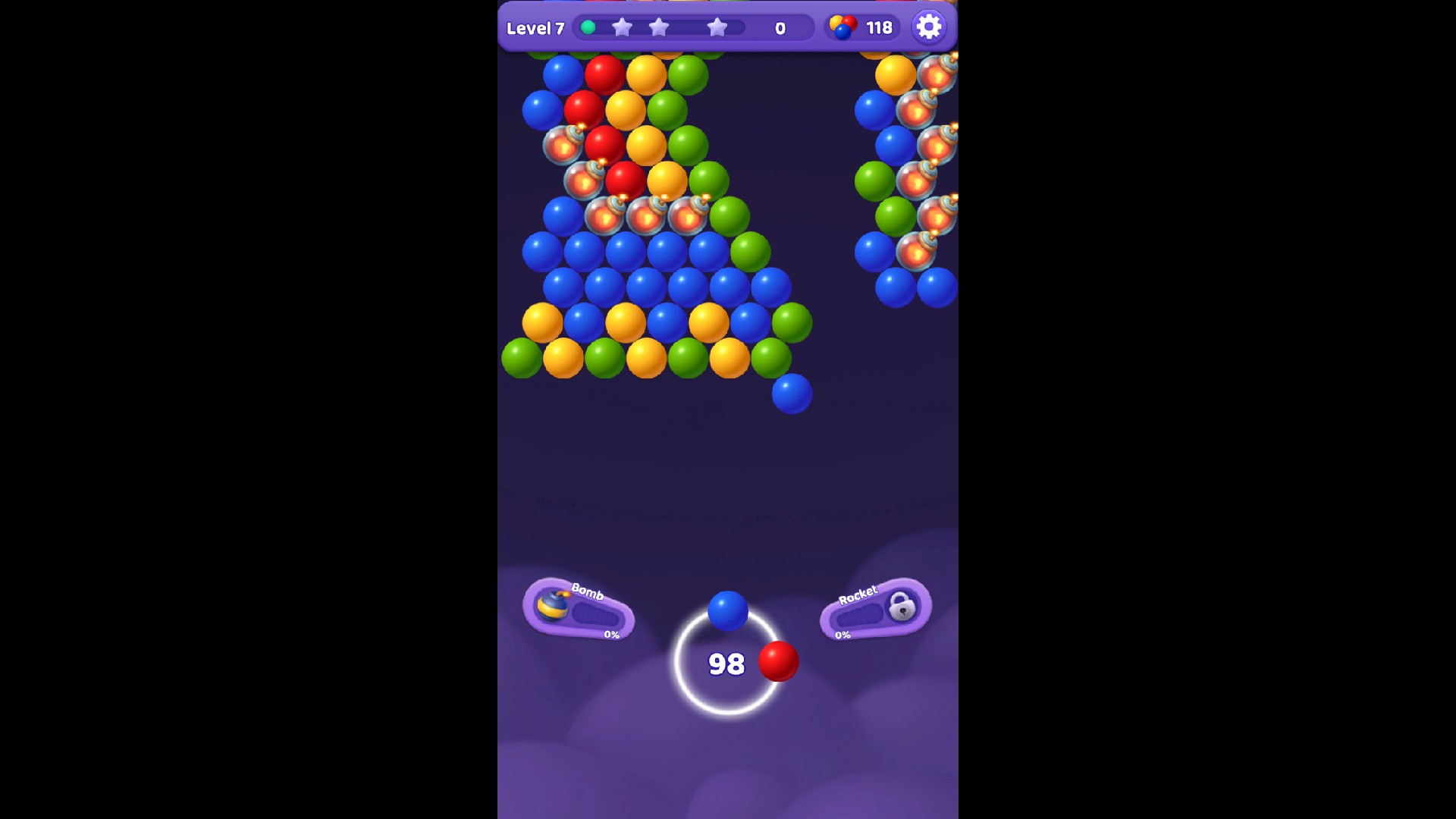
More shots for your next move
Give yourself extra room to line up your shots and clear the puzzle.
Vortex ballsFree
Choose how many vortex boosters you have ready for your puzzles.
Choose your booster supply, then use its button during a puzzle.
Use this booster once its button is available in the puzzle.
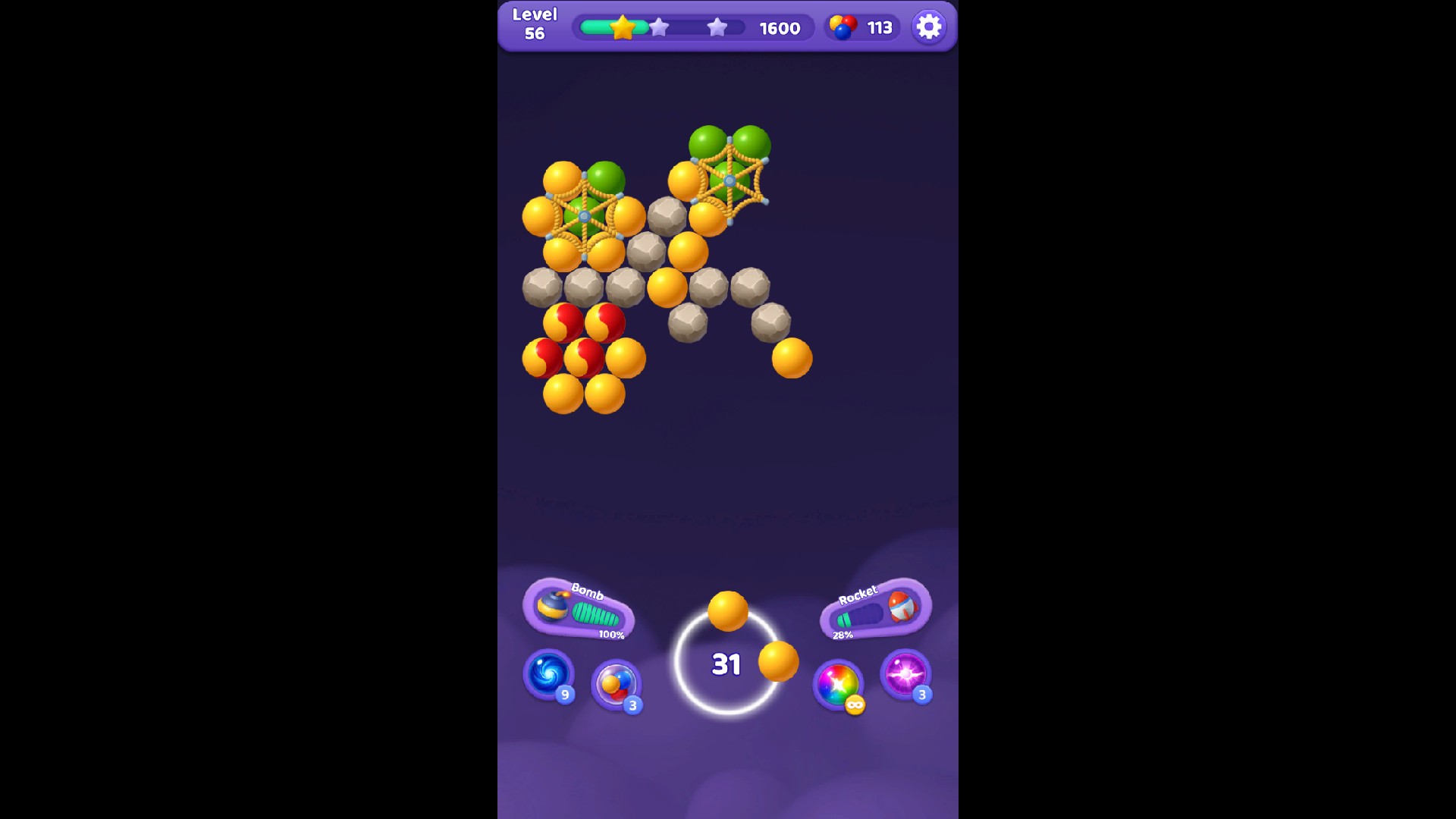
Keep vortex boosters ready
Choose your supply of vortex boosters and use them from the puzzle's booster bar.
More ways to customise Bubble Pop Star
- Bubble Pop Star progression systems
Open map access through your chosen level.
Using these features
Choose the feature in the Windows app after connecting your game. Check its requirements before making a change.
Setup for Bubble Pop Star →