

Customise
2 optionsFree controls for coins and bomb stock, with the game's normal unlocks and aiming.
View customisation options →Set your coins for booster purchases or stock up on bombs for crowded spots. Match colours and bounce shots off the walls to clear each bubble puzzle.
Requires the Windows app and the Bytonian Mods browser extension for Chrome or Edge. Browser setup guide

Start with free mods
Download Bytonian Mods for Windows and try these free features. Choose one to see how it works and any requirements.
Set your bomb stock to blast nearby bubbles during a level.
Choose a bomb quantity and apply it. Select the unlocked bomb button, aim and release a shot.
Set coins to buy bombs and other unlocked boosters.
Choose a coin amount and apply it. During a level, open an unlocked booster's purchase screen to spend coins.

Coins for more booster choices
Keep coins ready for booster purchases as you work through the bubble puzzles.
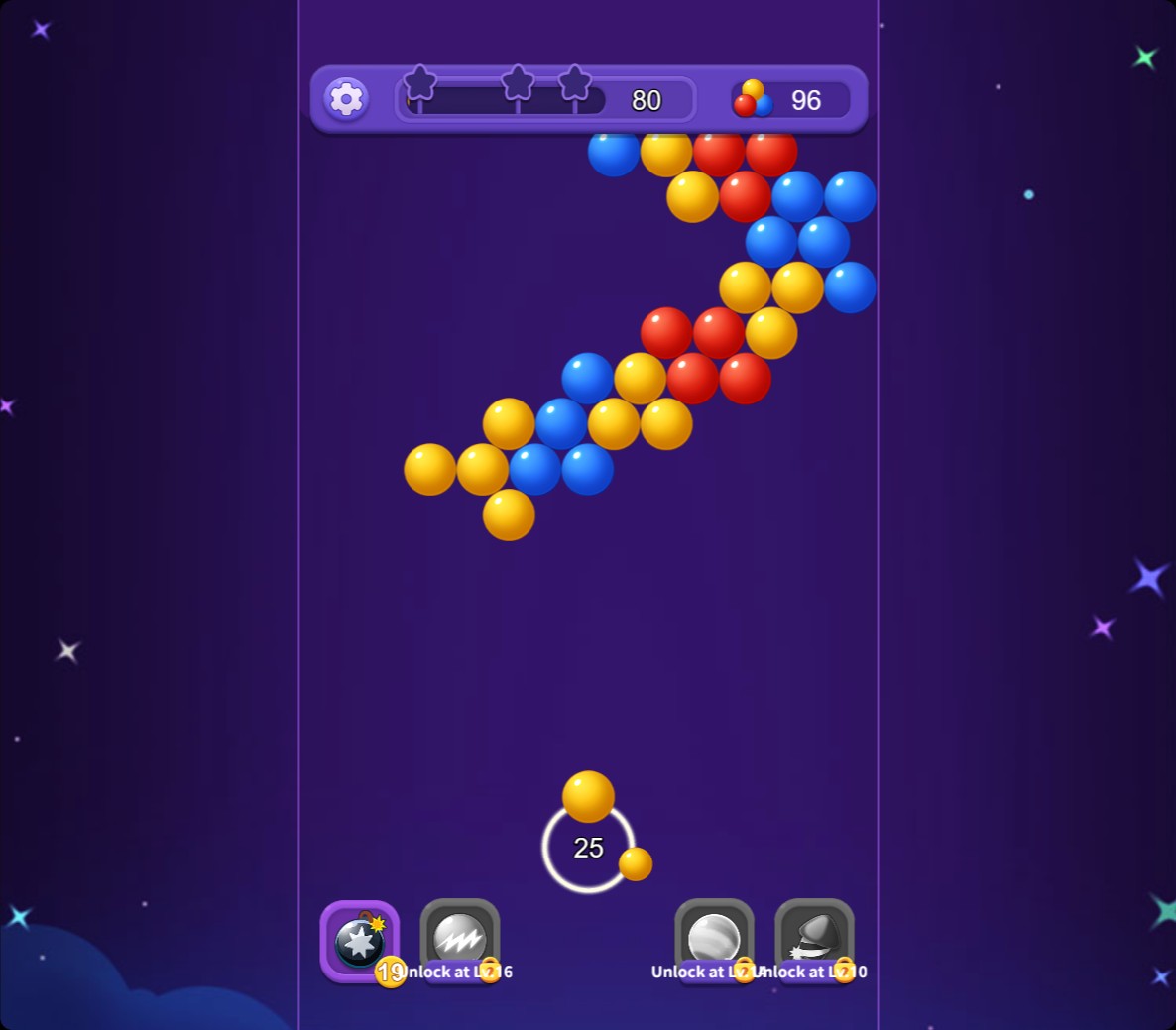
Blast a path through the bubbles
Choose a bomb and aim its blast at a cluster of bubbles.
Keep coins ready for normal booster purchases. Once a booster is unlocked, open its purchase screen and spend coins when you want another.
Bombs blast nearby bubbles on impact. Select the bomb button, aim at the cluster you want to clear and release your shot.
Free controls for coins and bomb stock, with the game's normal unlocks and aiming.
View customisation options →Download the Windows app and follow the setup prompts.
Set up the browser extension in Chrome or Edge, then open the supported YouTube Playable. Follow the connection guide if the game is already running.
Open Customise in Bytonian Mods, choose an option and follow its instructions. Check the available values and any limits before making your change.