
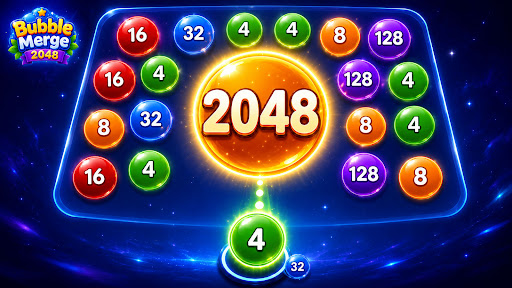
Customise
3 optionsThree controls for your next bubble and the look of the board.
View customisation options →Choose the bubble for your next shot, set your replacement stock or pick a different board backdrop in Bubble Merge 2048. Aim at matching numbers to combine bubbles into larger values.
Requires the Windows app and the Bytonian Mods browser extension for Chrome or Edge. Browser setup guide
Start with free mods
Download Bytonian Mods for Windows and try these free features. Choose one to see how it works and any requirements.
Pick one of six backgrounds for the board.
Select a background and apply your choice.
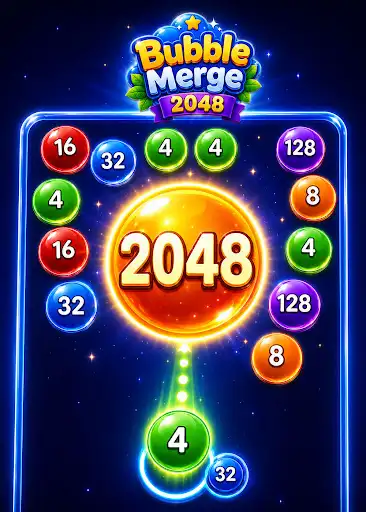
Choose a loaded value from 2, 4, 8, 16 or 32, then aim at a matching bubble. Replacement stock gives you more chances to discard the loaded bubble and use the queued one.
The free background selector offers six backdrops. Change the setting to give the board a new look while keeping the numbered bubbles in view.
Three controls for your next bubble and the look of the board.
View customisation options →Download the Windows app and follow the setup prompts.
Set up the browser extension in Chrome or Edge, then open the supported YouTube Playable. Follow the connection guide if the game is already running.
Open Customise in Bytonian Mods, choose an option and follow its instructions. Check the available values and any limits before making your change.