
Choose your Diamonds and boost stock
Set the resources you want for your next run: Lightning to weaken bricks, Multiball to strengthen the next volley, and Diamonds for the game's timed retry offer. Applying changes reloads the game.
Requires the Windows app and the Bytonian Mods browser extension for Chrome or Edge. Browser setup guide
Pick the resource for your next move
Lightning boosts reduce the hit counts on the remaining bricks. Multiball boosts add more balls to the next volley. Both stock controls accept a whole number from 0 to 99.
The Diamond balance accepts a whole number from 0 to 1,000,000. Keep enough for the game's retry offer if you want to lift the remaining bricks after they reach the bottom.
Apply, then use the normal game buttons
Open Customize, enter your chosen amounts and apply. After the game reloads, enter a level and let the first volley return to reveal the boost buttons.
Use the lightning button to weaken the board or the ball-cluster button to prepare a bigger volley. To use a Diamond retry, press its price button while the timed offer is visible.
Available customisation options
Lightning boostsFree
Stock up on Lightning boosts to weaken the remaining bricks before your next shot.
Apply your chosen stock, enter a level and wait for the first volley to return. Use the lightning button to spend one boost.
Each use consumes a boost. Applying changes reloads the game.
DiamondsPremium
Set your Diamond balance so you can afford the game's retry offer.
After applying, play normally. If the bricks reach the bottom, press the Diamond price button before the retry timer expires.
Applying reloads the game. Level packs keep their normal unlock conditions.
Multiball boostsPremium
Stock up on Multiball boosts to add balls to your next volley.
After the first volley returns, use the ball-cluster button, then aim and launch your strengthened shot.
One boost strengthens the next volley and is consumed on use. Applying reloads the game.
Weaken bricks with Lightning boosts
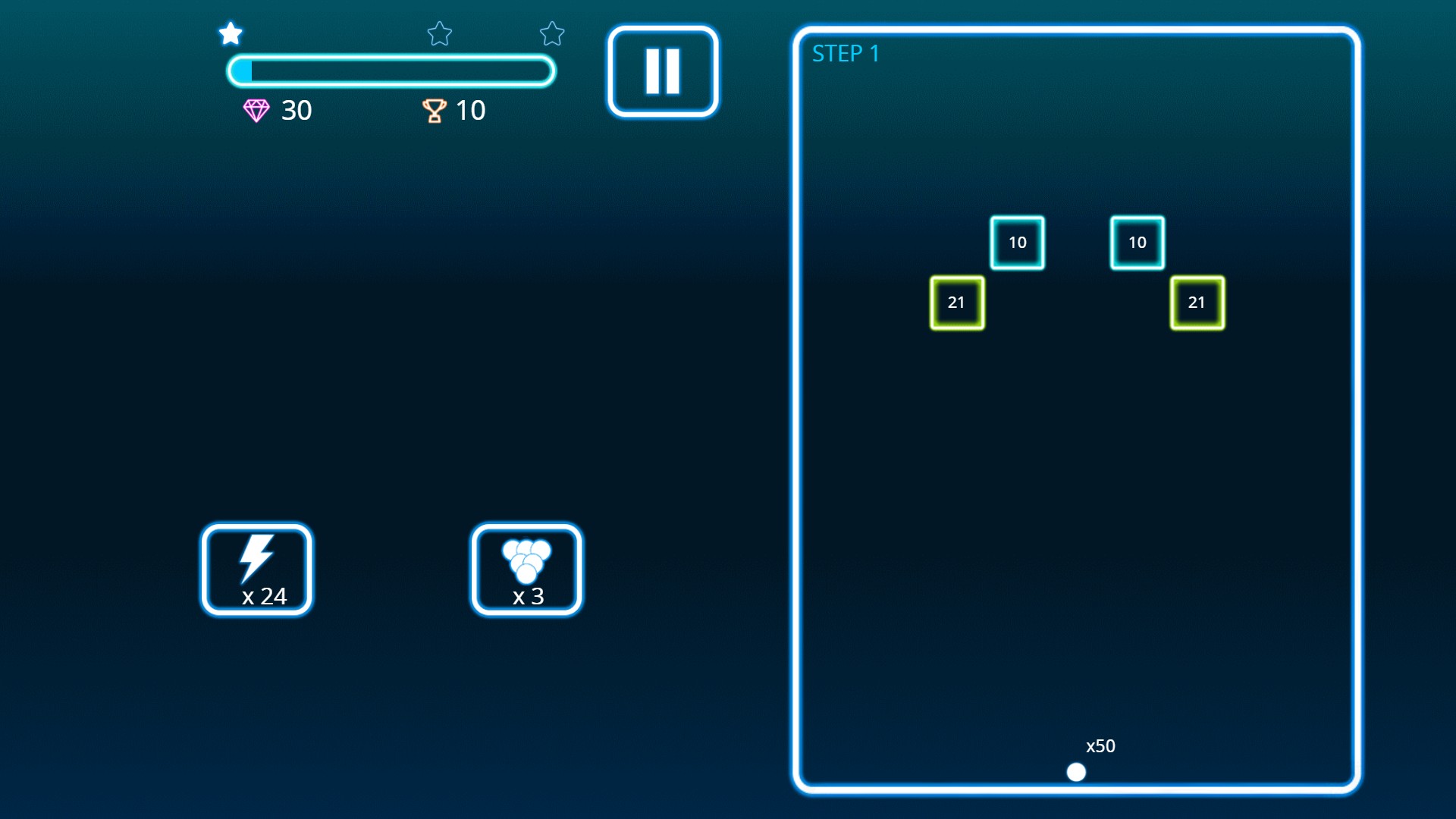
Stock up on Lightning boosts, then use the lightning button during a level to weaken the remaining bricks before your next volley.
Keep a run alive with Diamonds
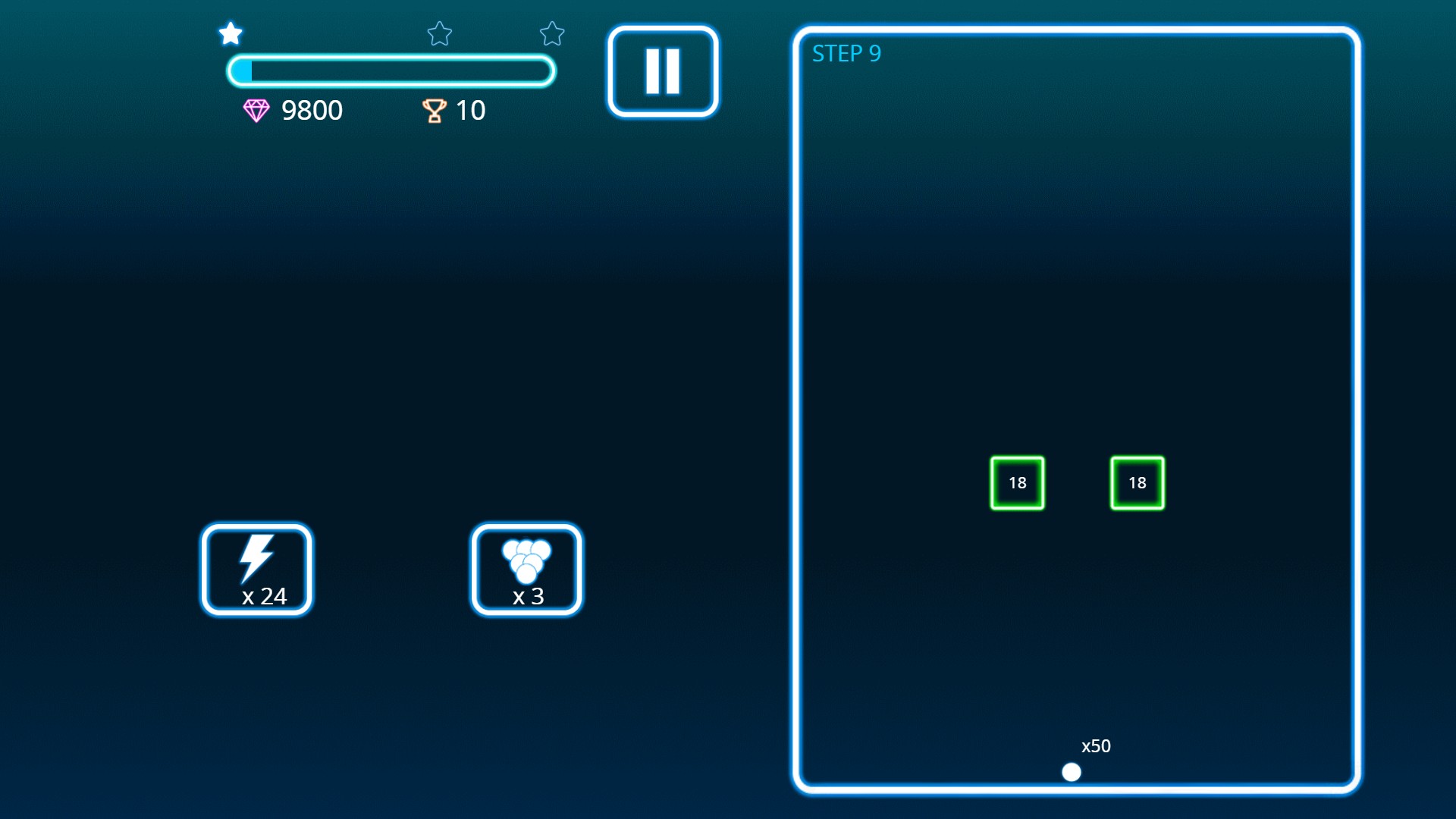
Set your Diamond balance and spend it on the game's retry offer to lift the remaining bricks away from the bottom line.
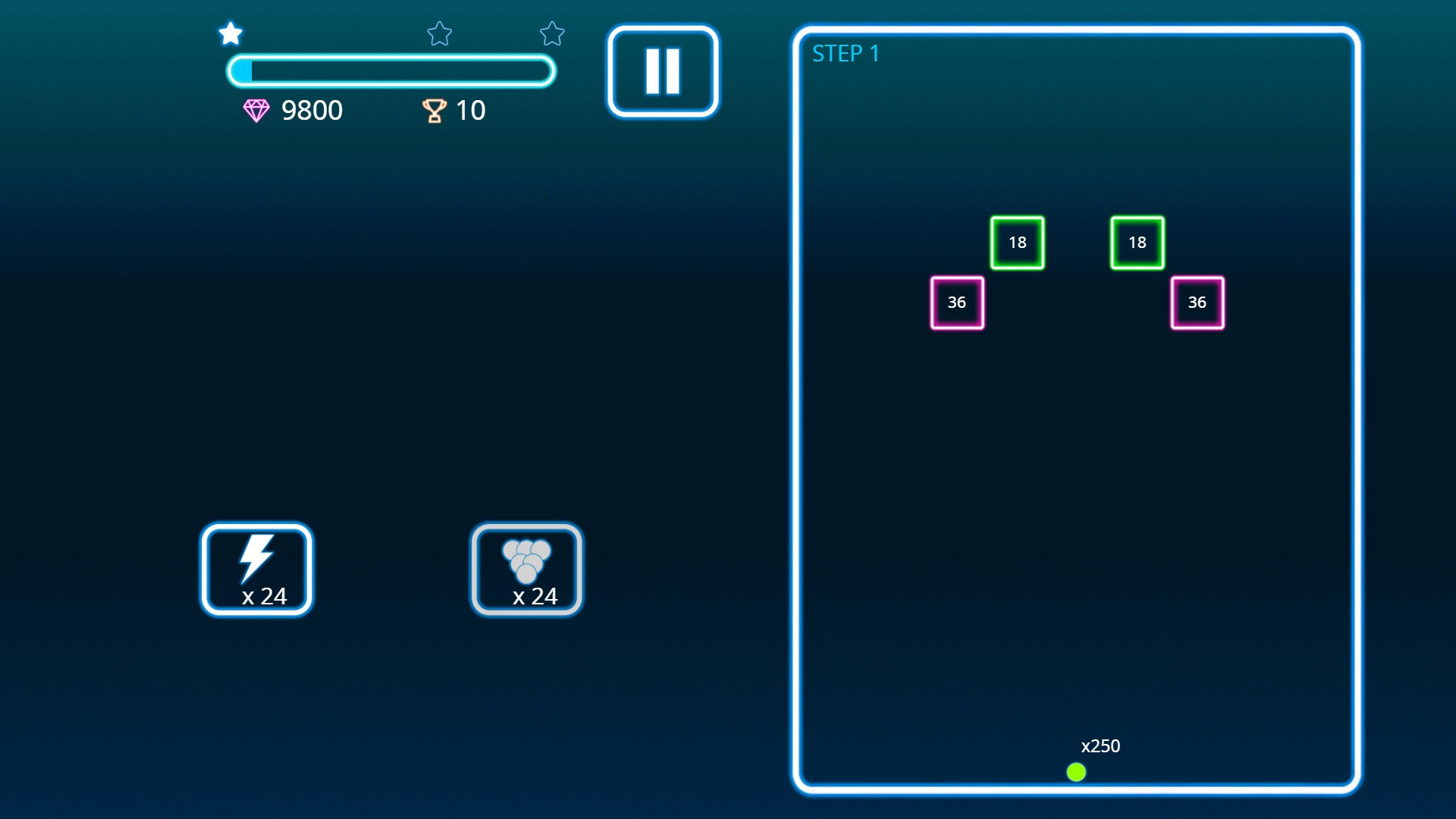
Boost your next volley with Multiball
Stock up on Multiball boosts, then use one during a level to add more balls to your next volley.
Questions about customisation options
- Which control is free?
- Lightning stock is free. The Diamond balance and Multiball stock are premium controls.
- Do Diamonds unlock every pack?
- Level packs keep their normal unlock conditions. The Diamond control changes your balance; it does not directly unlock packs.
Using these features
Connect your game, then open Customise in the Windows app. Choose an option, check its available values and follow its instructions. Each option lists its own requirements and limits.
Setup for Bricks Breaker: Deluxe Crusher →