

Race Controls
Choose how much help your machine gets during a solo race. Maintain health or energy, and adjust boost acceleration to change the feel of a run.
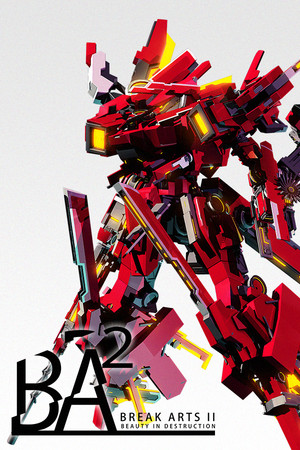
Choose your controls
Keep Machine Health restores health during supported solo races, while Keep Boost Energy restores energy as you race.
Boost Power changes acceleration when boosting. Choose a multiplier from 1 to 5 to suit your machine and track. These controls are for supported offline races, not online or time-attack modes.
Available stat modifiers
Boost PowerFree
Increase boost acceleration in supported offline races.
Choose a boost multiplier from 1 to 5.
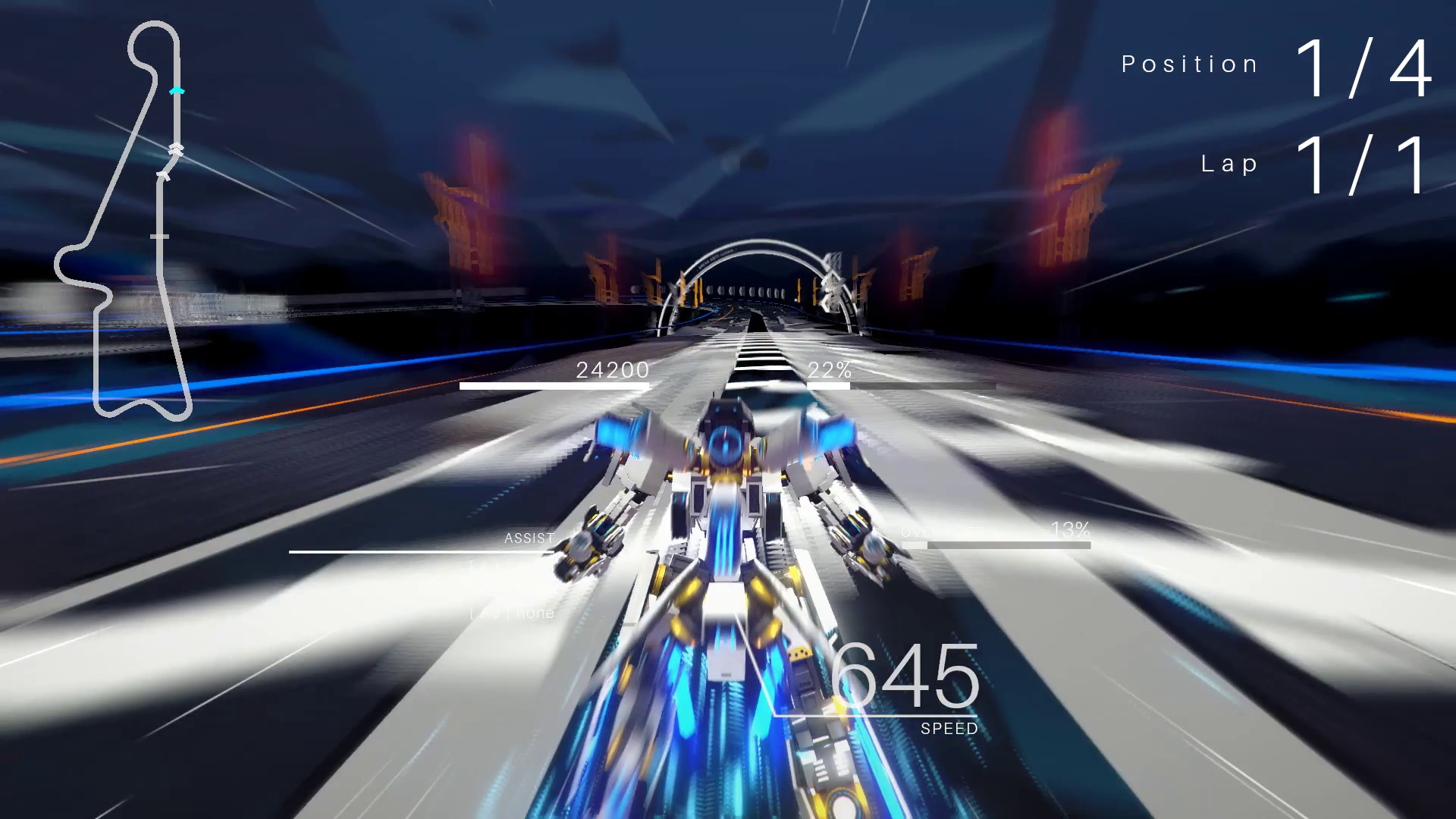
Boost Power in an offline race
Increase boost acceleration in supported offline races with an adjustable multiplier.
Keep Boost EnergyFree
Restore energy during supported offline races to keep your boost available.
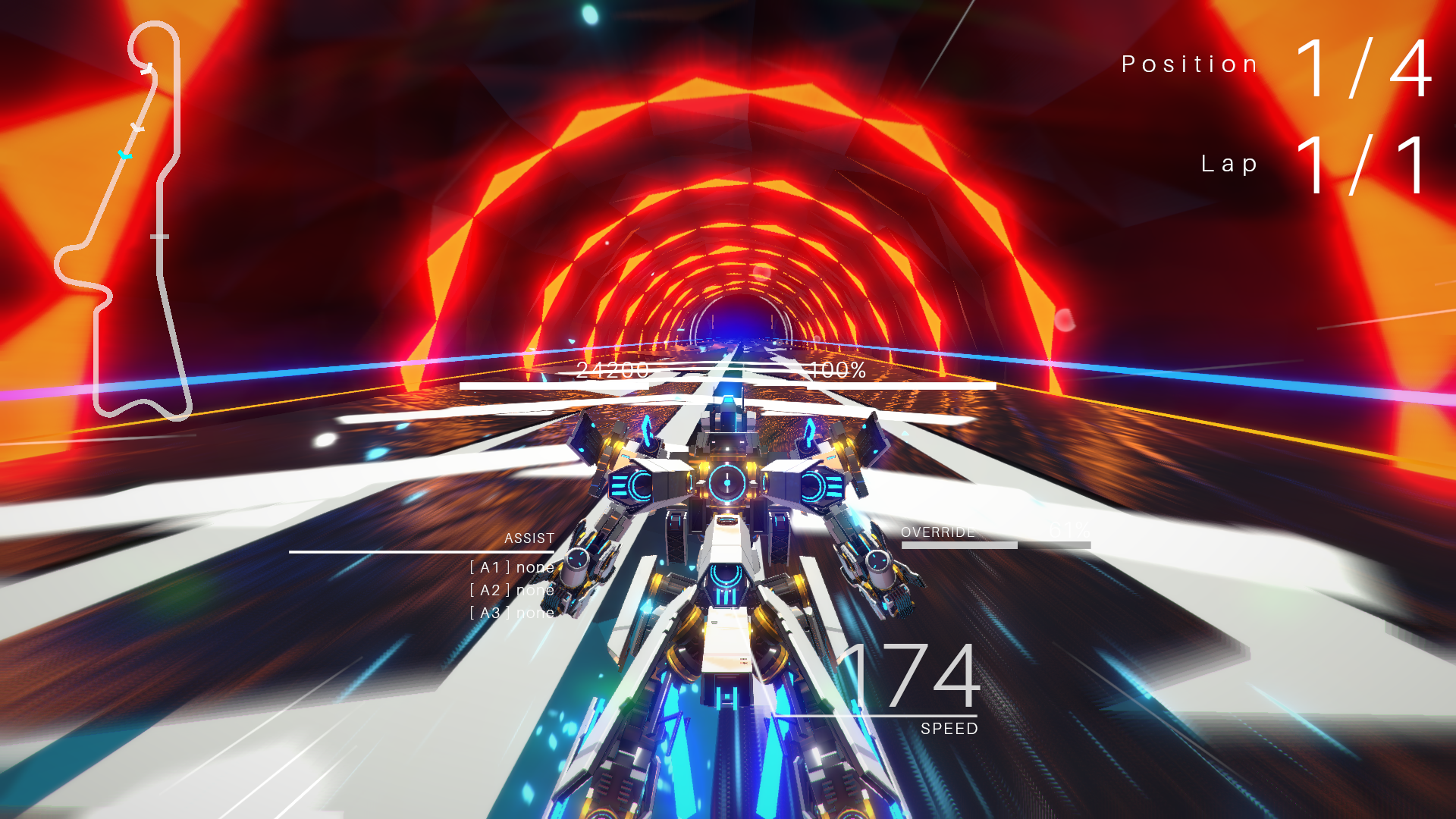
Keep your energy topped up
Restore your machine's energy while racing in supported solo modes.
Keep Machine HealthFree
Restore machine health during supported offline races so you can stay in the action.
Sudden destruction can still occur.
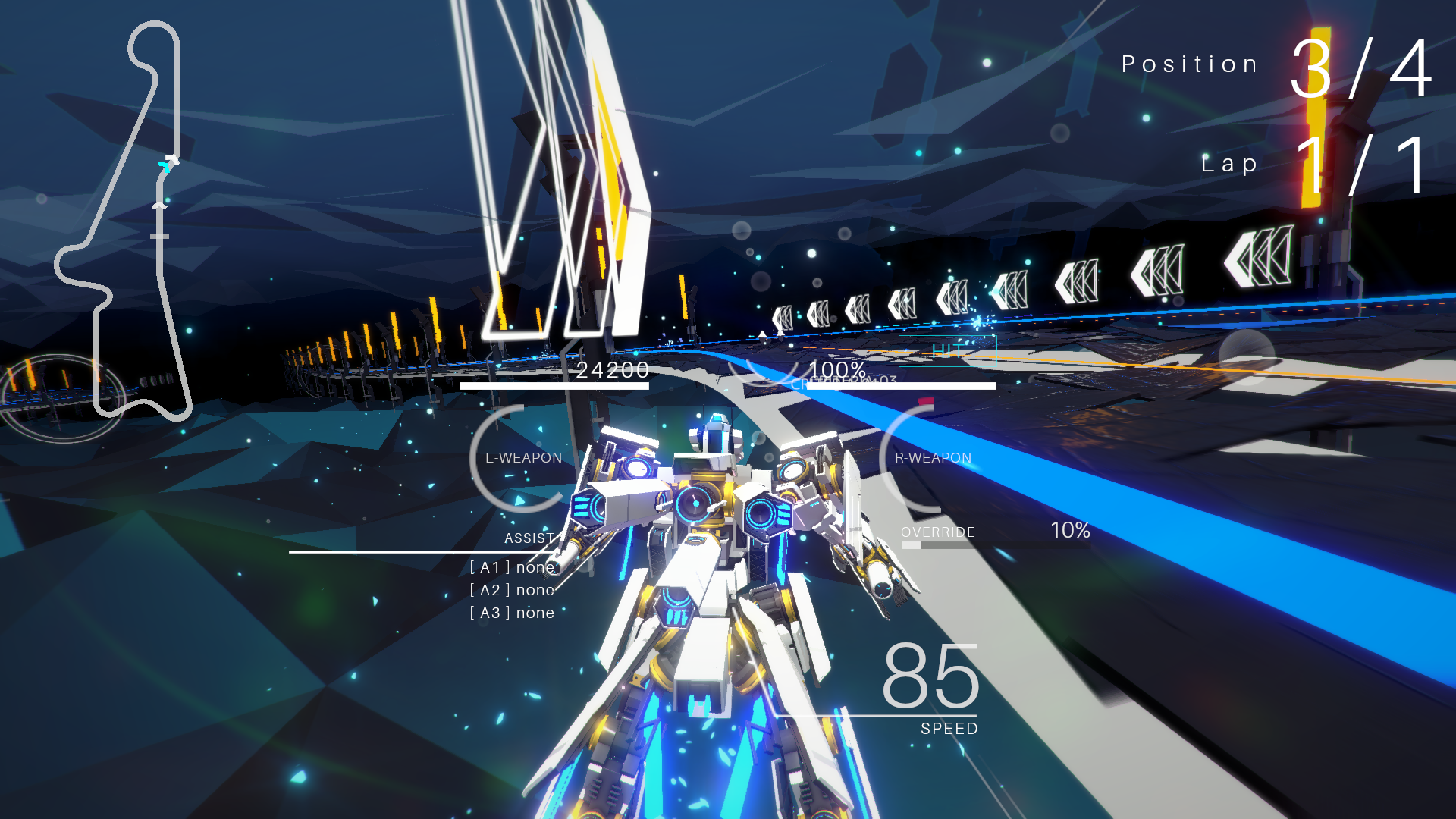
Keep your machine racing
Keep your machine's health full during supported solo races in BREAK ARTS II.
Using these features
Choose the feature in the Windows app after connecting your game. Check its requirements before making a change.
Setup for BREAK ARTS II →