


Choose your bulb balance
Keep bulbs available for the puzzles that leave you stuck. Choose an amount, then use Brain Out's own clue or Skip button.

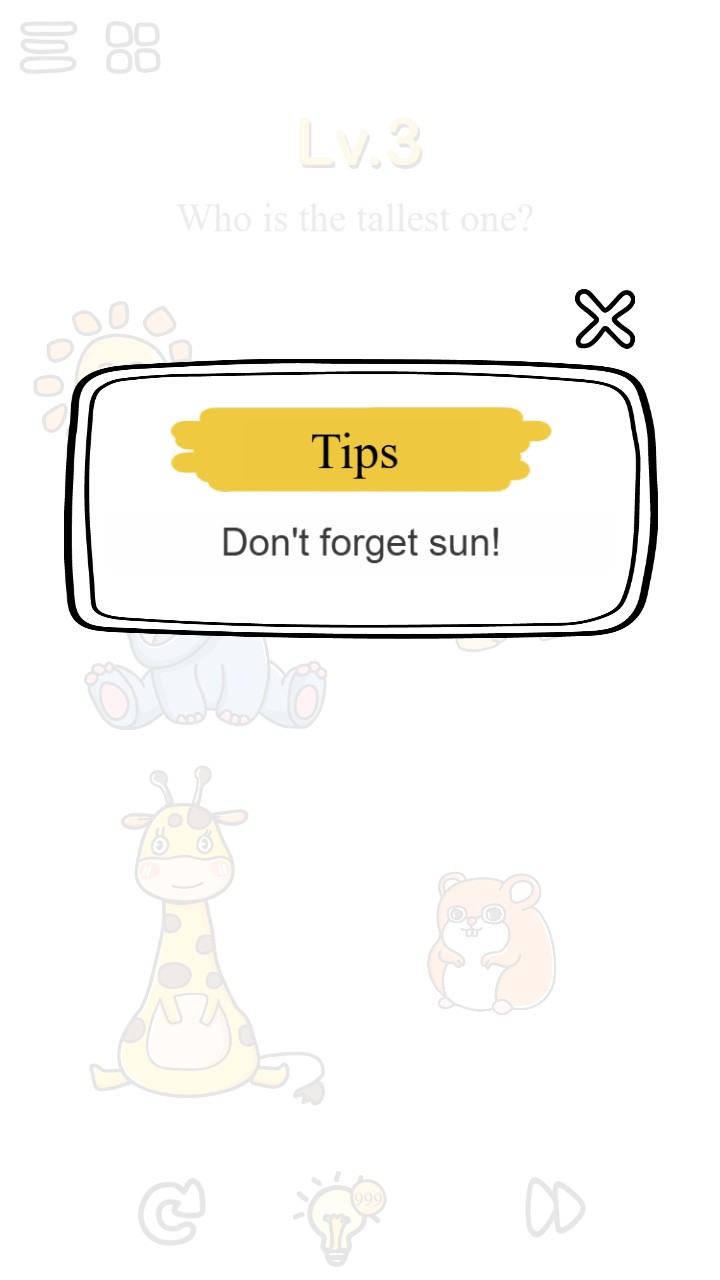
A clue when you need it
Use bulbs to reveal a clue for the current Brain Out puzzle.
Using your bulbs
Tap the lightbulb to reveal a clue for the current puzzle. The Skip button asks for two bulbs before advancing to the next challenge.
The small in-game badge can shorten four-digit balances. Choose a three-digit amount if you want the full number to fit.
Available customise
BulbsFree
Set your bulb balance for puzzle clues and skips.
Choose an amount, then tap the game's lightbulb for a clue or use Skip to advance past a challenge.
Before you use it: Clues and skips still spend bulbs at their normal cost.
Questions about customise
- Do clues still spend bulbs?
- Yes. A new clue spends one bulb, and Skip spends two.
Using these features
Choose the feature in the Windows app after connecting your game. Check its requirements before making a change.
Setup for Brain Out →