

Customise
2 optionsCoins support normal shop unlocks. Level selects an early course.
View customise →Flip a bottle across shelves, washing machines and other household platforms on the way to the finish.
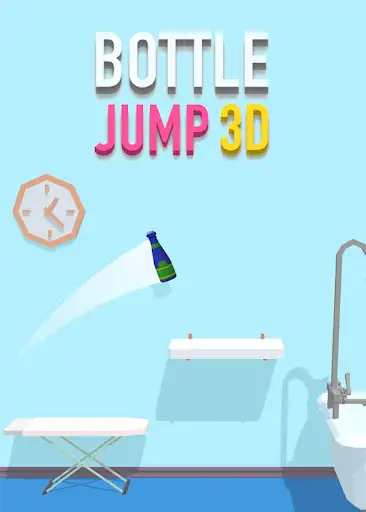
Set your Coins, open the bottle shop and use Random Unlock to add a bottle to your collection. Select an unlocked bottle to change its appearance.
Choose level 1 or 2 to revisit the opening bottle-flipping courses. Time your taps to land on the next platform and reach the finish.
Coins support normal shop unlocks. Level selects an early course.
View customise →Download the Windows app and follow the setup prompts.
Set up the browser extension in Chrome or Edge, then open the supported YouTube Playable. Follow the connection guide if the game is already running.
Review the available options in the app and choose the ones that suit how you play.