

Resources
1 optionSet your coin balance before your next visit to the garage.
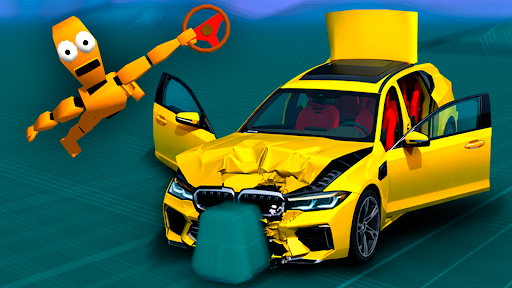
View resources →Choose a different ride, give it a fresh coat of paint and tune your next nitro burst in BMG: Ragdoll Car Race. Set your coin balance, pick a new look in the garage and head back onto the driving course.
Hit the driving course
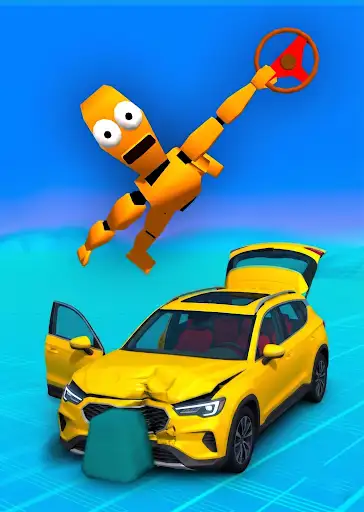
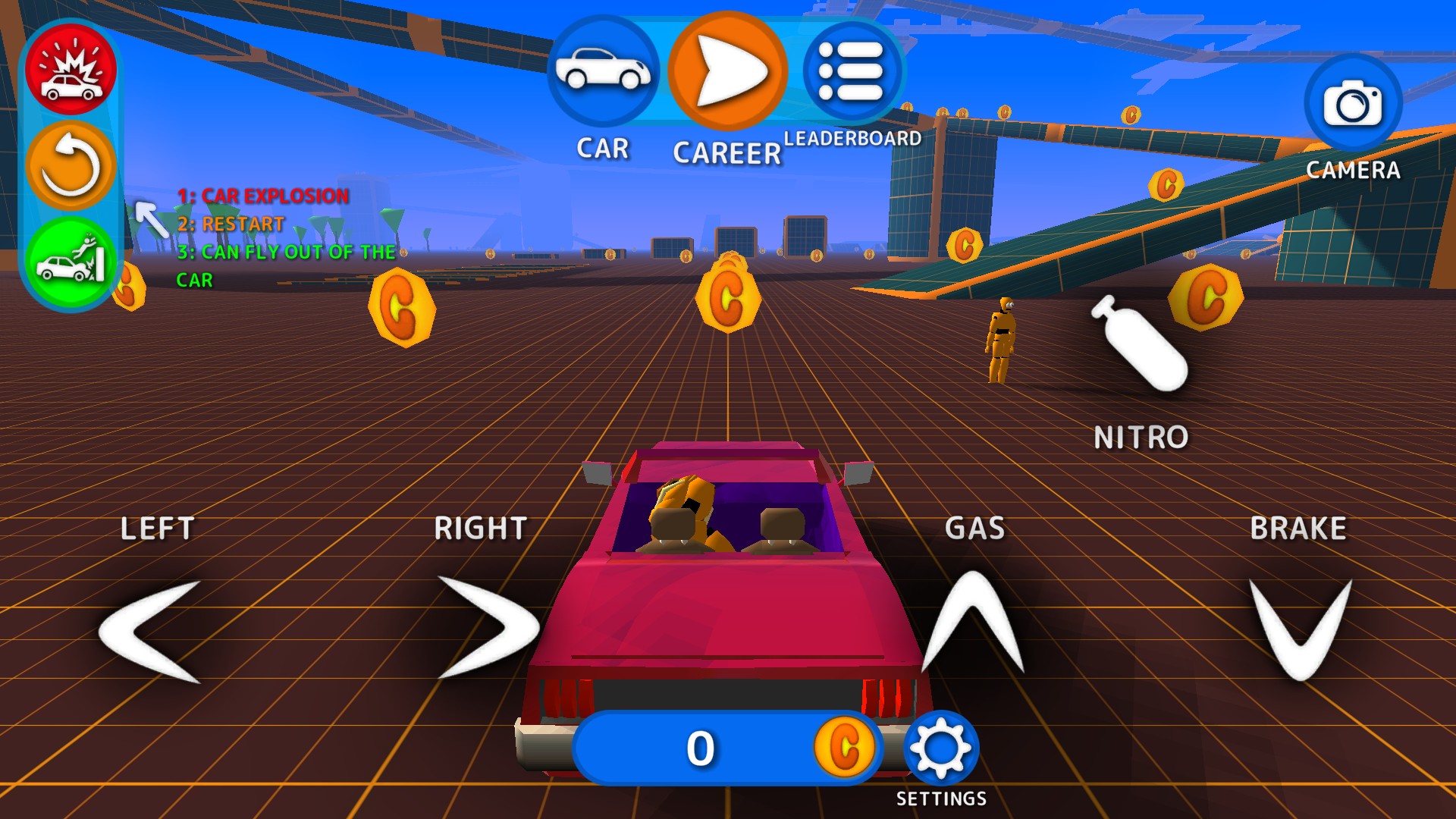
Take your ride onto a course filled with ramps, coins and room to explore.
Use Coins to choose your balance, Customise for vehicle access and paint colors, or Nitro tuning to adjust your car's boost. Paint is free; the other controls are Premium.
Open BMG: Ragdoll Car Race in Bytonian Mods and choose the control you want to use. After changing your coin balance, open the garage to refresh the displayed amount. Turn nitro tuning off before switching cars.
Set your coin balance before your next visit to the garage.
View resources →Adjust nitro power and burst duration for your current car.
View stat modifiers →Open the vehicle roster and choose a fresh paint color.
View customise →Download the Windows app and follow the setup prompts.
Set up the browser extension in Chrome or Edge, then open the supported YouTube Playable. Follow the connection guide if the game is already running.
Review the available options in the app and choose the ones that suit how you play.