

Bloody Hell Camera Mods
Turn on Center Camera on Player if you prefer the view to follow Azrael as you aim. Turn it off whenever you want the game’s usual look-ahead.
Works with the Steam version of the game.

Available presentation modifiers
Center Camera on PlayerFree
Keep Azrael centered when you aim during ordinary gameplay.
Turn on Center Camera on Player while playing. Switch it off to restore the game’s usual camera movement.
The game controls the view during scripted camera sequences.
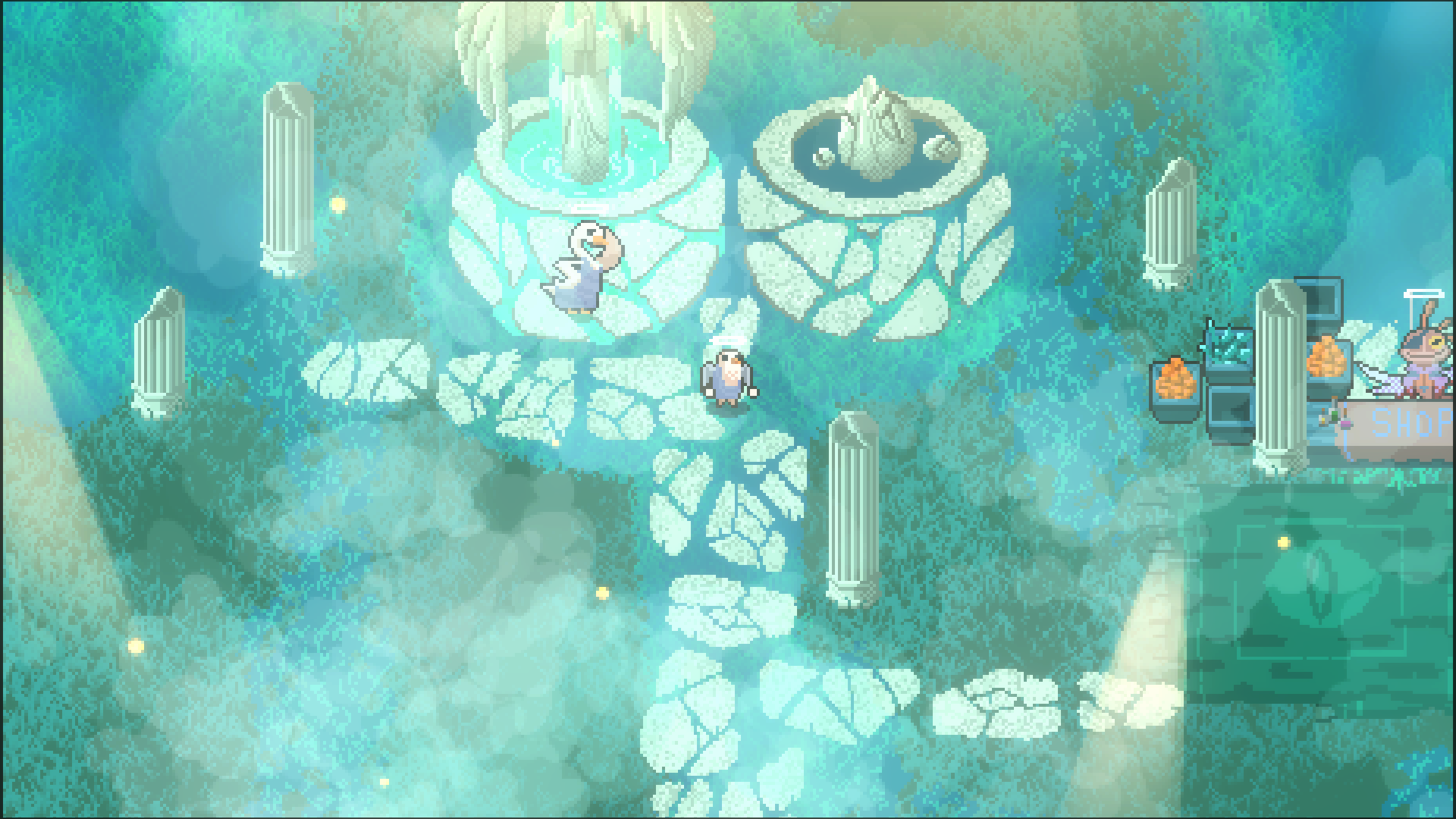
Azrael centered in the courtyard
With Center Camera on Player enabled, Azrael stays in the middle of the view. The game no longer shifts its camera toward the aim point.
Using these features
Choose the feature in the Windows app after connecting your game. Check its requirements before making a change.
Setup for Bloody Hell →