
Customise
4 optionsKeep new tray choices, precise removals and single-block additions available for the moves you want to make.
View all customisation options →Make room for the next set of pieces in Block Gems with Refresh, Delete or Add. Set the coins and remaining tool chances you need, then fit shapes into the grid to clear complete lines.
Requires the Windows app and the Bytonian Mods browser extension for Chrome or Edge. Browser setup guide
Start with free mods
Download Bytonian Mods for Windows and try these free features. Choose one to see how it works and any requirements.
Choose how many Refresh chances remain for replacing the tray pieces.
Set your chances, apply them and choose Refresh above the board.
Each normal Refresh use still costs 150 coins.
Plan your next block placement
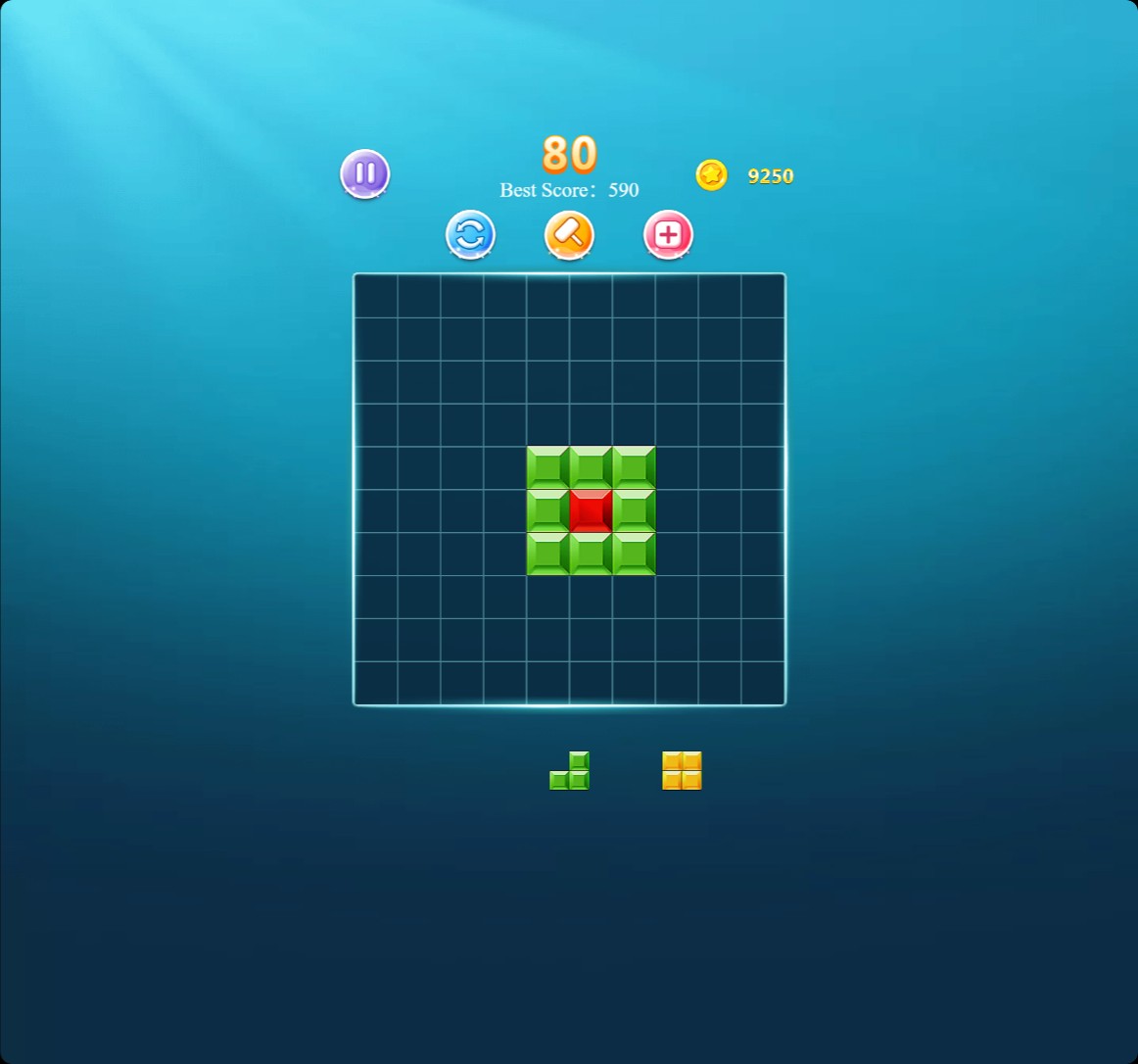
Fit colourful shapes onto the grid and use tools to adjust the board or refresh your choices.
A large square needs a different opening from a thin line or an L. Think about the pieces waiting below the board before filling a useful gap.
Refresh replaces the tray with new shapes. Delete removes one placed block, while Add puts one block into an empty cell you choose.
Coins and remaining tool chances are separate. Each normal use of Refresh, Delete or Add costs 150 coins, so keep both ready when planning a tool-assisted move.
Keep new tray choices, precise removals and single-block additions available for the moves you want to make.
View all customisation options →Download the Windows app and follow the setup prompts.
Set up the browser extension in Chrome or Edge, then open the supported YouTube Playable. Follow the connection guide if the game is already running.
Open Customise in Bytonian Mods, choose an option and follow its instructions. Check the available values and any limits before making your change.