
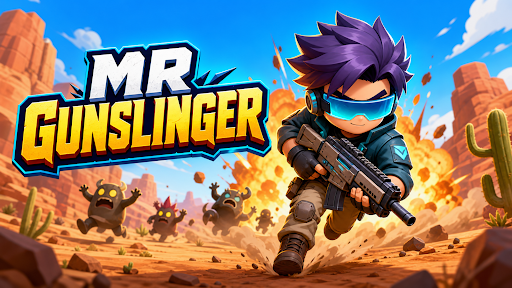
Set your weapon upgrade and shopping funds
Choose the balance you need, apply it, then return to Blast Fast's Firearms menu. Coins and Diamonds have separate controls, so you can change either resource independently.
Requires the Windows app and the Bytonian Mods browser extension for Chrome or Edge. Browser setup guide

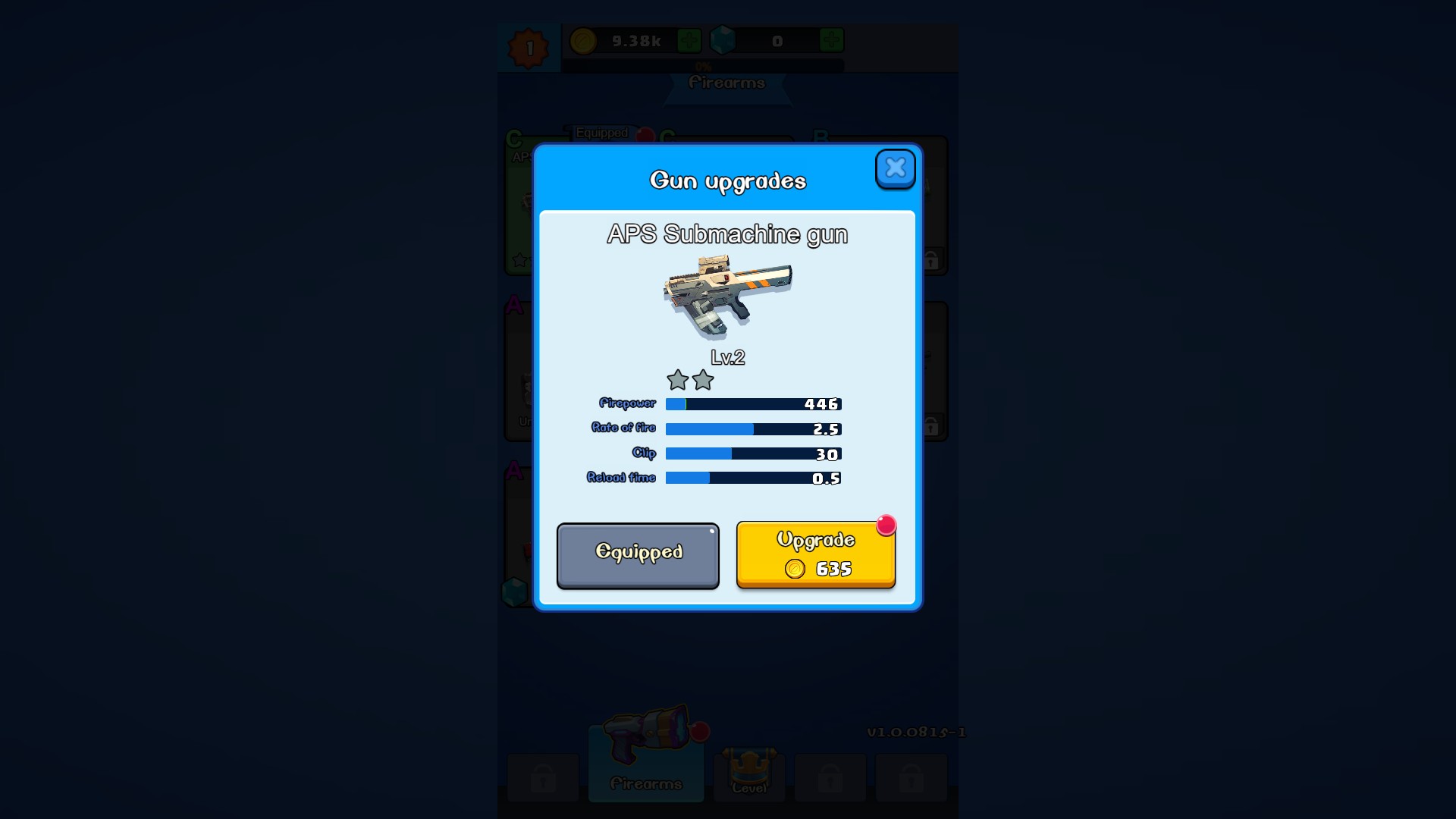
Coins for gun upgrades
Choose your coin balance and upgrade owned weapons through the normal gun menu.
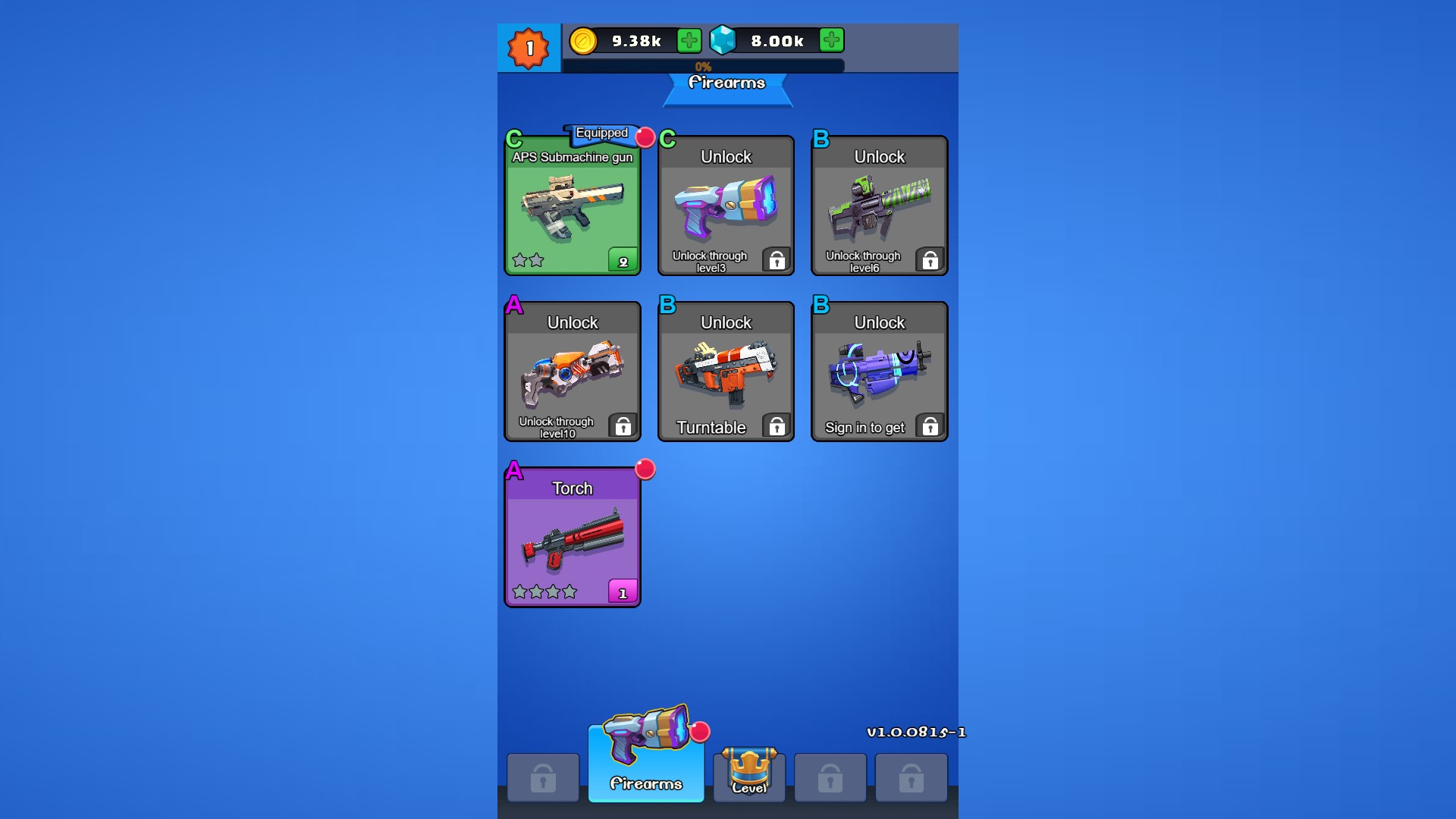
Diamonds for weapon purchases
Choose your diamonds and buy weapons offered in the normal shop.
Coins for owned-gun upgrades
Open an owned gun and use its normal Upgrade button. The Coins control gives you the balance to pay the displayed upgrade price.
Diamonds for shop weapons
Choose a weapon with a diamond price and buy it through the normal Firearms menu. Purchasing and equipping remain normal game actions.
Available customisation options
CoinsFree
Choose your coin balance for normal upgrades to owned guns.
Set your desired balance, apply it, then open an owned gun in Firearms and use Upgrade.
DiamondsPremium
Choose your Diamonds for weapons offered in the normal shop.
Set your desired balance, apply it, then buy a weapon with a diamond price in the Firearms menu.
Other weapon unlock requirements remain in place.
Questions about customisation options
- Which currency control is free?
- Coins is free. The Diamonds control is Premium.
Using these features
Connect your game, then open Customise in the Windows app. Choose an option, check its available values and follow its instructions. Each option lists its own requirements and limits.
Setup for Blast Fast. Become Mr Gunslinger! →