
Choose your barrels and coins
Prepare your supplies before a demolition level. Barrels sets the stock you can select in play, while Coins gives you a balance to spend in the weapon shop.
Requires the Windows app and the Bytonian Mods browser extension for Chrome or Edge. Browser setup guide
Barrels for your next level
Enter a whole-number barrel amount, apply it, then select the barrel icon during a level. Place barrels with the normal game controls.
Coins for weapon upgrades
Choose your coin balance and open the upgrade shop after applying it. Buy an available coin-priced upgrade to increase the weapon's displayed level and stats.
Available customisation options
BarrelsFree
Choose the barrel stock available for demolition levels.
Let your progress load, enter a whole-number amount under Barrels and apply it. Select barrels with the normal in-game controls after the reload.
CoinsPremium
Choose a coin balance to spend on available weapon upgrades.
Enter a whole-number amount under Coins and apply it. After the reload, open the weapon shop and choose a coin-priced upgrade.
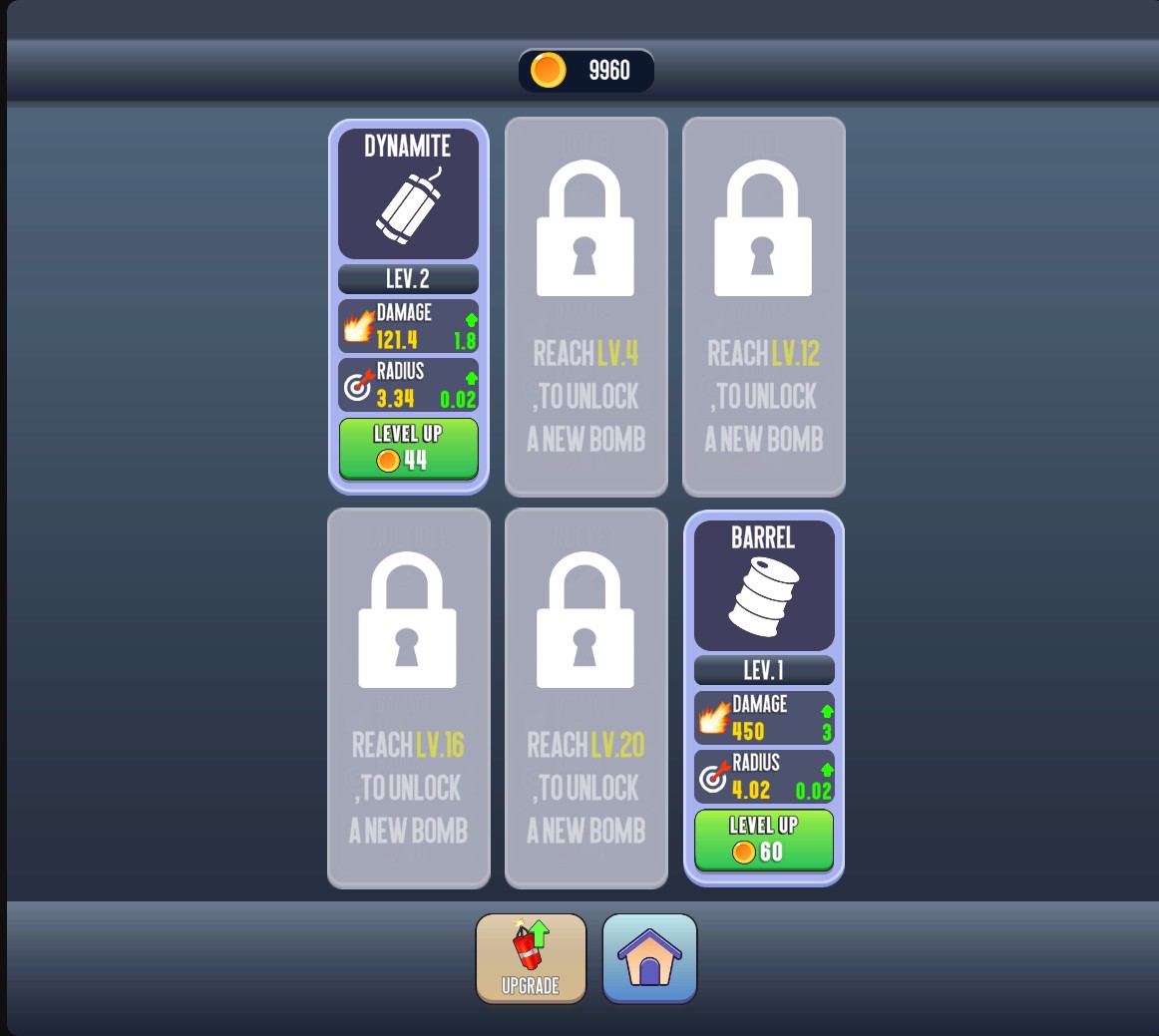
Coins for weapon upgrades
Choose your coin balance and spend it on weapon upgrades in the shop.
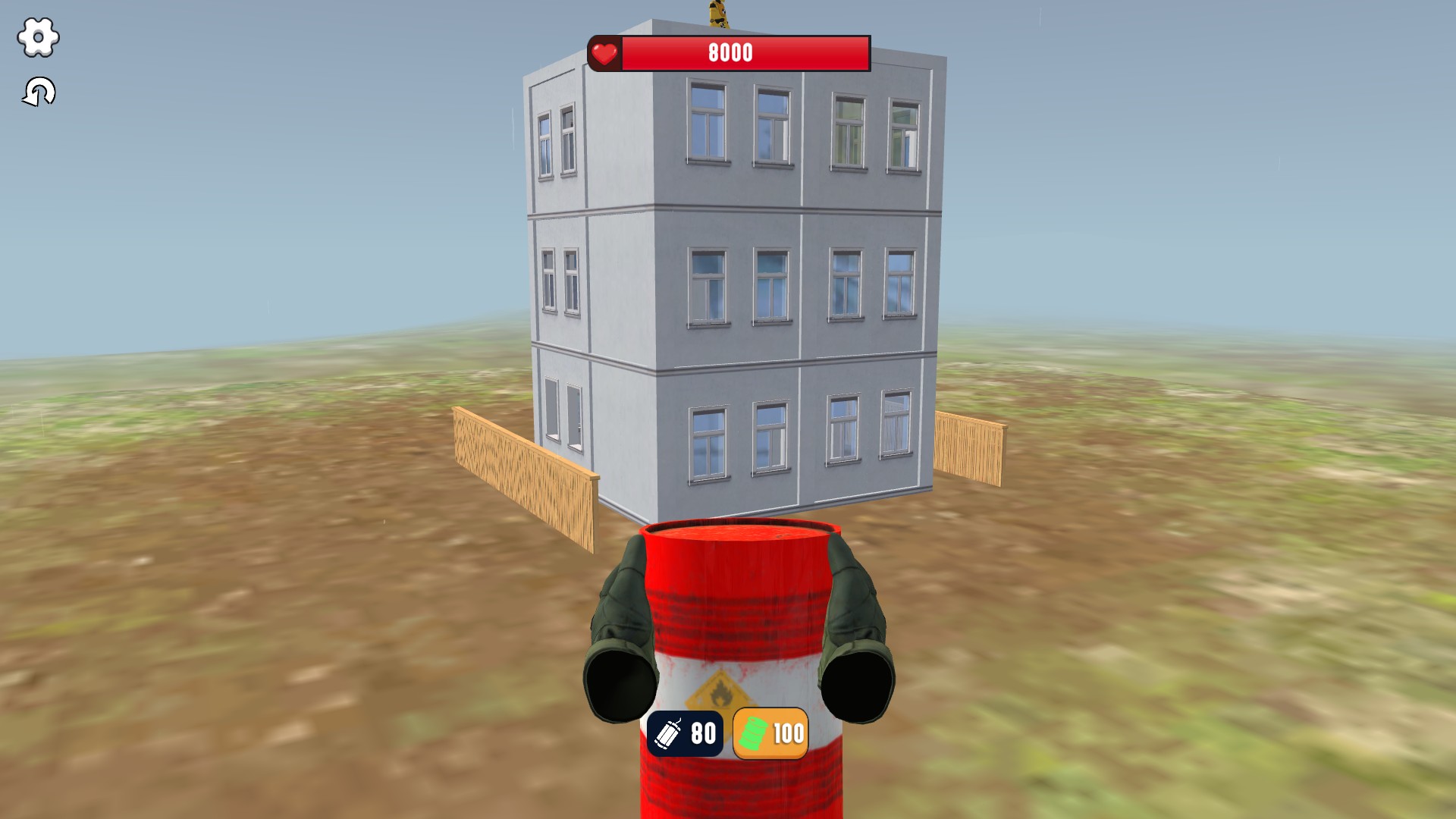
Stock up on barrels
Choose your barrel stock before heading into a demolition level.
Questions about customisation options
- Can I change one amount without changing the other?
- Yes. Barrels and Coins are separate choices, so you can apply just the amount you want to change.
- When do the new amounts take effect?
- Applying your choice reloads the game. Let it finish loading before continuing into a level or opening the upgrade shop.
Using these features
Connect your game, then open Customise in the Windows app. Choose an option, check its available values and follow its instructions. Each option lists its own requirements and limits.
Setup for Big Boom! Building Smash! →