

Choose coins, balls and booster stock
Choose the balance or power-up quantity you want to change, then apply it to reload the game. Each resource has its own control.
Requires the Windows app and the Bytonian Mods browser extension for Chrome or Edge. Browser setup guide


Choose your coin balance
Set your saved Coins balance and return to the court.
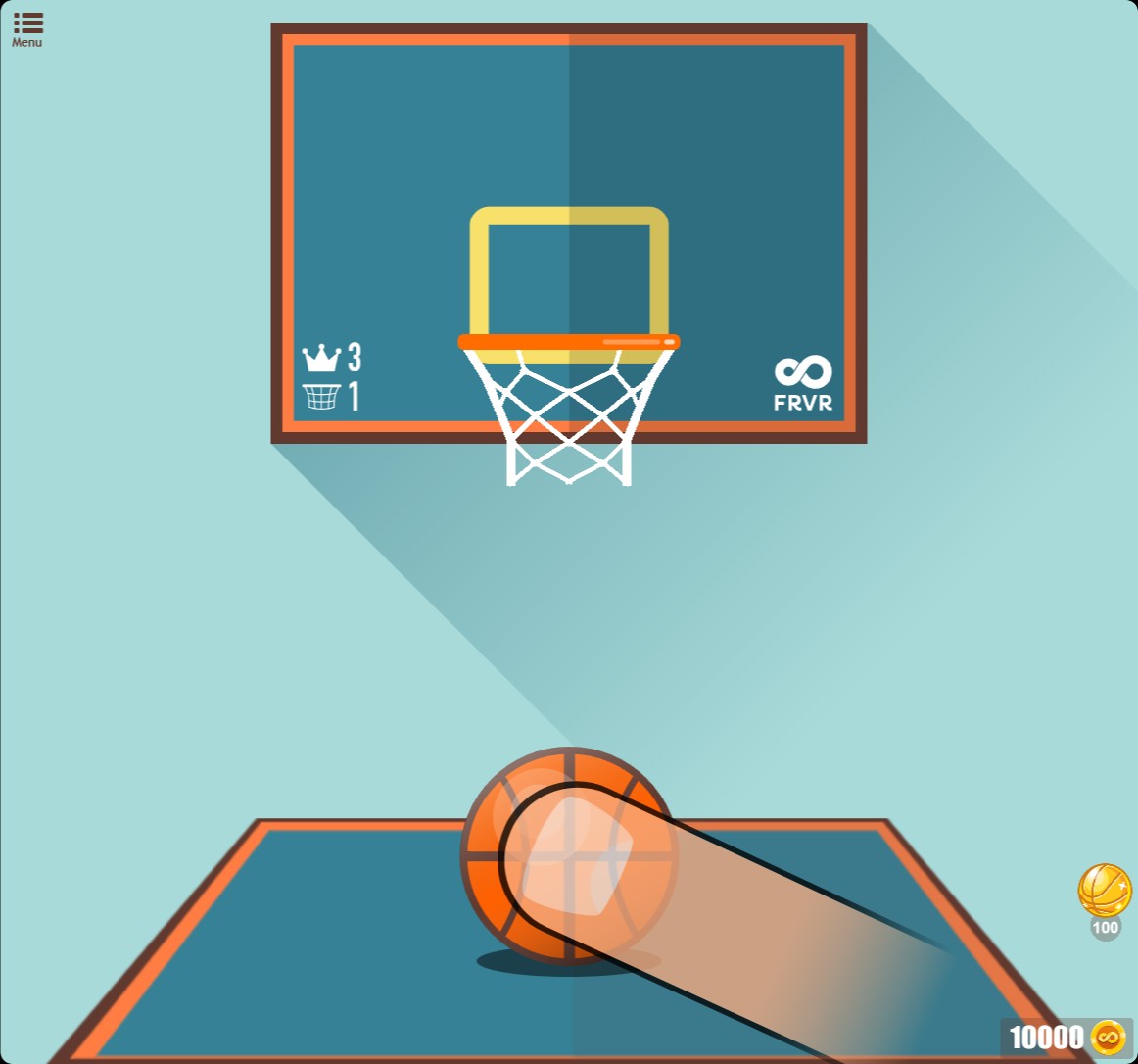
Choose your Gold Ball stock
Set how many Gold Balls you have for your next shots.

Choose your Silver Ball stock
Set how many Silver Balls you have for your next shots.

Choose your Bronze Ball stock
Set how many Bronze Balls you have for your next shots.
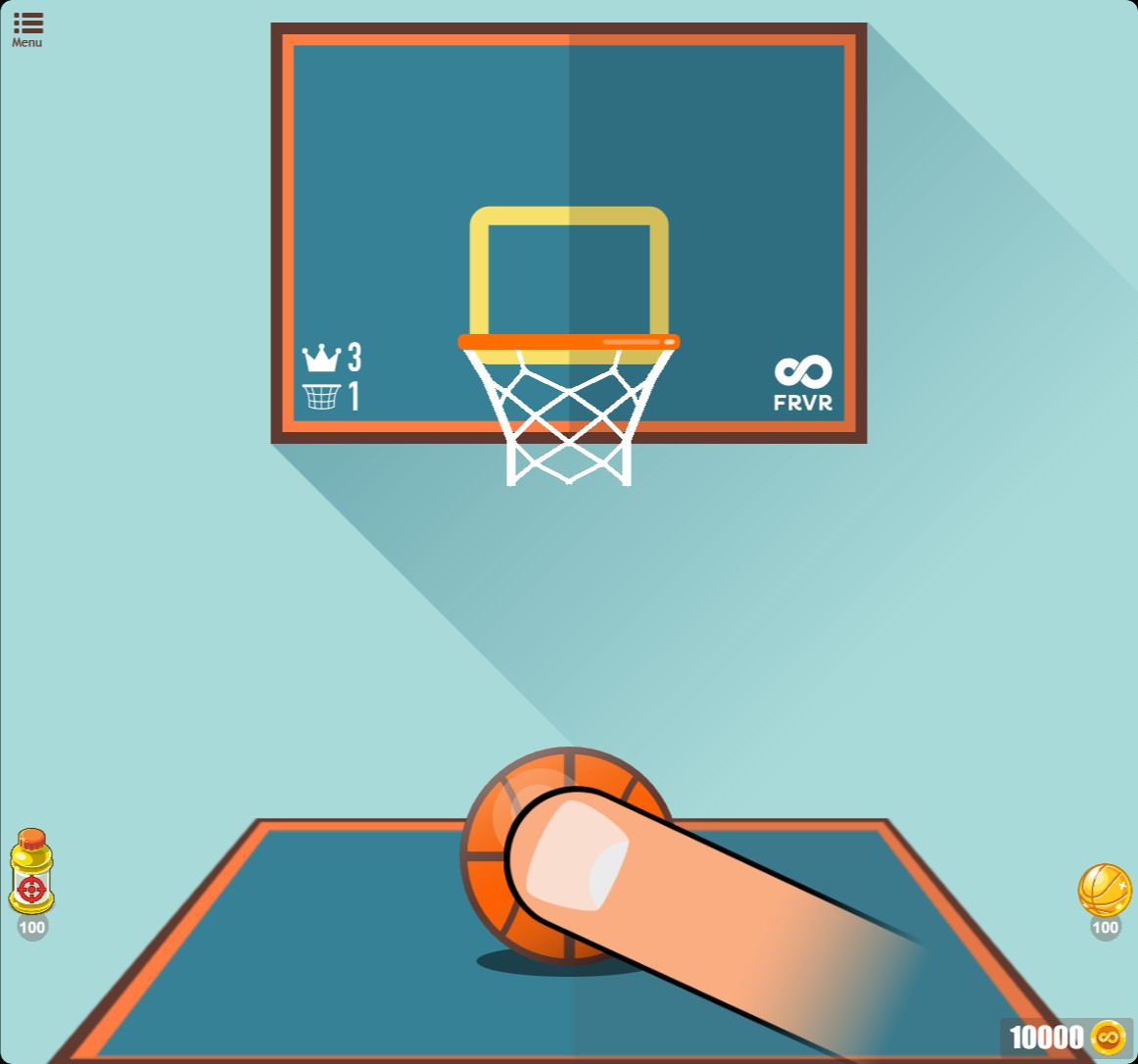
Choose your Aim Booster stock
Set how many Aim Boosters you have for your next game.
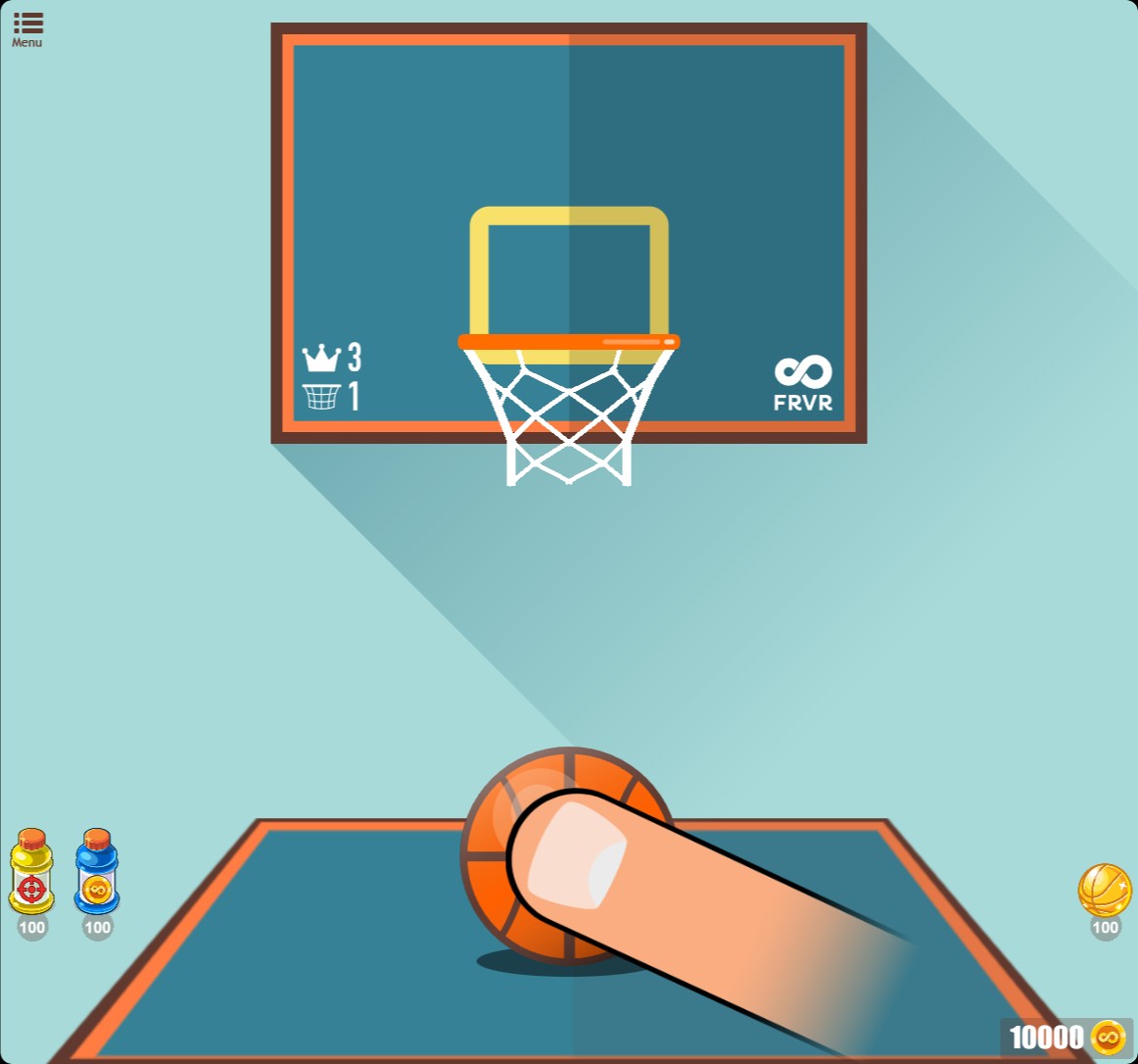
Choose your Coin Booster stock
Set how many Coin Boosters you have for your next game.
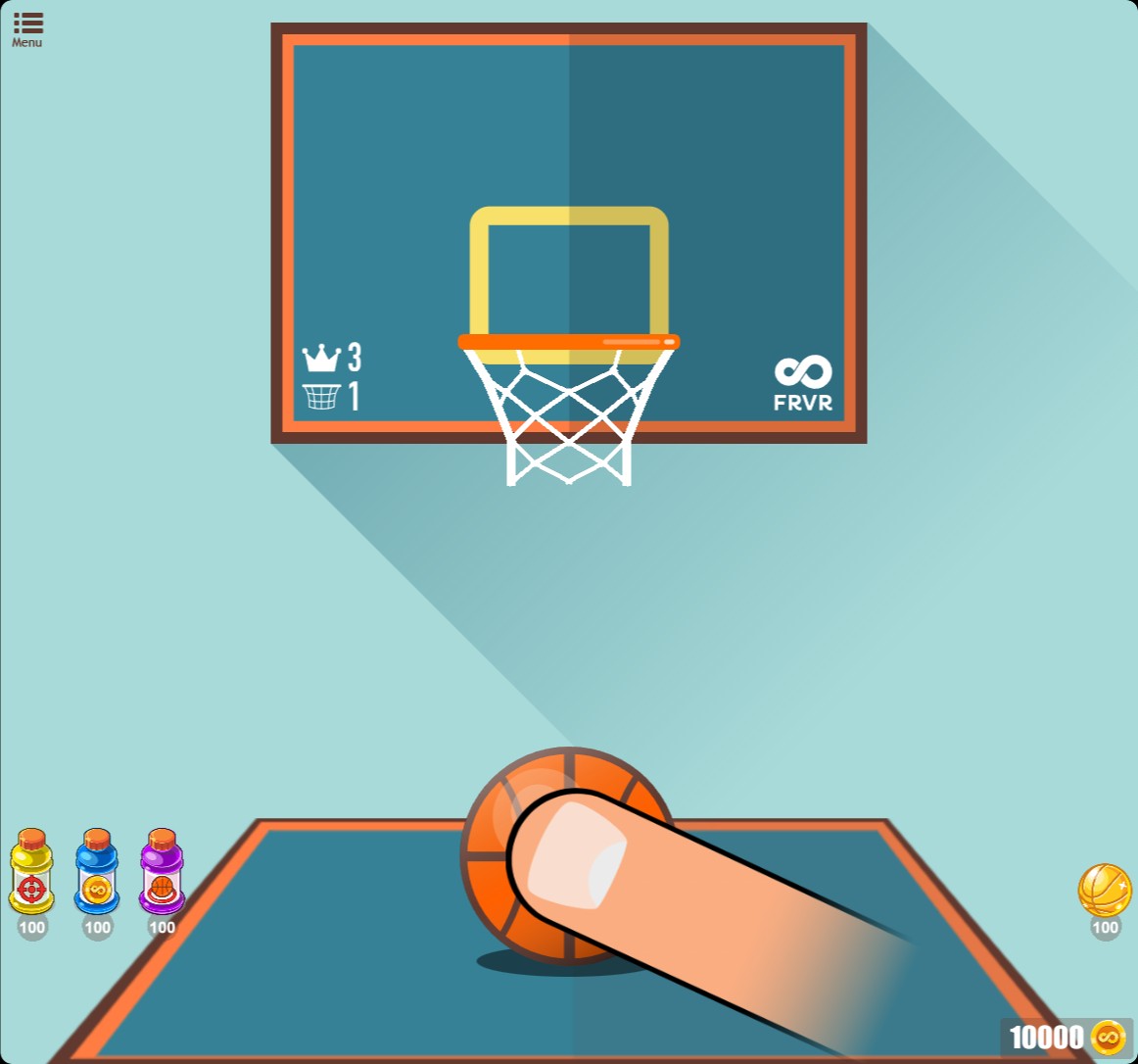
Choose your Score Booster stock
Set how many Score Boosters you have for your next game.
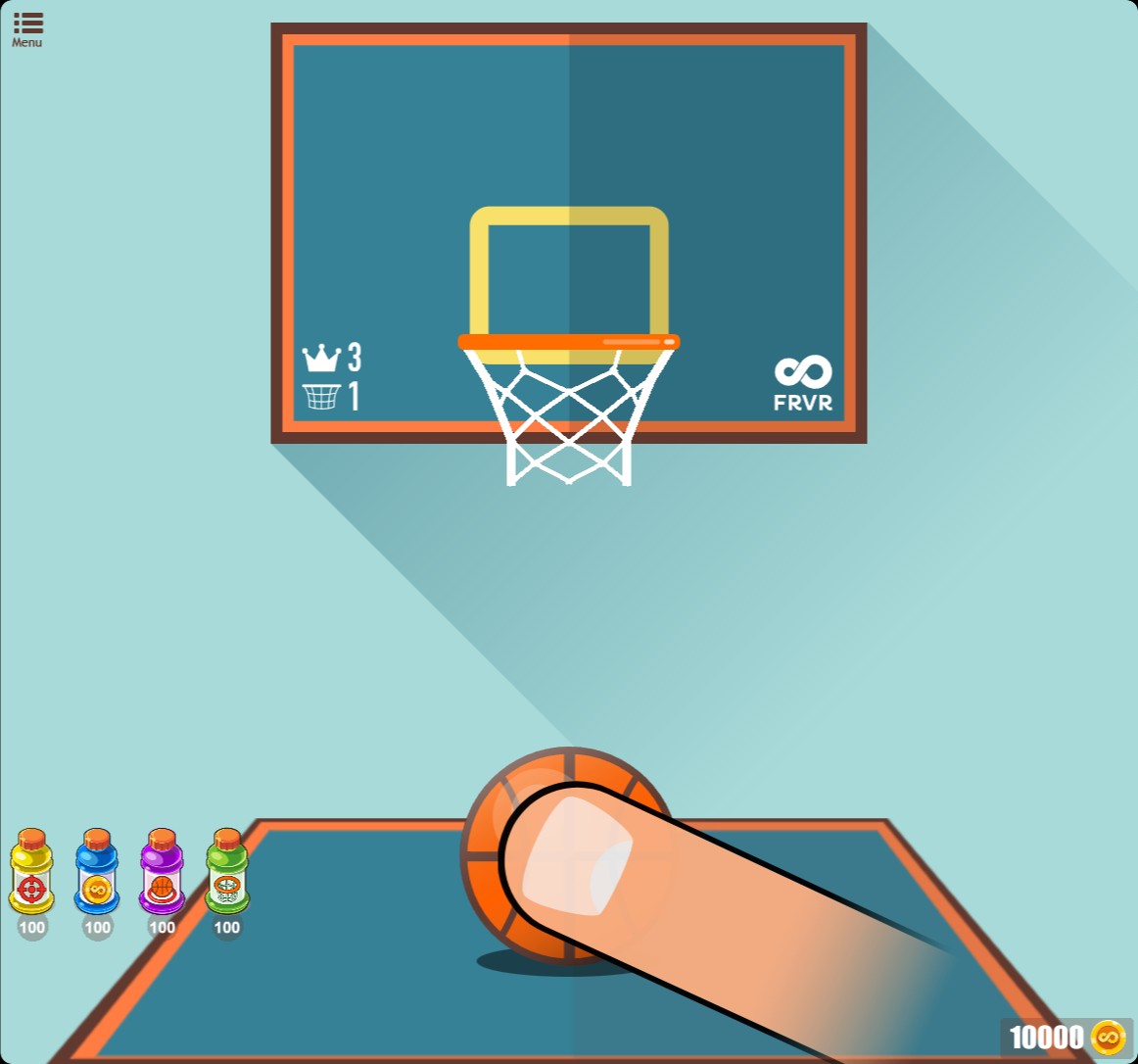
Choose your Focus Booster stock
Set how many Focus Boosters you have for your next game.
Coins and special balls
Set Coins on its own, or choose how many Gold, Silver and Bronze Balls you have. Open the ball selector to see your available stock.
Four booster stocks
Adjust Aim Boosters, Coin Boosters, Score Boosters and Focus Boosters separately. Open the booster selector to see the quantities for each bottle.
Apply your changes
Open Customize, enter the whole-number quantities you want and apply the changes. The game reloads with your selected quantities. Use the normal in-game selectors when you are ready to choose a power-up.
Available customisation options
CoinsFree
Choose your Coins balance.
Choose a whole-number balance and apply the change to reload the game.
Gold BallsFree
Choose how many Gold Balls you have.
Enter the quantity you want, apply the change and open the normal ball selector to view your stock.
Silver BallsFree
Choose how many Silver Balls you have.
Enter the quantity you want, apply the change and open the normal ball selector to view your stock.
Bronze BallsFree
Choose how many Bronze Balls you have.
Enter the quantity you want, apply the change and open the normal ball selector to view your stock.
Aim BoostersFree
Choose how many Aim Boosters you have.
Enter the quantity you want, apply the change and open the normal booster selector to view your stock.
Coin BoostersFree
Choose how many Coin Boosters you have.
Enter the quantity you want, apply the change and open the normal booster selector to view your stock.
Score BoostersFree
Choose how many Score Boosters you have.
Enter the quantity you want, apply the change and open the normal booster selector to view your stock.
Focus BoostersFree
Choose how many Focus Boosters you have.
Enter the quantity you want, apply the change and open the normal booster selector to view your stock.
Using these features
Connect your game, then open Customise in the Windows app. Choose an option, check its available values and follow its instructions. Each option lists its own requirements and limits.
Setup for Basketball FRVR →