

Game Actions
2 optionsRefill stamina or add supported items to empty inventory slots in Classic Story mode.
View game actions →Collect seven notebooks and find your way out of Baldi's schoolhouse. Refill your stamina when you need another sprint, or choose useful items for your next trip down the hallway.

Start with free mods
Download Bytonian Mods for Windows and try these free features. Choose one to see how it works and any requirements.
Choose from 20 native item entries and add useful supplies to your empty inventory slots, including BSODA, Zesty Bars and Safety Scissors.
Load Classic Story mode. Open Spawn, choose Inventory, search or browse the list, set a quantity from one to three and select the item.
Free enough usable inventory slots for the whole request first. Existing items are kept, and items follow their usual in-game use rules.
Restore the Staminometer to full so you can sprint again while exploring the school.
Load Classic Story mode, then press Refill stamina in Game Actions when the meter runs low.
This is a one-time refill. Stamina drains normally afterward, and the action waits until you are back in active Classic Story gameplay.
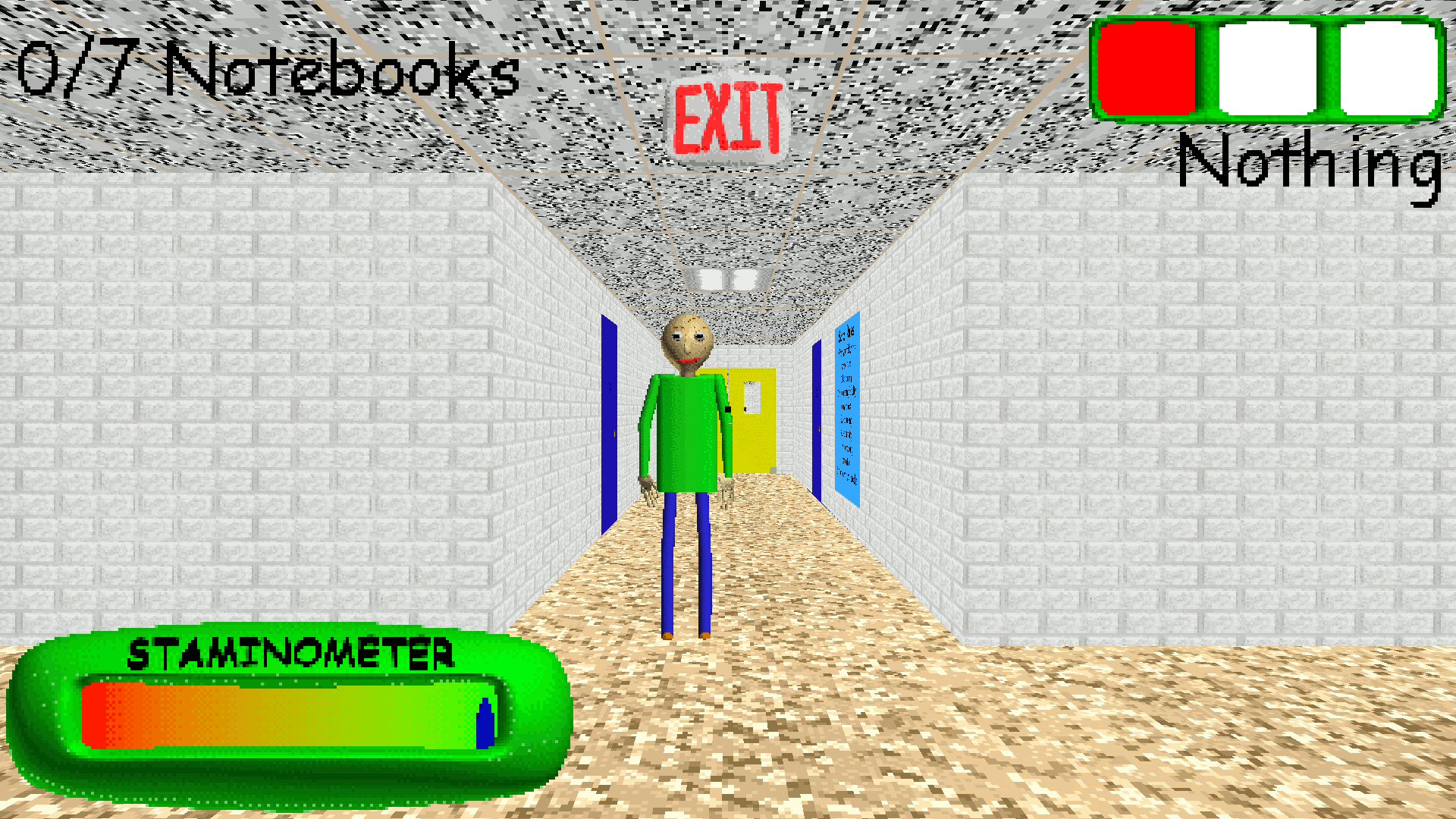
Back in Baldi's schoolhouse
Classic Story mode begins with seven notebooks to find, an empty inventory and a full Staminometer.
Refill stamina tops up the Staminometer when you need it. It is a one-time refill, so sprinting still uses stamina afterward.
Open Spawn, choose Inventory and browse 20 native item choices, including BSODA, Zesty Bars and Safety Scissors. Add items to empty slots while keeping the items you already carry.
Open the game with Bytonian Mods and load Classic Style's Story Mode. Use Refill stamina from Game Actions, or open Spawn to browse inventory items. Both features are free.
Refill stamina or add supported items to empty inventory slots in Classic Story mode.
View game actions →Browse the Steam achievement names and descriptions for Baldi's Basics Classic Remastered. Choose and unlock achievements for free with Bytonian Mods in the Windows app.
View all achievements →Download the Windows app and follow the setup prompts.
Open Baldi's Basics Classic Remastered and select it in Bytonian Mods. Follow the app’s connection prompts.
Review the available options in the app and choose the ones that suit how you play.