

Control the current shower
Use the Rain card to start rainfall or clear the current shower. Both actions are together, so you can choose the weather change you want.

Two clear actions
Choose Start rain to begin a shower. Choose Stop rain to end the current rainfall. A later shower can still arrive through the game's normal weather cycle.
Return to gameplay first
Enable the game's weather effects and close open menus or tutorial panels before using either action.
Available game actions
RainFree
Start a rain shower or stop the current rainfall from one card.
Return to normal gameplay and close any tutorial panel. In Game Actions, expand Rain and choose Start rain or Stop rain.
The game's weather effects must be enabled. Natural weather can bring rain back later.
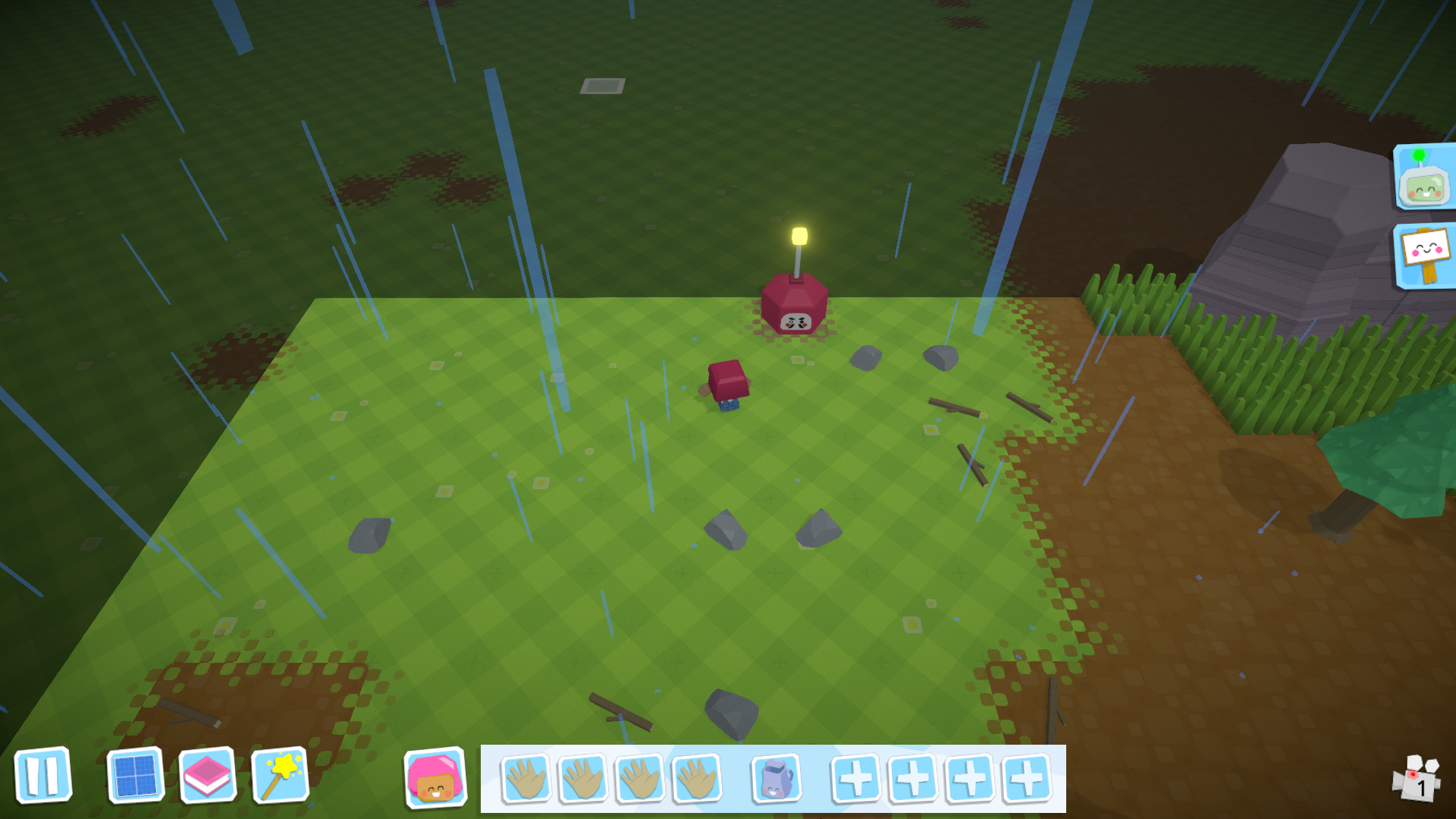
Bring rain to your colony
Start a rain shower when you want one, or stop the current rain from the same card. The game's natural weather cycle continues afterward.
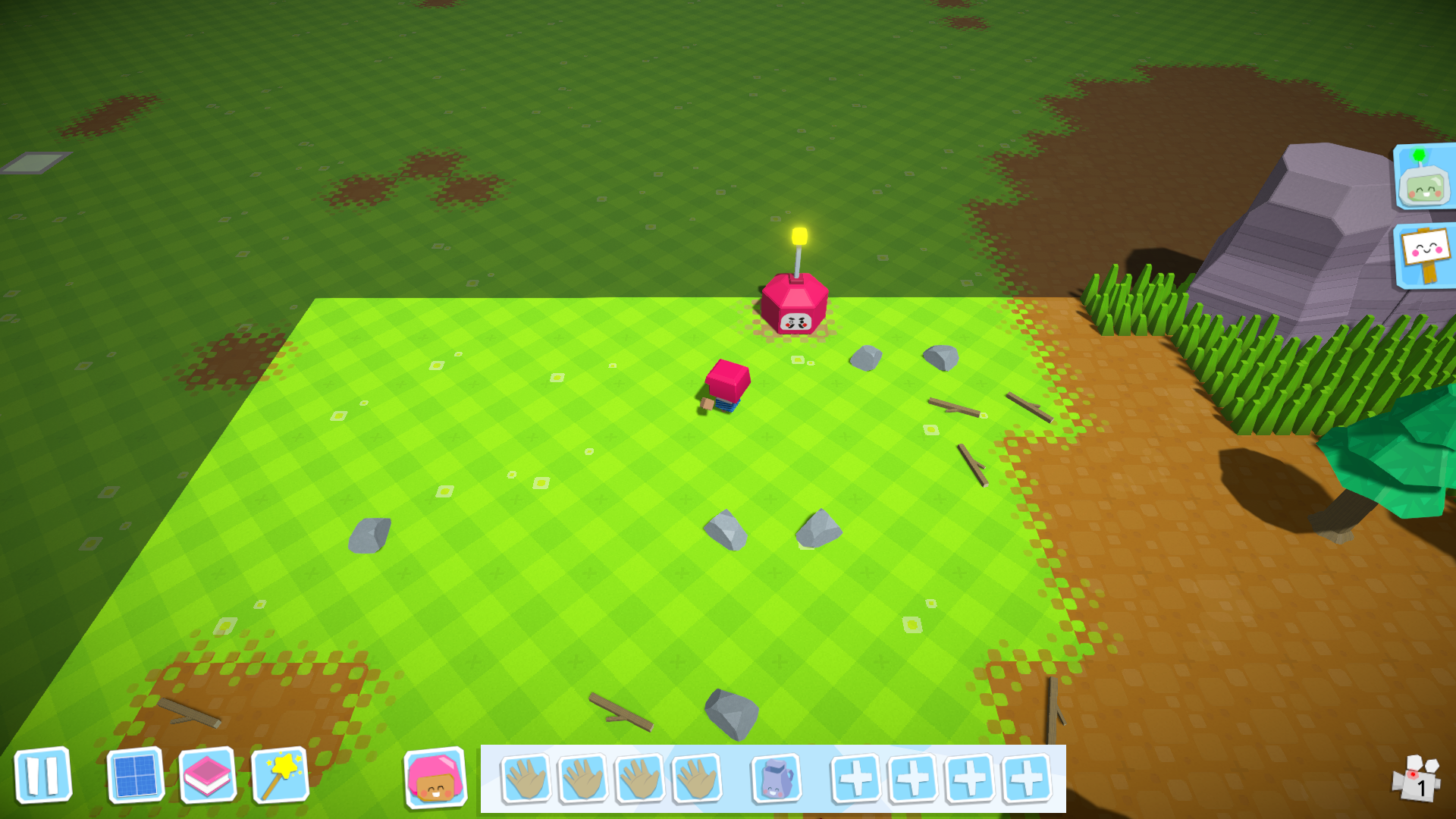
Stop the current shower
Use Stop rain to end the current rainfall and get a clear view of your world. Natural weather can bring rain back later.
1 / 2
Using these features
Choose the feature in the Windows app after connecting your game. Check its requirements before making a change.
Setup for Autonauts →