

Resources
1 optionAdjust the balance displayed by the coin icon.
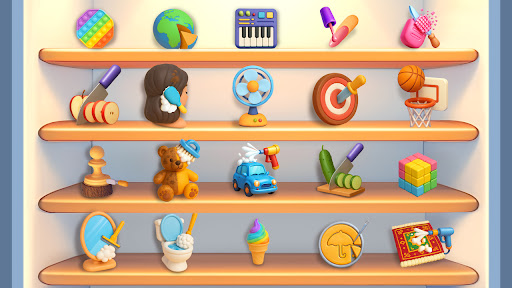
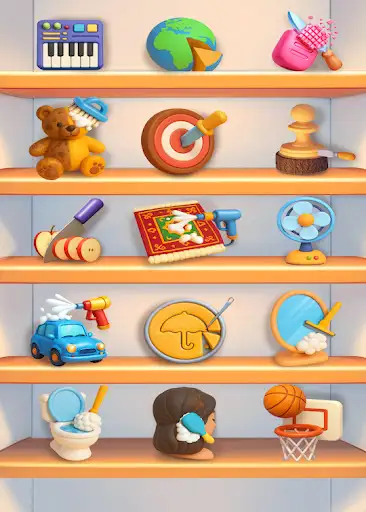
View resources →Choose a small hands-on task from the shelves, from washing a car to slicing fruit. These controls let you adjust your coin balance or move past the current step in the car-cleaning minigame.
Coins changes the amount shown beside the coin icon. Complete Cleaning Step moves the active car-washing task to its next stage, leaving you ready to use the next tool.
Open ASMR Mini Games with Bytonian Mods connected and enable the control you want. To use Complete Cleaning Step, first choose the car-washing game from the shelves and wait for the car and cleaning tool to appear.
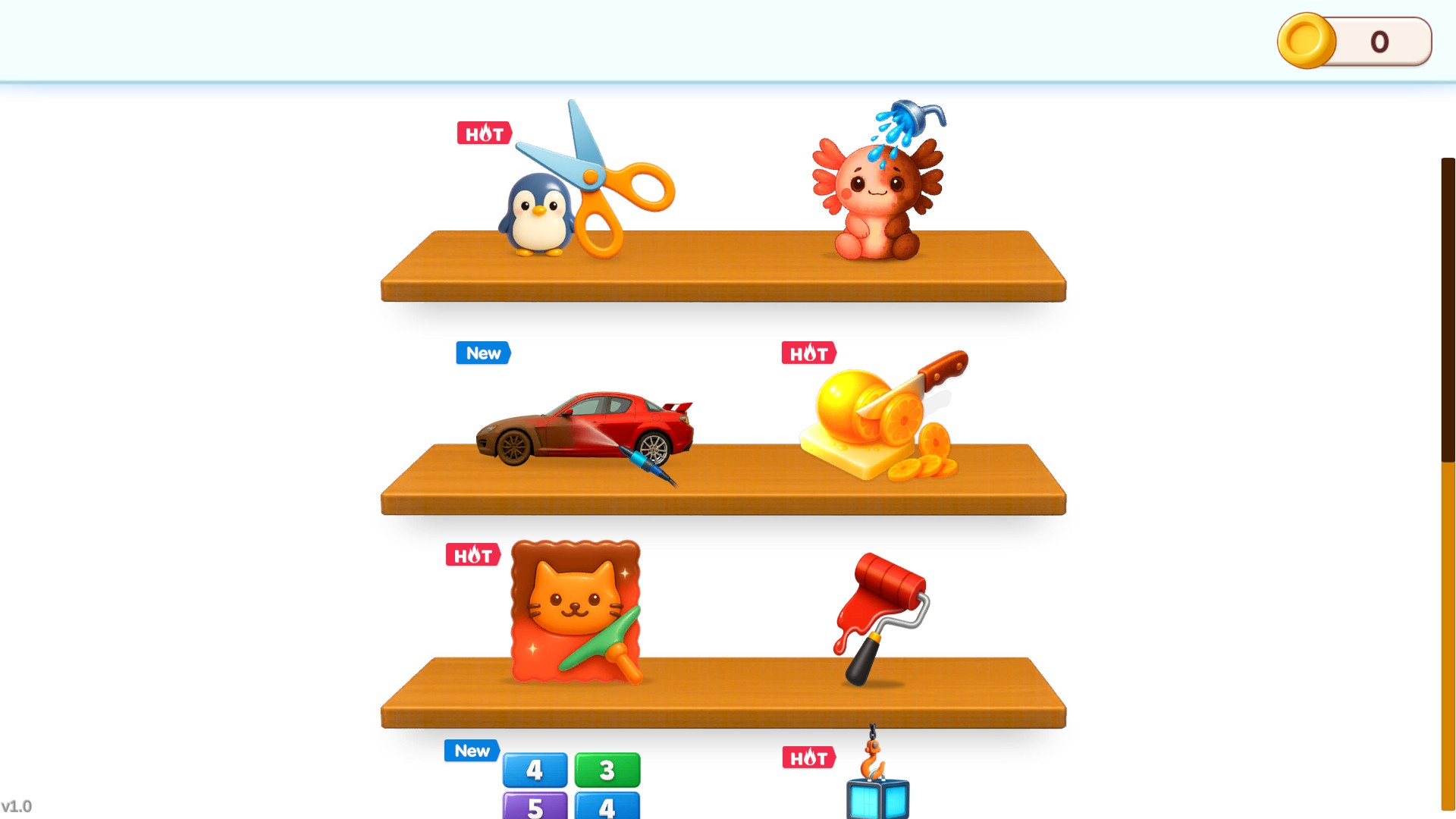
Choose your next little project
Pick a tactile minigame from the shelves, from washing a car to slicing fruit.
Adjust the balance displayed by the coin icon.
View resources →Advance one active car-cleaning step.
View game actions →Download the Windows app and follow the setup prompts.
Set up the browser extension in Chrome or Edge, then open the supported YouTube Playable. Follow the connection guide if the game is already running.
Review the available options in the app and choose the ones that suit how you play.