
Coins and booster supplies
Adjust coins, hints and shuffles with three free controls. Buy boosters through the normal menu or keep charges ready for a difficult board.
Requires the Windows app and the Bytonian Mods browser extension for Chrome or Edge. Browser setup guide

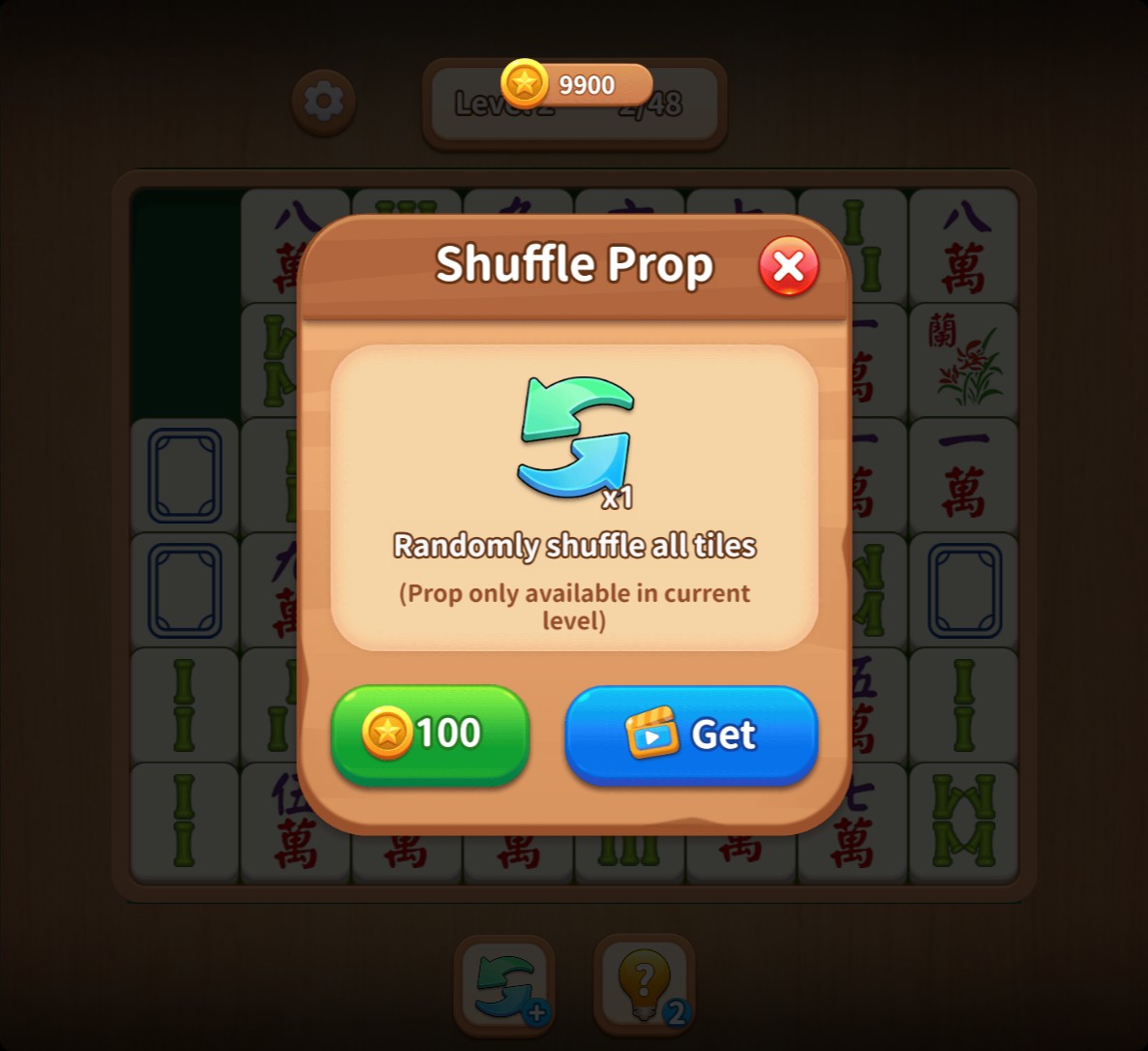
Keep coins ready for boosters
Buy helpful boosters through the normal menu. A 9,900 coin balance remains after buying and using a 100-coin shuffle.
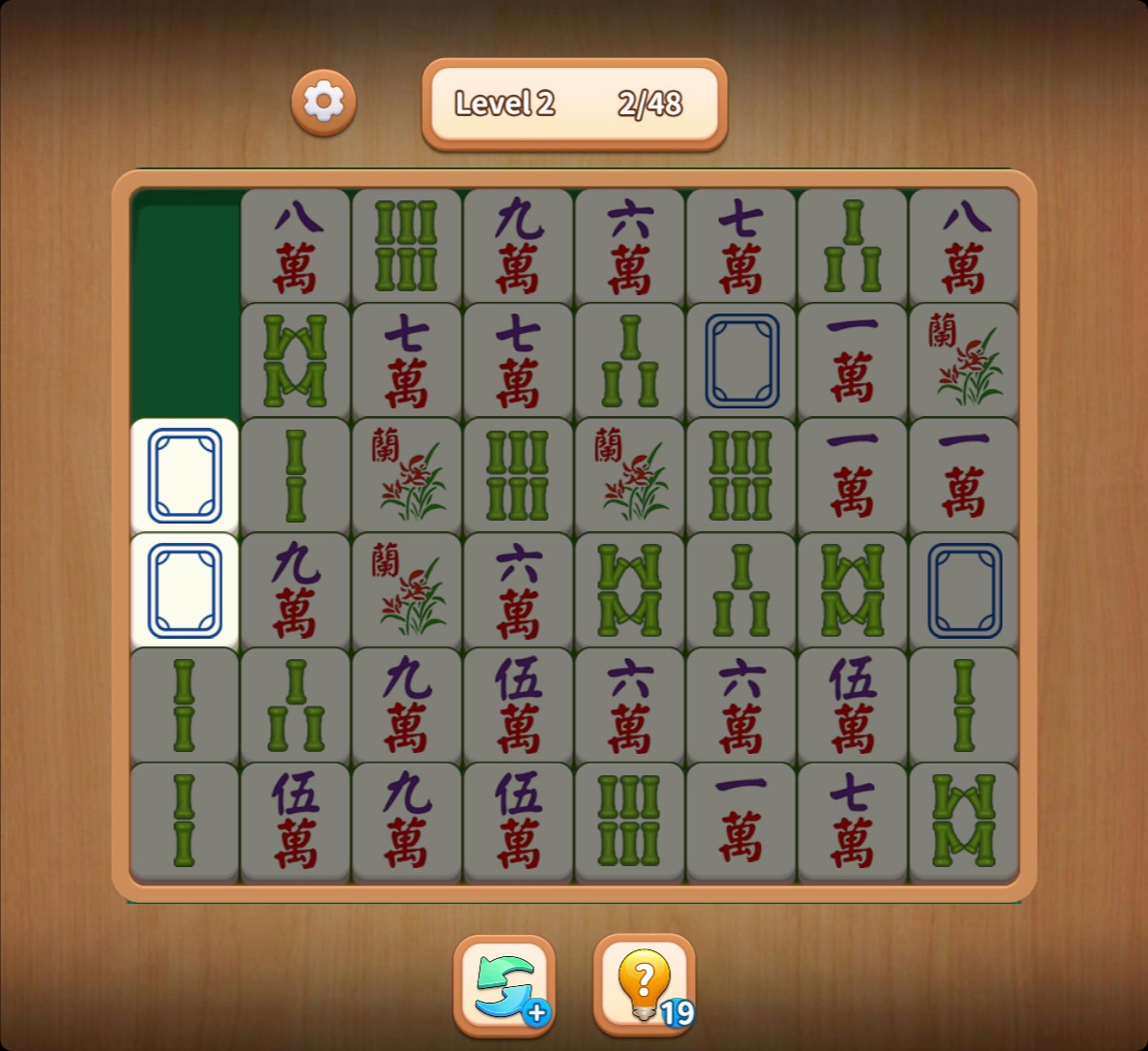
Reveal a playable matching pair
Keep hint charges ready when you need a useful match. This hint highlights two matching white tiles, with 19 charges remaining.
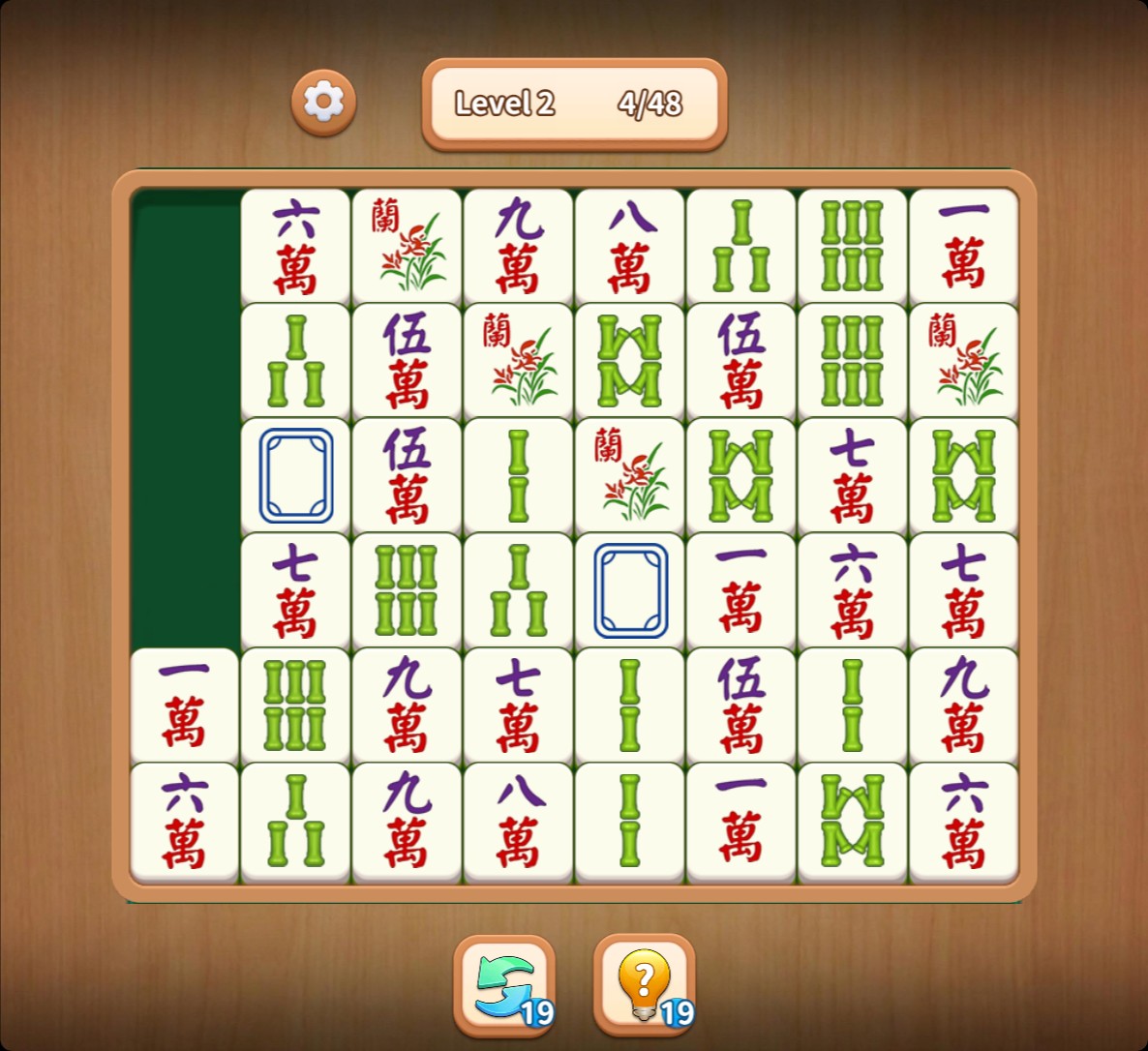
Give the remaining tiles a fresh arrangement
Refill shuffle charges and rearrange the tiles when you want a fresh approach. One use leaves 19 charges while keeping the four cleared tiles.
Spend coins on normal booster purchases
The booster menu offers a 100-coin purchase. A shuffle purchase grants one charge, while a hint purchase grants three. Use the matching button at the bottom of the board to activate a charge.
Find a match or change the layout
A hint highlights a playable matching pair. Clear that pair normally to continue. A shuffle rearranges the remaining tiles while keeping your cleared tiles. Wait until the board is idle before using either booster.
Available customisation options
CoinsFree
Choose your coin balance for normal booster purchases.
Open a booster purchase menu and use its coin-price button.
HintsFree
Refill hint charges to reveal playable matching tiles.
Press the hint button, then clear the highlighted matching pair.
A hint needs a playable pair and an idle board.
ShufflesFree
Refill shuffle charges to rearrange the remaining tiles.
Press the shuffle button while the board is idle.
Using these features
Connect your game, then open Customise in the Windows app. Choose an option, check its available values and follow its instructions. Each option lists its own requirements and limits.
Setup for ASMR Mahjong: Daily Match →