

Terra and Arcane resource controls
Choose the balance you want before planning a champion upgrade. Terra and Arcane have separate cards, so changing one reserve leaves the other alone.

Terra for stat upgrades
Set your Terra balance or add an amount while reviewing a stat upgrade such as Vitality. Refresh the card to read your current reserve.
Arcane for traits
Adjust Arcane while comparing trait upgrade costs, such as the Ranger's Piercing Shot. Enter a total to set your reserve, or add and subtract smaller amounts.
Choose an amount
Each card accepts whole-number reserves from 0 to 1,000,000. Make changes from the active campaign loadout with the game running.
Available resources
ArcanePremium
Adjust Arcane reserves while planning your champion's trait upgrades.
Refresh the card in the campaign loadout, then set a total or add and subtract Arcane. Use whole numbers from 0 to 1,000,000.

Arcane reserves in the Ranger loadout
22 Arcane is shown in the campaign HUD beside the Ranger's Piercing Shot trait and its two-Arcane upgrade cost. Set, add or subtract your reserves with the Arcane resource card.
TerraFree
Choose your Terra reserve while preparing champion stat upgrades.
Open the campaign loadout and refresh the card. Set an exact total, add Terra or subtract an amount. Use whole numbers from 0 to 1,000,000.
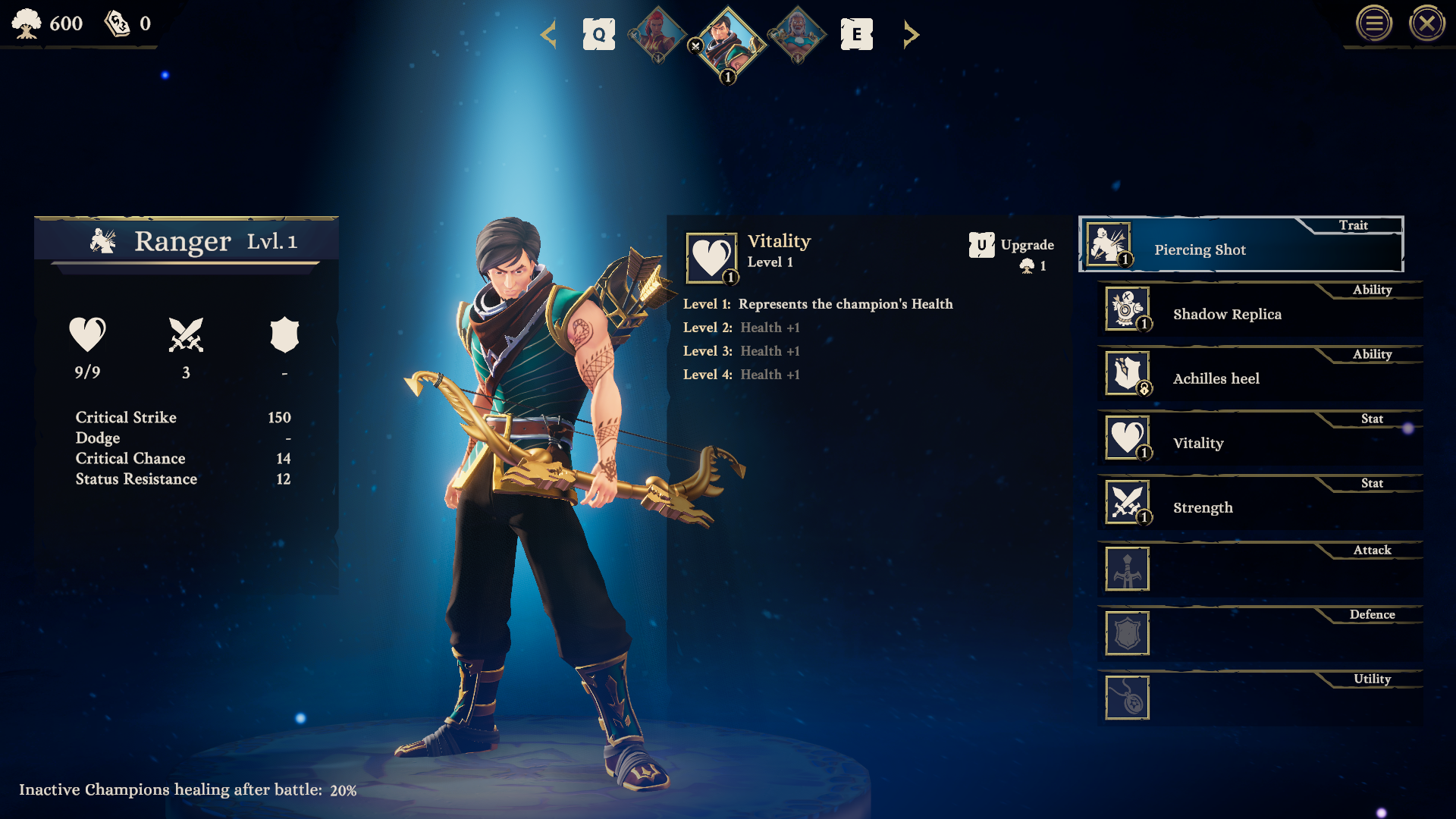
Terra reserves in the Ranger loadout
600 Terra is shown in the campaign HUD beside the Ranger's loadout and a one-Terra Vitality upgrade cost. Use the Terra resource card to set, add or subtract your reserves.
Using these features
Choose the feature in the Windows app after connecting your game. Check its requirements before making a change.
Setup for Artifice: War Tactics →