

Prepare for the puzzle you want to play
Give yourself room to think through a tricky board. Choose your supplies and the next Normal-mode puzzle before you begin.
Requires the Windows app and the Bytonian Mods browser extension for Chrome or Edge. Browser setup guide
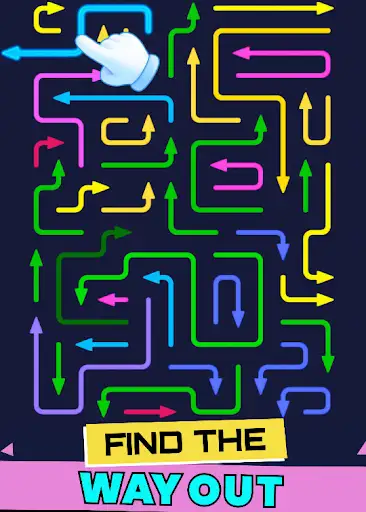
Supplies for difficult boards
Keep coins ready for extra-life refills. Hints draw attention to an arrow that can escape, while tracers extend guide lines along the arrows' directions.
Choose your next puzzle
Set the Normal-mode level you want to open, apply your choices, then start it from the game's menu.
Available customisation options
CoinsFree
Choose your coin balance so extra-life refills are within reach when a puzzle costs you your last heart.
HintsPremium
Stock up on hints that highlight an arrow with a clear way out.
Use the game's hint button during a Normal-mode puzzle.
TracersPremium
Choose your tracer supply and reveal guide lines that make arrow paths easier to follow.
Switch on the game's tracer control during a Normal-mode puzzle.
Normal levelPremium
Choose the Normal-mode puzzle you want to play next.
Apply your choice, then start the selected level from the game menu.
More ways to customise Arrow Out
- Arrow Out game actions
Complete the active Normal puzzle and continue with Next.
More coins for extra lives
Choose your coin balance and keep more refills within reach when a tricky arrow costs you a heart.
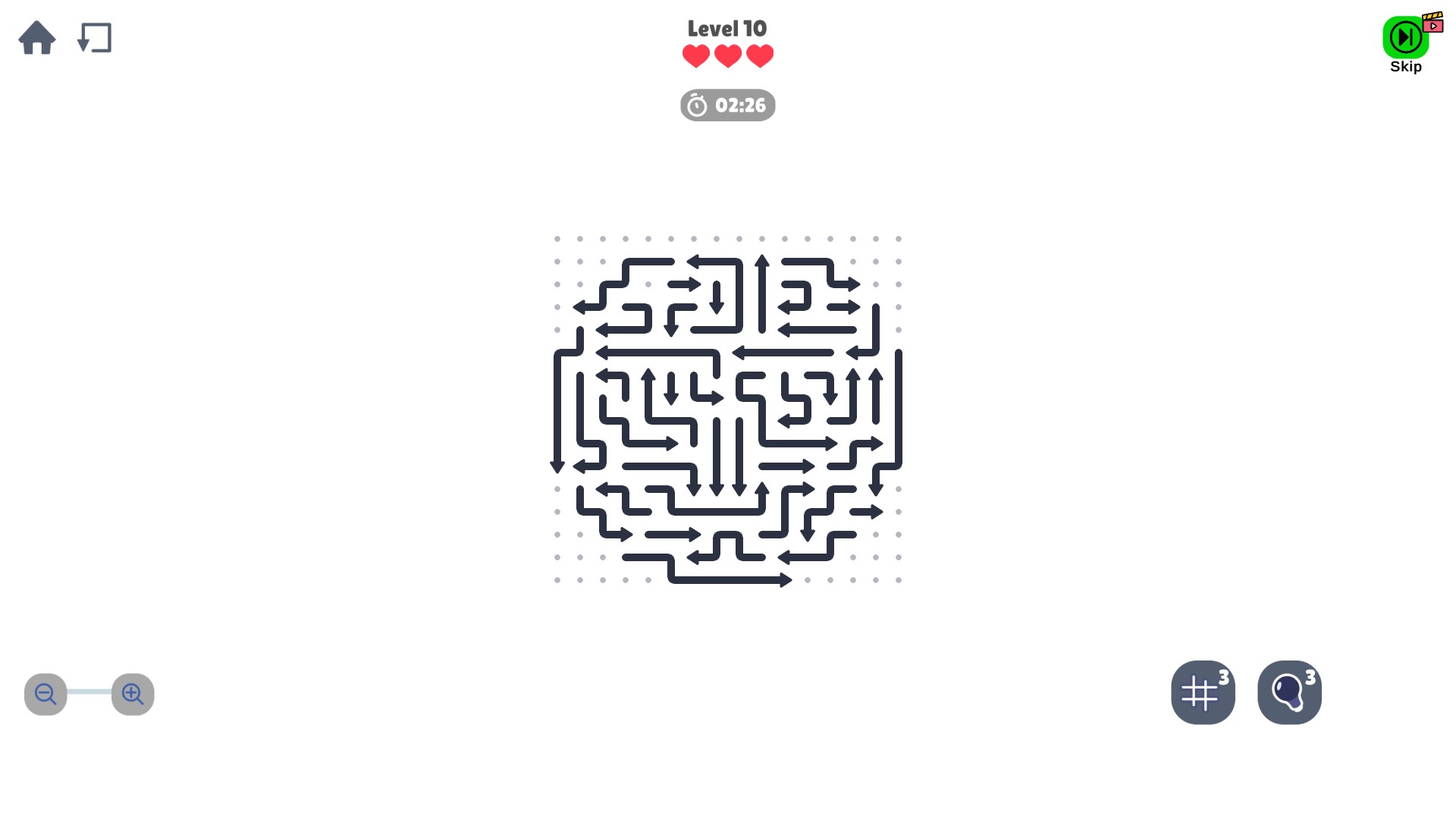
Jump to your next puzzle
Choose a Normal-mode level and dive into a fresh tangle of arrows, with hints and tracers close at hand.
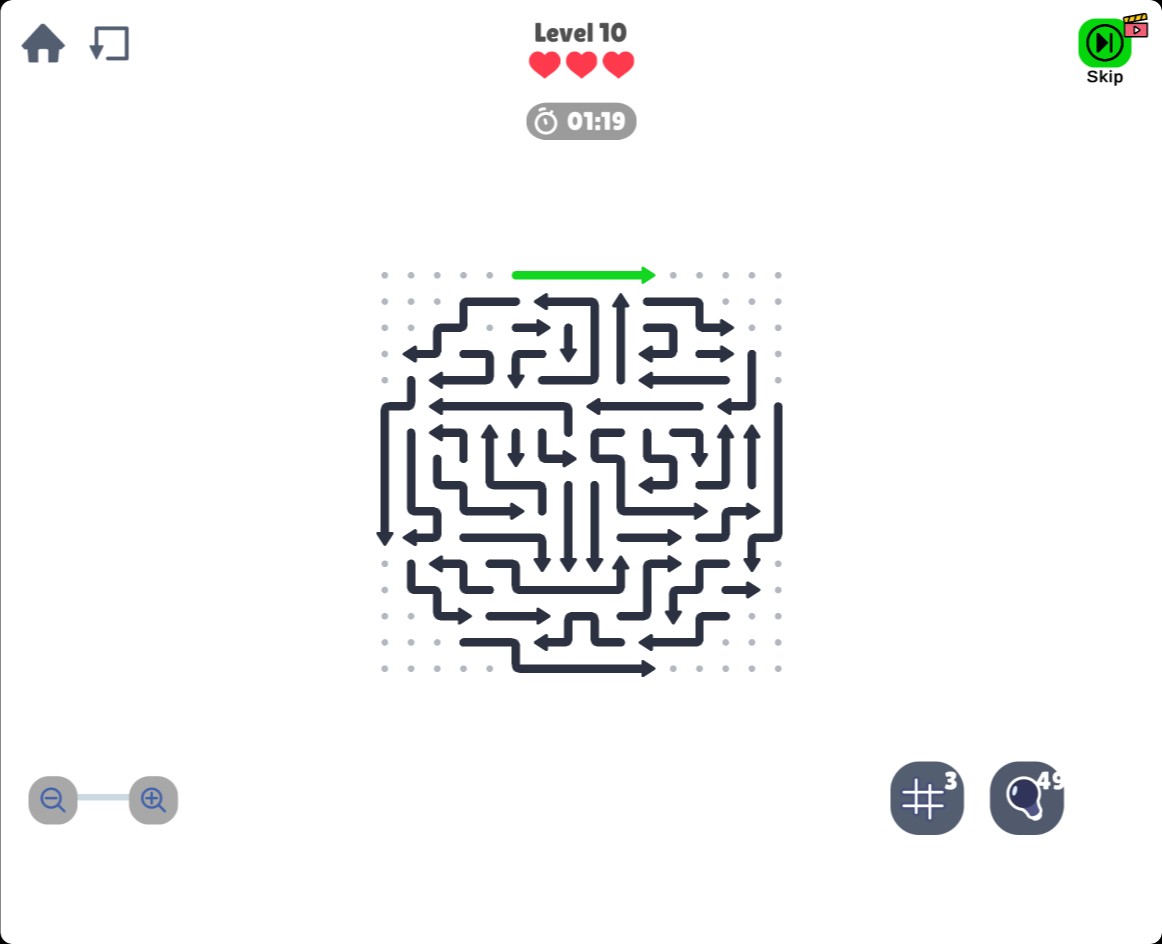
Find the next clear exit
Keep a supply of hints ready and highlight an arrow with room to move.
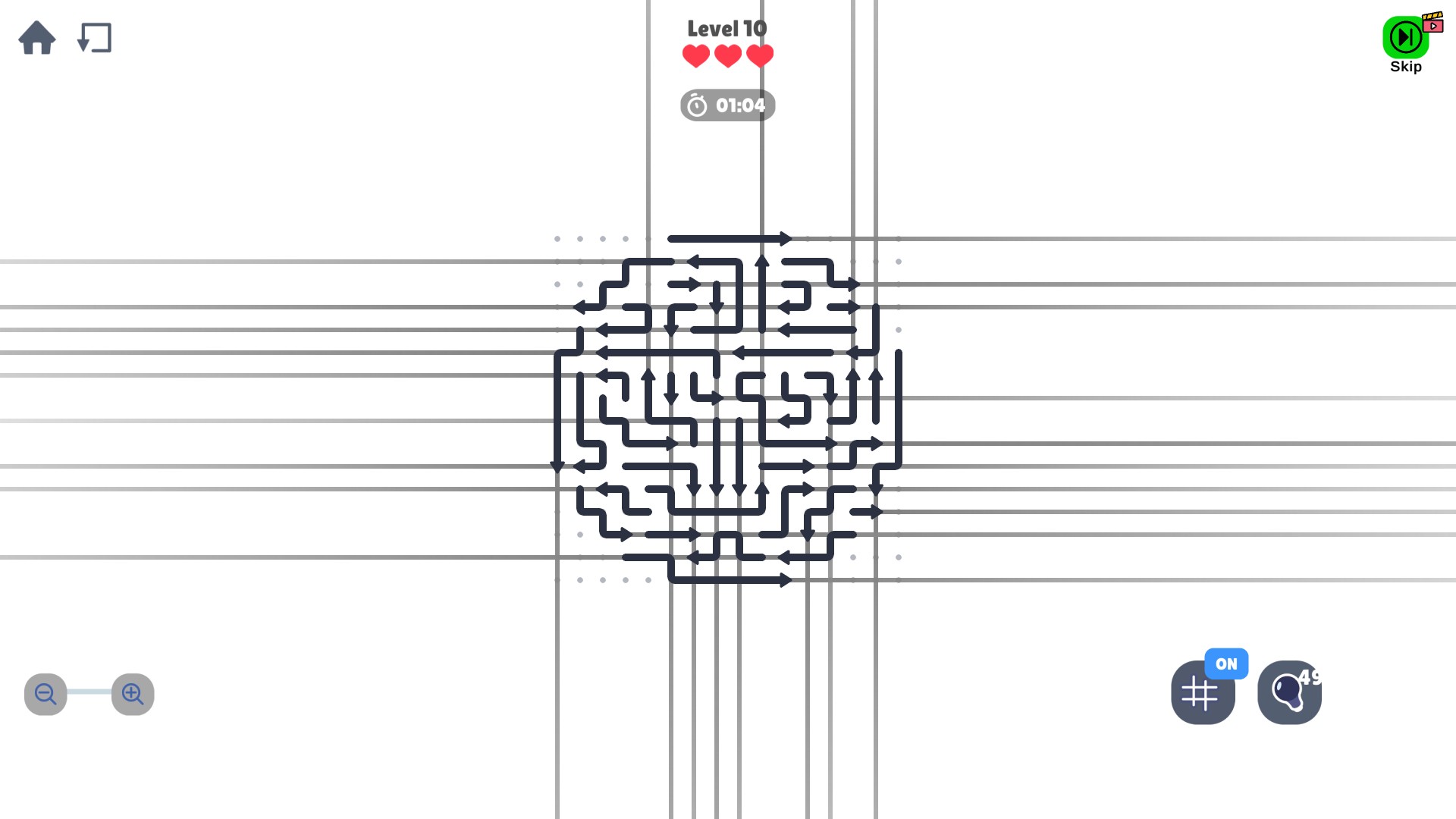
See where each arrow leads
Stock up on tracers and reveal guide lines that make the puzzle's arrow paths easier to follow.
Using these features
Connect your game, then open Customise in the Windows app. Choose an option, check its available values and follow its instructions. Each option lists its own requirements and limits.
Setup for Arrow Out →