

Unlocks
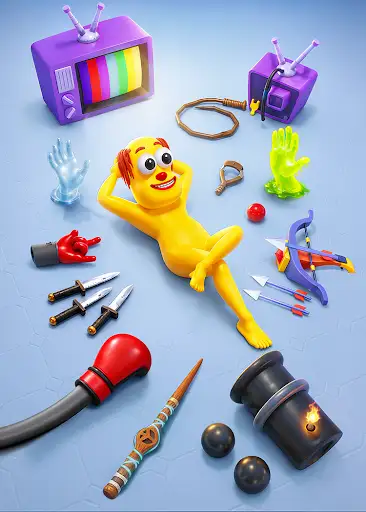
2 optionsUnlock Pirate appearance or Magic Wand, then choose the item in the menu.
View unlocks →Aim at the cartoon puppets and try a different way to play. Unlock the Pirate target appearance or the Magic Wand punch, then select them in the game's menu. A free experimental action can also load another encounter.
Take aim at the next puppet
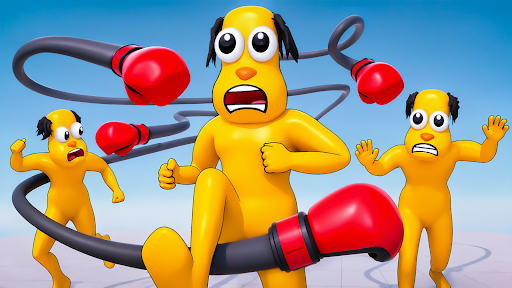
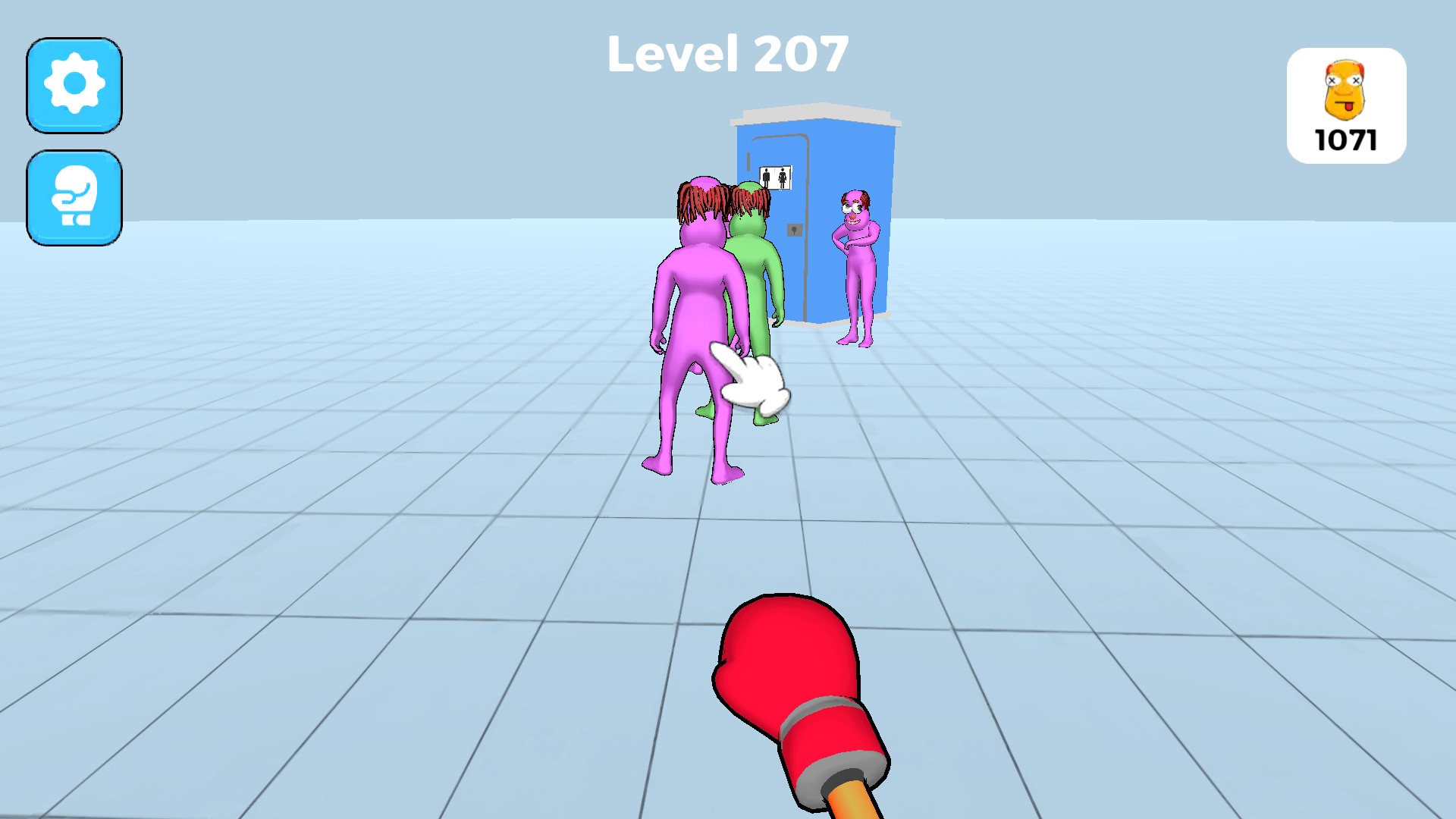
Line up your punch and take on the cartoon puppets in Annoying Uncle Punch Game.
Pirate appearance changes the target puppet's look after you select it. Magic Wand opens a different attack style. Next level loads another playable encounter, though the level label may stay unchanged.
Open the game through Bytonian Mods and use the unlock you want in the selection menu. Select the item, then enter play.
Unlock Pirate appearance or Magic Wand, then choose the item in the menu.
View unlocks →Load another encounter, with a known level-label limitation.
View game actions →Download the Windows app and follow the setup prompts.
Set up the browser extension in Chrome or Edge, then open the supported YouTube Playable. Follow the connection guide if the game is already running.
Review the available options in the app and choose the ones that suit how you play.