
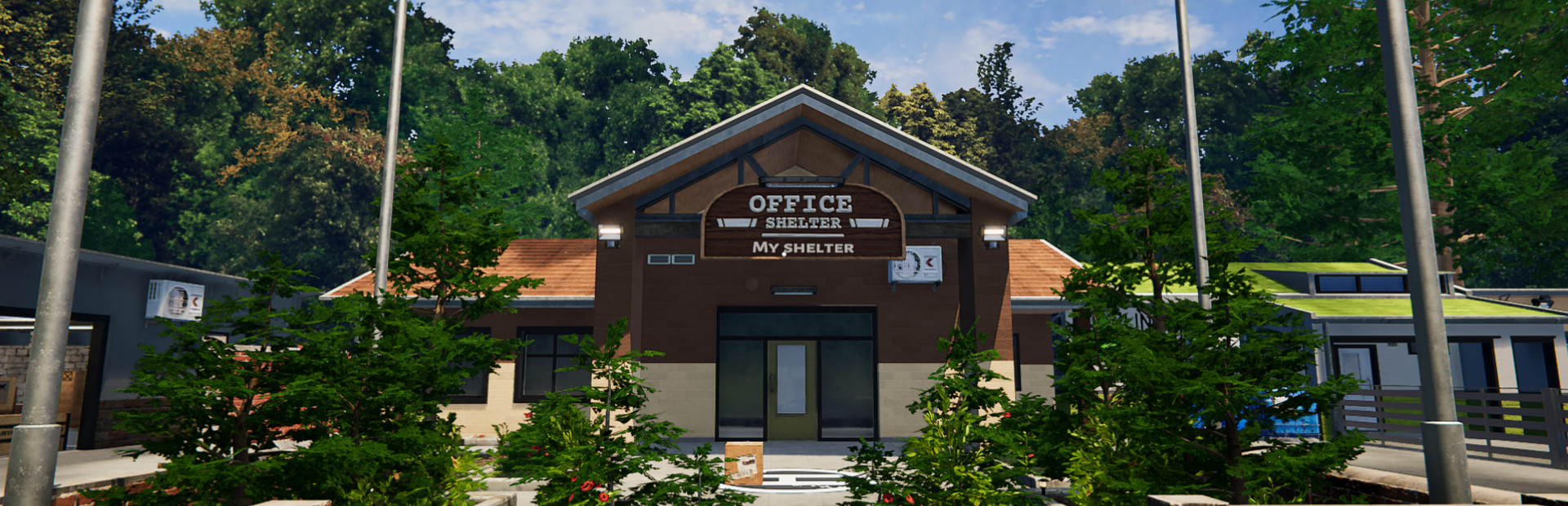
Ability Modifiers
1 optionFly around the shelter at your chosen speed.
View ability modifiers →Fly around your shelter or place available toys, supplies and decorations nearby in Animal Shelter. Choose the tools that suit how you care for animals and arrange your shelter.
Start with free mods
Download Bytonian Mods for Windows and try these free features. Choose one to see how it works and any requirements.
Fly around your shelter with adjustable controls and speed.
Turn Movement on to fly, then return near the ground before turning it off.
Browse and place available shelter items, including toys and supplies.
Choose an item and look toward a nearby surface to place it.
Use Movement to fly around the shelter, or browse Spawn for available toys, supplies and decorations.
Install Bytonian Mods for Windows, select Animal Shelter, and choose the controls you want to use.
Fly around the shelter at your chosen speed.
View ability modifiers →Browse and place available shelter items.
View game actions →Browse the Steam achievement names and descriptions for Animal Shelter. Choose and unlock achievements for free with Bytonian Mods in the Windows app.
View all achievements →Download the Windows app and follow the setup prompts.
Open Animal Shelter and select it in Bytonian Mods. Follow the app’s connection prompts.
Review the available options in the app and choose the ones that suit how you play.